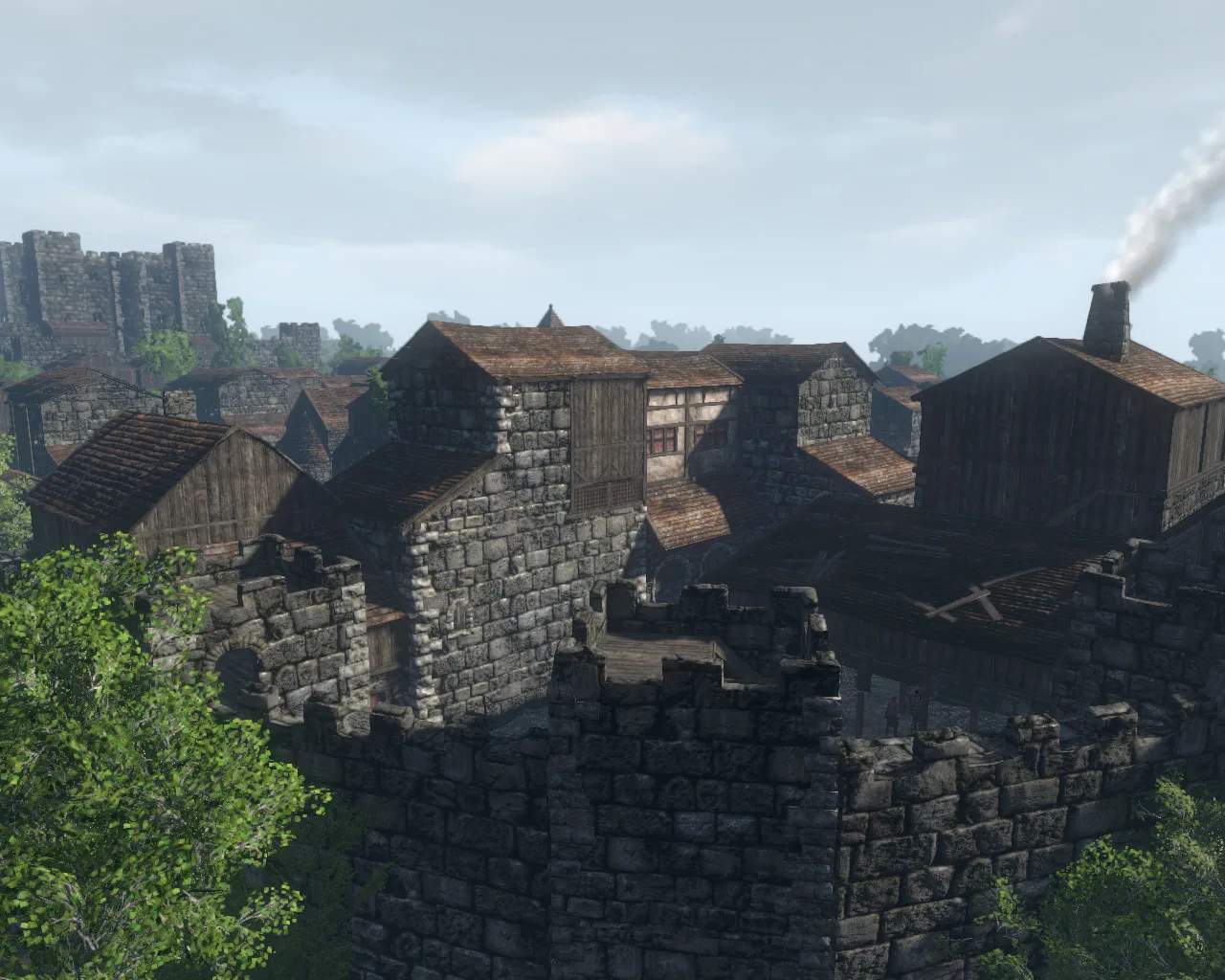
Housing & Personalization
Welcome, aspiring architects and decorators of Gloria Victis! This comprehensive guide will walk you through the intricacies of establishing your own personal haven and customizing your character's appearance. From securing a plot of land to crafting intricate furniture, we'll cover everything you need to know to make your mark on the world, both literally and aesthetically.
Securing Your Homestead: The Basics of Land Ownership
Before you can begin building, you need a place to call your own. Land ownership in Gloria Victis is a competitive but rewarding endeavor. There are two primary methods for acquiring land:
- Purchasing a Land Deed:
- Location: Land Deeds are sold by the Architect NPC in your nation's capital city (e.g., Audunstede for Midlanders, Mereley for Ismirs, Leaktown for Sangmar).
- Cost: A basic Land Deed typically costs 5000 Silver. More desirable plots (closer to resources or trade routes) may be more expensive or require special quest completion.
- Selection: Once purchased, you'll enter a placement mode. Look for a green outline indicating a valid building zone. These zones are often found outside the main city walls, near resource nodes, or in designated housing districts. Press
Left-Clickto confirm placement. - Maintenance: Land Deeds require regular upkeep in the form of Taxes. These are paid at the Architect NPC. Failing to pay taxes will result in your land being reclaimed by the nation after a grace period, and your structures will decay.
- Claiming an Abandoned Plot:
- Observation: Keep an eye out for plots with decayed or abandoned structures. If a player fails to pay taxes for an extended period, their land deed will expire, and the plot becomes available.
- Interaction: Approach the center of the abandoned plot. If it's available, you'll see an option to "Claim Land" by interacting with the invisible deed marker. This will still require the purchase of a new Land Deed from the Architect.
Building Your Sanctuary: Constructing Your Home
Once you own a plot, it's time to build! Your primary tool for construction is the Building Tool, found in your inventory after purchasing a Land Deed.
- Placing Your First Structure:
- Equip the Building Tool.
- Right-click to open the building menu. You'll see categories like "Foundations," "Walls," "Roofs," etc.
- Start with a Foundation. Select a suitable foundation (e.g., Small Stone Foundation, Large Wooden Foundation) and place it within your plot's boundaries. Foundations require basic resources like Logs and Stone.
- Once placed, interact with the ghosted structure to see the required materials. Deposit them into the structure's inventory.
- Once all materials are deposited, interact again to "Build" the section.
- Expanding Your Home:
- Continue adding walls, doors, windows, and roofs. Experiment with different materials for varied aesthetics and defensive properties.
- Walls: Wooden Wall, Stone Wall, Reinforced Stone Wall. Stone walls offer better defense against sieges.
- Roofs: Wooden Roof, Tiled Roof.
- Doors: Wooden Door, Iron Reinforced Door. Always secure your home with a door and a lock!
- Upgrading Structures:
- Many basic structures can be upgraded to more robust versions. For example, a Wooden Wall can often be upgraded to a Stone Wall.
- To upgrade, interact with the built structure while holding your Building Tool. If an upgrade is available, you'll see the option and the required materials.
Furnishing Your Abode: Crafting & Placement
A house isn't a home without furniture! Most furniture items are crafted at various crafting stations.
Crafting Furniture
You'll need to use the appropriate crafting stations to produce furniture:
- Carpentry Workbench: For most wooden furniture like Wooden Chests, Wooden Tables, Wooden Chairs, Beds, and Shelves. Requires Logs, Wooden Planks, and sometimes Nails.
- Smithy/Forge: For metal items like Iron Candlesticks, Metal Benches, and certain decorative elements. Requires Iron Ore, Coal, and Iron Bars.
- Tailoring Station: For softer furnishings like Rugs, Curtains, and Banners. Requires Linen, Cotton, and Dyes.
- Alchemy Workbench: For decorative potions, vials, and some unique magical-themed items. Requires various Herbs and Alchemical Ingredients.
Placing Furniture
Once crafted, furniture items are placed directly from your inventory:
- Drag the furniture item from your inventory to your hotbar or equip it directly.
- Select the item. You'll see a ghosted preview.
- Use
Left-Clickto place. UseRight-Clickto rotate the item before placing. - Some items, like chests, can be locked with a Lockpick or a crafted Lock to prevent unauthorized access.
Personalizing Your Character: Appearance & Emotes
Beyond your home, your character's appearance is a crucial aspect of personalization. Gloria Victis offers several ways to customize your look and express yourself.
Appearance Customization
- Character Creation: The initial character creation offers many options for facial features, hair, skin tone, and body type. Choose wisely, as these are permanent.
- Armor & Weapons: The most significant visual customization comes from the gear you equip. Experiment with different armor sets (Light Leather Armor, Medium Plate Armor, Heavy Chainmail) and weapon skins. Many unique skins can be acquired through:
- Crafting: High-tier crafting often yields visually distinct gear.
- Quests: Some questlines reward unique cosmetic items or weapon skins.
- Events: Seasonal events frequently offer exclusive cosmetic rewards.
- Glory Shop: The in-game Glory Shop (accessed via the
Gkey) offers a rotating selection of cosmetic skins for armor, weapons, and mounts, purchasable with Glory Points earned through PvP and PvE activities.
- Dyes: Dyes allow you to change the color of most armor pieces.
- Acquisition: Dyes can be crafted at an Alchemy Workbench using various Herbs and Pigments, or purchased from the Glory Shop.
- Application: To dye an item, drag the dye onto the armor piece in your inventory. Some items have multiple dyeable regions.
- Banners & Emblems: Your guild banner and personal emblem are displayed on your character and guild structures. These are chosen during guild creation or can be changed by the guild leader.
Emotes & Expressions
Express yourself on the battlefield or in the tavern with several emotes:
- Accessing Emotes: Press
Enterto open the chat window, then type/emotefollowed by the emote name (e.g.,/wave,/bow,/sit,/dance). - Common Emotes:
/wave- A friendly greeting./bow- A respectful gesture./sit- Rest on the ground./dance- Show off your moves!/cheer- Celebrate a victory./laugh- Share a moment of mirth./point- Direct attention.
- Unlocking New Emotes: Some unique emotes can be unlocked through specific quests, achievements, or purchased from the Glory Shop. Keep an eye on event rewards for rare emote opportunities!
By diligently following these steps, you'll not only establish a functional and aesthetically pleasing home but also cultivate a unique identity within the vast world of Gloria Victis. Happy building and personalizing!