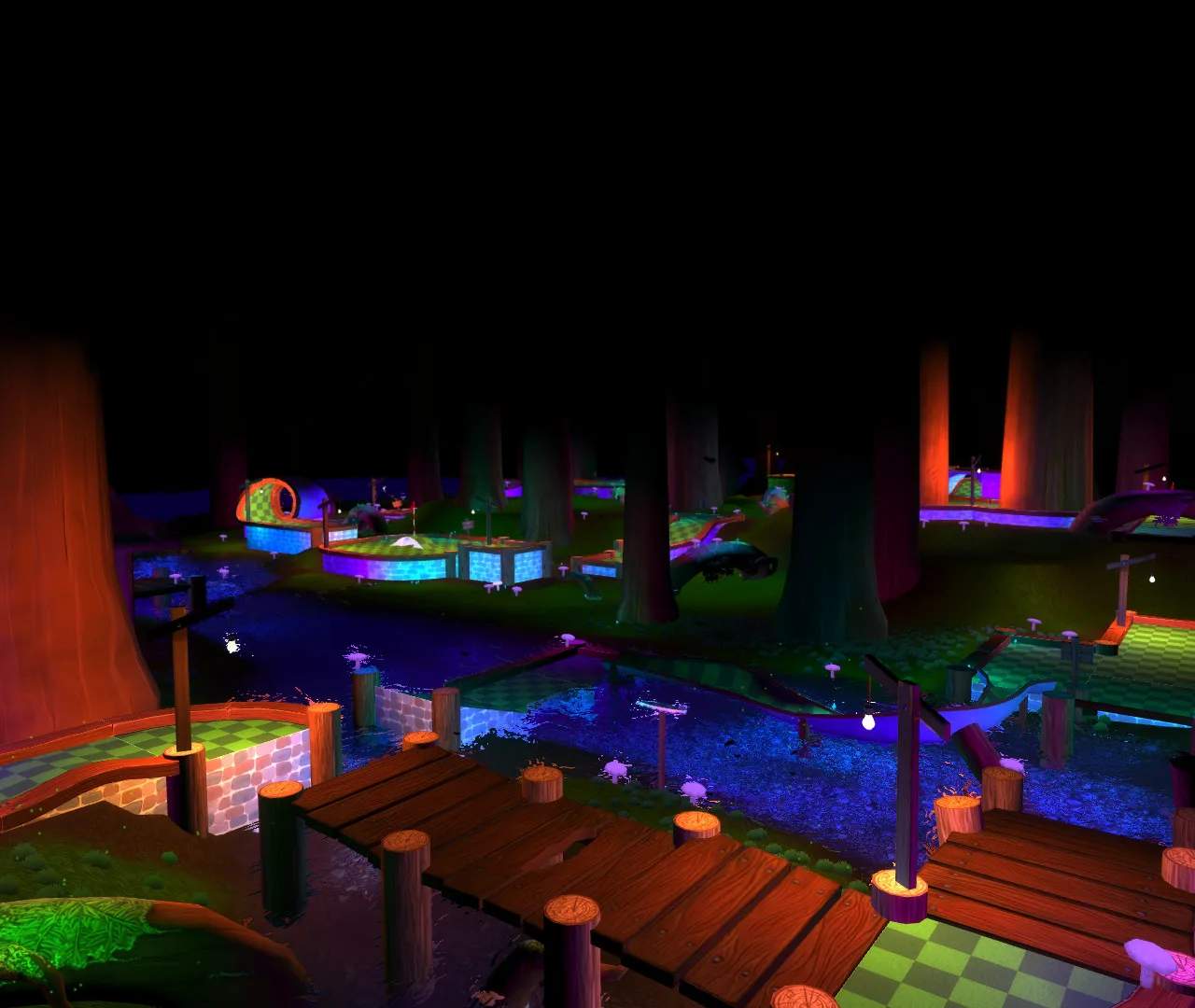
Cosmetic Items
In Golf With Your Friends, cosmetic items are the primary form of personalization and a significant part of the game's long-term appeal. Unlike traditional RPGs with character builds or stat-altering gear, this game focuses purely on aesthetic customization. These items allow players to express their personality, stand out on the course, or simply enjoy a fresh look for their golf ball. While they offer no gameplay advantage or statistical boosts, the joy of collecting and showcasing unique cosmetics is a core aspect of the game experience.
The range of cosmetic items is extensive, covering various categories:
- Ball Skins: These change the texture and appearance of your golf ball. From classic patterns to outlandish designs, ball skins are the most fundamental cosmetic.
- Hats: Adorn your ball with a wide array of headwear, ranging from silly animal ears to sophisticated top hats.
- Trails: As your ball zips across the course, trails leave a visual effect behind it, such as smoke, sparkles, or even rainbows.
- Floats: For courses with water hazards, floats are special items that appear around your ball when it's in the water, adding another layer of visual flair.
- Holes: While less common, some cosmetic packs include unique visual themes for the holes themselves, altering the flag and surrounding elements.
- Putters: Although less customizable than the ball itself, some DLCs offer unique putter designs that appear during the putting animation.
Acquisition Methods for Cosmetic Items
Cosmetic items in Golf With Your Friends can be acquired through several distinct methods, offering players various avenues to expand their collection.
1. Earning Through Gameplay (Leveling & Achievements)
Many basic and some unique cosmetic items are unlocked simply by playing the game and progressing. This method rewards consistent engagement and skill development.
- Leveling Up: As you play rounds and complete courses, you earn experience points (XP). Reaching certain player levels automatically unlocks new ball skins, hats, or trails. The game features a progression system that regularly doles out new items.
- Completing Achievements/Challenges: The game includes several in-game achievements. Some of these are tied to specific cosmetic rewards. For example:
- "Hole-in-One Hero": Achieve 100 Hole-in-Ones across all courses to unlock the Golden Ball Skin.
- "Course Conqueror": Complete all courses on Expert difficulty to unlock the Champion's Laurel Hat.
- "Water Wizard": Successfully make a shot from a water hazard 50 times to unlock the Rubber Duck Float.
2. In-Game Currency (Golf Bucks)
Golf Bucks are the primary in-game currency used to purchase a rotating selection of cosmetic items from the in-game store.
How to Earn Golf Bucks:
- Completing Rounds: You earn a small amount of Golf Bucks for every round of golf you complete, regardless of your score.
- Daily Challenges: Each day, the game presents a set of daily challenges (e.g., "Get 3 Birdies on Forest," "Play 5 rounds on Space"). Completing these challenges awards a significant amount of Golf Bucks. Check these daily by going to Main Menu > Challenges.
- Weekly Challenges: Similar to daily challenges, but more complex and offer larger Golf Buck rewards. These reset every Monday.
- Tournament Participation: Participating in online tournaments, even if you don't win, often grants Golf Bucks. Higher placements yield greater rewards.
Purchasing Items with Golf Bucks:
- From the Main Menu, select "Shop".
- Browse the available categories (Ball Skins, Hats, Trails, Floats).
- Select the item you wish to purchase. Its Golf Buck cost will be displayed.
- Confirm your purchase. The item will immediately be added to your inventory.
Strategy Tip: Prioritize completing daily and weekly challenges to maximize your Golf Buck earnings. The shop inventory rotates, so if you see an item you like, save up your Bucks quickly as it might not be available for long.
3. Downloadable Content (DLC) Packs
The game frequently releases themed DLC packs that include exclusive cosmetic items. These packs are purchased with real-world money through your platform's digital storefront (Steam, PlayStation Store, Xbox Marketplace, Nintendo eShop).
Examples of Popular DLC Packs:
| DLC Pack Name | Contents (Examples) | Platform Availability |
|---|---|---|
| Caddy Pack | Pug Ball Skin, Hot Dog Trail, Baseball Cap Hat | All Platforms |
| Sports Pack | Football Ball Skin, Basketball Hat, Goal Net Trail | All Platforms |
| Summer Party Pack | Beach Ball Skin, Sunglasses Hat, Ice Cream Trail, Pool Float | All Platforms |
| Racing Pack | Checkered Flag Ball Skin, Racing Helmet Hat, Exhaust Smoke Trail | All Platforms |
| Exploding Kittens Pack | Exploding Kitten Ball Skin, Cat Ears Hat, Meow Trail | All Platforms |
How to Purchase DLC:
- From the Main Menu, select "DLC" or navigate directly to your platform's store.
- Browse the available DLC packs.
- Select the pack you wish to purchase and follow the platform's instructions for payment.
- Once purchased and downloaded, the items will automatically be added to your cosmetic inventory.
Customizing Your Ball
Once you've acquired cosmetic items, applying them to your ball is straightforward.
- From the Main Menu, select "Customize".
- You will see your current ball setup. On the left side of the screen, you'll find categories for:
- Ball Skins
- Hats
- Trails
- Floats
- Click on a category to view all the items you own for that slot.
- Select the item you wish to equip. A preview will immediately show on your ball.
- You can mix and match items from different categories to create a unique look.
- There is no "save" button; your changes are applied instantly.
- To return to the main menu, press the designated back button (e.g., 'B' on Xbox, 'Circle' on PlayStation, 'Esc' on PC).
Common Pitfalls and Tips for Collectors
- Limited-Time Shop Items: Be aware that items in the Golf Bucks shop rotate. If you see something you really want, start saving those Bucks! There's no guarantee when it will return.
- DLC Exclusivity: Items from DLC packs are exclusive to those packs and cannot be earned through gameplay or purchased with Golf Bucks. If you desire a specific themed set, purchasing the DLC is the only way.
- No Trading System: Golf With Your Friends does not feature a player-to-player trading system for cosmetics. All items are bound to your account.
- Preview Before You Buy: The in-game shop and customization screen allow you to preview items before committing to a purchase or equipping them. Take advantage of this to ensure you like the look.
- Performance Impact: Rest assured, cosmetic items have absolutely no impact on your ball's physics, speed, or any other gameplay mechanic. They are purely visual.
Collecting cosmetic items adds a fun meta-game to Golf With Your Friends, encouraging players to explore different courses, complete challenges, and engage with the game's various features. Whether you're aiming for a silly aesthetic or a sleek, professional look, the customization options ensure your golf ball will always reflect your unique style.