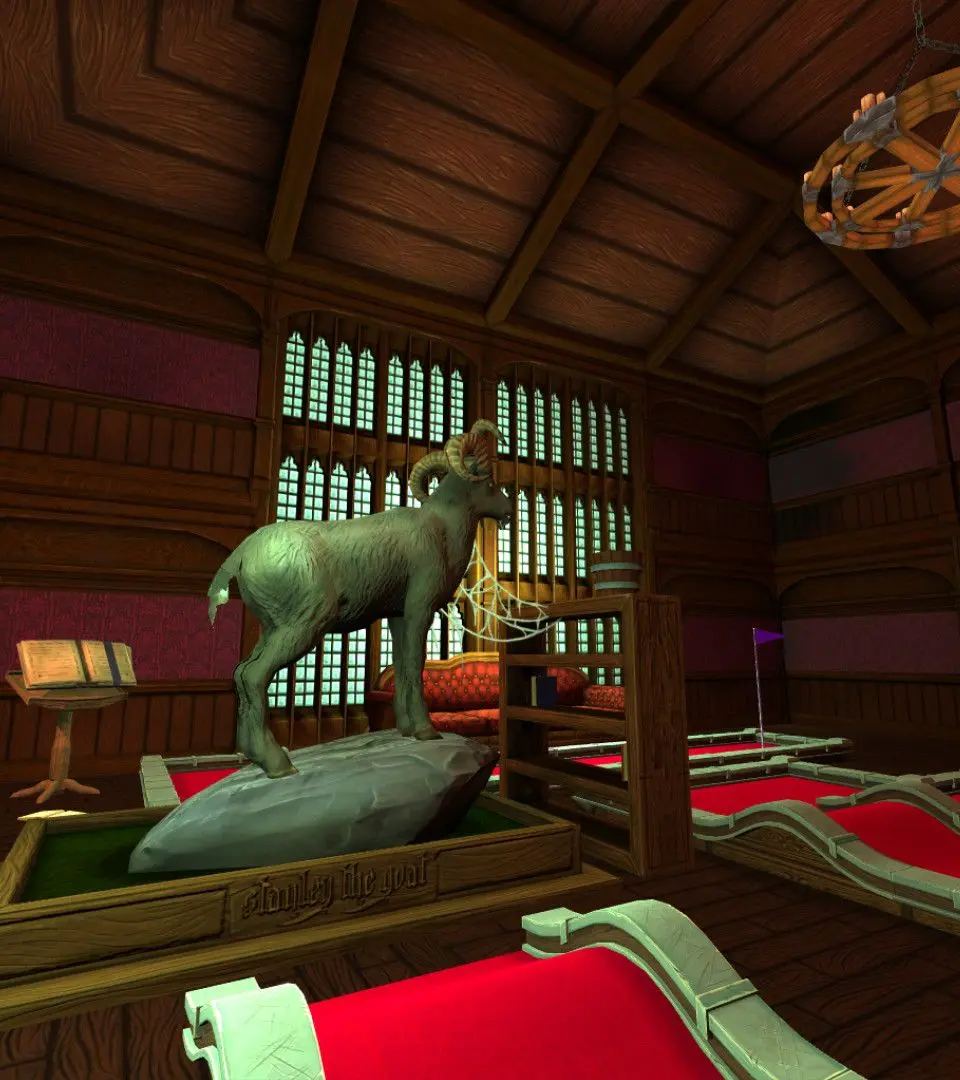
The UI in Golf With Your Friends is designed to be intuitive and provide all necessary information at a glance. Key elements include the shot counter, which tracks your strokes for the current hole, and the leaderboard, showing scores for all players. The power meter is prominently displayed, and a small arrow often indicates the direction of your shot. Pay attention to the wind indicator, if present, as it can significantly impact your ball's trajectory. Familiarizing yourself with these elements will help you make informed decisions during your turn.