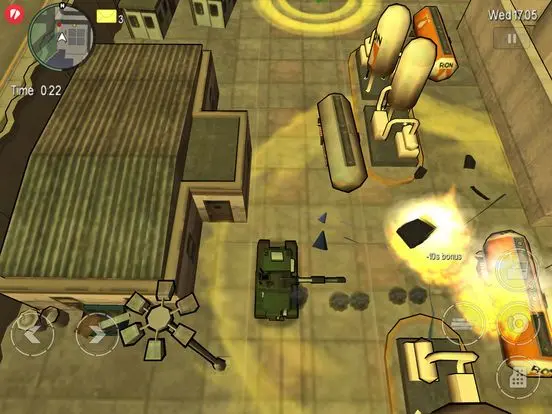
Mastering the controls is crucial for survival in Liberty City. The game utilizes a top-down perspective with touch-screen or button controls depending on your platform. On Nintendo DS, the D-Pad or Analog Stick controls movement, 'A' enters/exits vehicles, 'B' is for sprinting/firing, 'X' for action/reloading, and 'Y' for jumping/climbing. The touch screen is used for inventory management, GPS navigation, and mini-games like hotwiring cars or making Molotovs. Pay close attention to the mini-map in the top-left corner; it displays your current location, mission objectives, and nearby points of interest. The health and armor bars are also prominently displayed, along with your current weapon and ammo count. Understanding these elements will significantly improve your efficiency and survivability.