Difficulty Settings
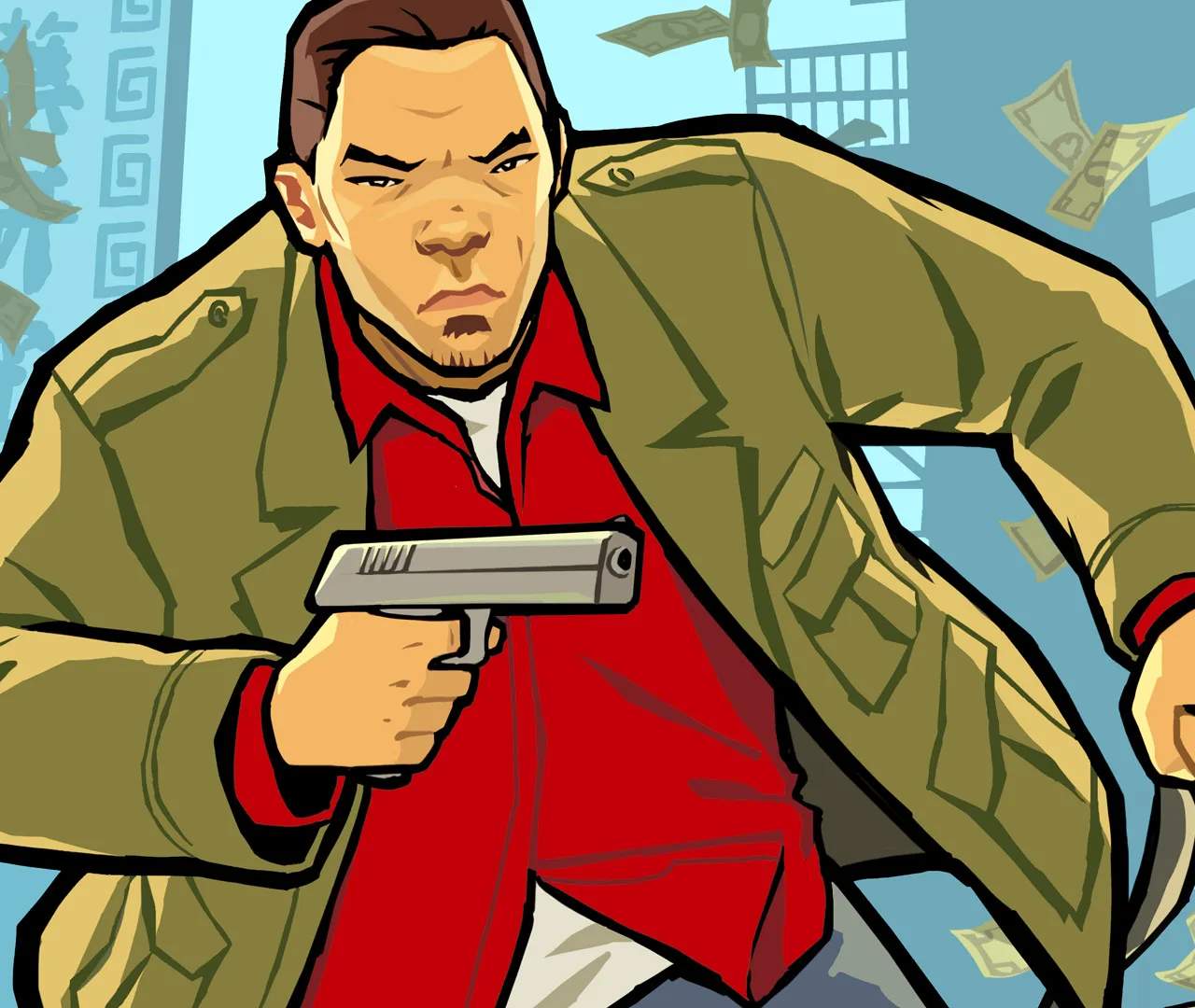
Grand Theft Auto: Chinatown Wars offers a surprisingly robust set of difficulty options that can significantly alter your gameplay experience. Unlike some GTA titles that only feature a single, static difficulty, Chinatown Wars allows players to fine-tune several aspects, making the game more accessible or challenging depending on their preference. Understanding these settings is crucial for both new players looking to ease into the Liberty City underworld and veterans seeking a true test of their criminal prowess.
Accessing Difficulty Options
To adjust the difficulty settings, follow these steps:
- From the main menu, select "Options".
- Navigate to the "Game" tab.
- Here, you will find various sliders and toggles related to difficulty.
Note that some settings can also be accessed mid-game by pausing and selecting "Options," though it's generally recommended to set your preferred difficulty before embarking on major missions.
Key Difficulty Parameters
Chinatown Wars breaks down difficulty into several distinct categories, allowing for granular control:
1. Combat Difficulty
- Easy: Enemies have reduced accuracy and health. Huang Lee's health regeneration rate is slightly increased, and he takes less damage from incoming fire. This setting is ideal for players who want to focus on the story and exploration without constant combat frustration.
- Normal: The default experience. Enemies have standard accuracy and health. Huang's health regeneration is at its base rate, and damage taken is standard. Most players will find this a balanced challenge.
- Hard: Enemies are significantly more accurate and possess increased health. Huang Lee's health regeneration is slower, and he takes substantially more damage. Expect to utilize cover more frequently, employ tactical retreats, and make liberal use of body armor and health pickups like the "First Aid Kit" (found in safehouses or purchased from Ammu-Nation). Missions like "Flatline" or "Bomb Disposal" become particularly intense on this setting.
2. Driving Difficulty
- Assisted: Vehicles handle with greater stability, and collisions have a slightly reduced impact on speed and control. This is excellent for players less familiar with the top-down driving mechanics or those who prefer a smoother ride through the bustling streets of Liberty City.
- Normal: Standard vehicle handling. Collisions have a typical impact, requiring more precise driving.
- Challenging: Vehicle handling becomes more sensitive, and collisions have a much greater impact, often sending your vehicle spinning or causing significant damage. Drifting and sharp turns require more finesse. Missions involving high-speed chases, such as "Tricks of the Triad" or "Dragon Fall," will demand expert driving skills.
3. Mission Failure Tolerance
This setting dictates how lenient the game is when you fail certain mission objectives.
- High: Provides more leeway for mistakes. For example, if you need to protect an NPC, they might be able to take more damage before the mission fails. Similarly, time limits on timed missions might be slightly extended.
- Normal: Standard mission failure conditions apply.
- Low: Very strict failure conditions. Even minor deviations from objectives or slight damage to protected assets can result in immediate mission failure. This setting is for players who enjoy a high-stakes, unforgiving challenge, where every action counts.
4. Police Aggression
While not a direct "difficulty" slider, this option significantly impacts the challenge of evading the law.
- Low: Police respond slower to crimes, and their pursuit tactics are less aggressive. Evading a 2-star wanted level is relatively straightforward.
- Normal: Standard police response and aggression.
- High: Police are extremely vigilant and react swiftly and aggressively to any criminal activity. Wanted levels escalate faster, and police vehicles will employ more advanced tactics to box you in or ram you off the road. Evading a 3-star or higher wanted level will be a significant challenge, often requiring strategic use of alleyways, Pay 'n' Spray locations (marked with a spray can icon on the map), or even the "Rhino Tank" if you've unlocked it.
Recommended Settings for Different Playstyles
- Casual Player (Story Focus): Combat: Easy, Driving: Assisted, Mission Failure: High, Police Aggression: Low. This setup allows for a relaxed experience, focusing on the narrative and exploring Liberty City without excessive frustration.
- Balanced Player (Standard Challenge): Combat: Normal, Driving: Normal, Mission Failure: Normal, Police Aggression: Normal. The intended experience of the game, offering a fair and engaging challenge.
- Hardcore Player (Ultimate Challenge): Combat: Hard, Driving: Challenging, Mission Failure: Low, Police Aggression: High. Prepare for a brutal and unforgiving journey through the criminal underworld. Every mission will be a test of skill, resourcefulness, and patience. Stock up on "Body Armor" and high-damage weapons like the "Assault Rifle" or "Flamethrower" from Ammu-Nation.
Experiment with these settings to find the perfect balance that suits your individual playstyle. Remember, there's no shame in adjusting the difficulty to ensure you're having the most fun possible in the vibrant, dangerous world of Grand Theft Auto: Chinatown Wars!