Introduction & Basic Gameplay
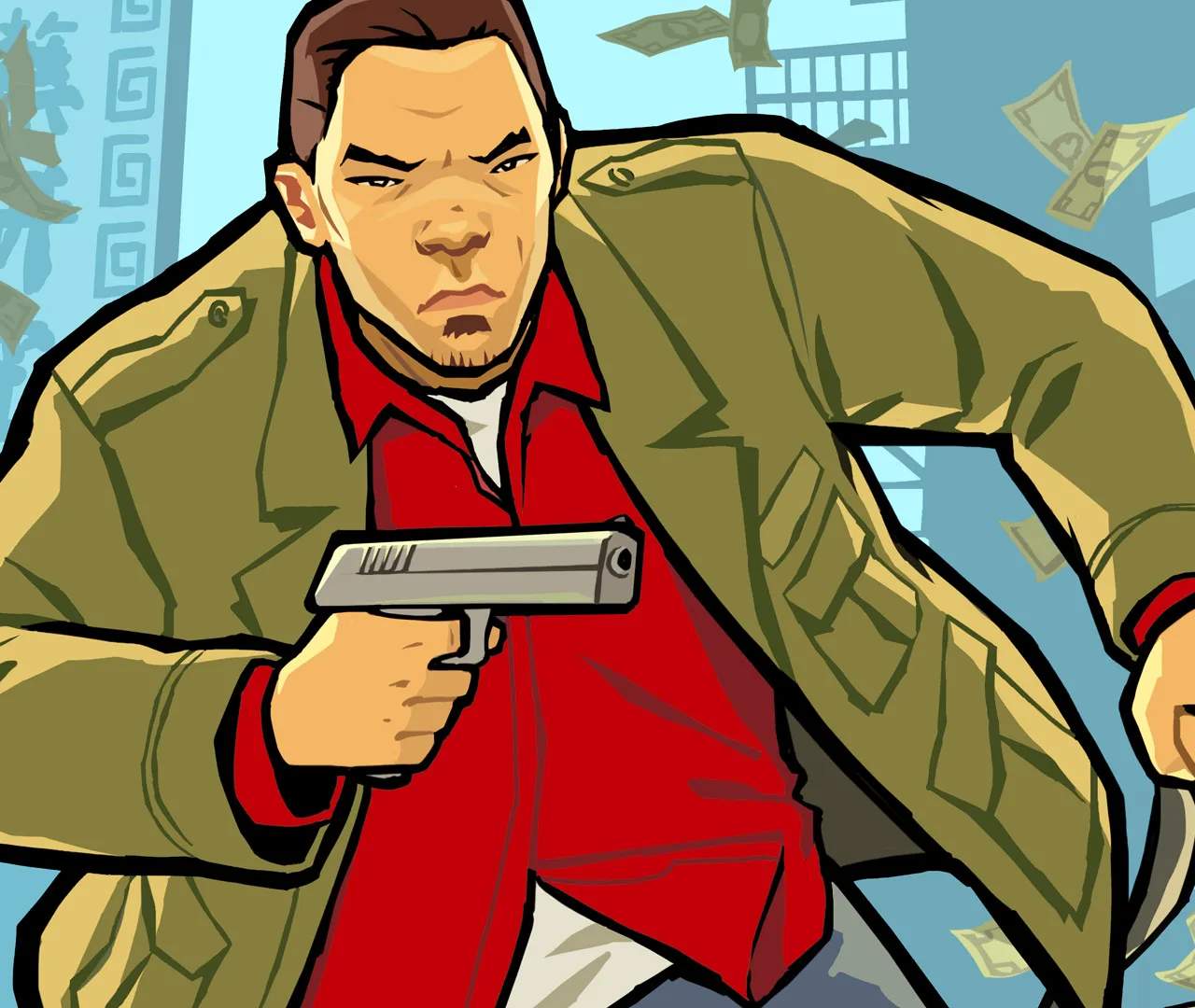
Welcome to Liberty City, Chinatown Wars style! As Huang Lee, you're thrust into a gritty underworld of Triad politics, drug dealing, and explosive action. This guide will get you started on the right foot, covering essential mechanics and early game strategies to ensure your survival and success.
The Basics of Survival
Liberty City is a dangerous place, and knowing how to navigate its perils is key. Here's what you need to master from the get-go:
Movement and Interaction
- Walking/Running: Use the D-Pad or Analog Stick to move Huang. Holding down the run button (typically 'B' on DS/PSP, or a touch control on mobile) will make him sprint, but drains stamina.
- Entering Vehicles: Approach any unoccupied vehicle and press the action button (usually 'Y' on DS/PSP, or a tap on mobile) to hop in. To steal an occupied vehicle, you'll need to pull the driver out first.
- Combat:
- Melee: Tap the attack button to punch or kick. Holding it down charges a stronger attack.
- Firearms: Once you acquire a weapon (see 'Early Weapon Acquisition' below), tap the attack button to fire. Some weapons allow for auto-aiming; experiment with the controls to find what works best for you.
- Cover: While not a traditional cover system, using environmental objects to break line of sight can be crucial in firefights.
- Using the Touch Screen (DS/Mobile): Many interactions, such as hotwiring cars, assembling sniper rifles, and even throwing Molotovs, are done via the touch screen. Pay attention to on-screen prompts.
Early Weapon Acquisition
You won't start with much, but getting your hands on some firepower early is crucial for self-defense and mission success.
- Pistol: Your most basic firearm. You'll often acquire one during early story missions. Keep an eye out for fallen enemies who drop them.
- Baseball Bat: A reliable melee weapon. Often found near sports fields, alleyways, or dropped by gang members.
- Ammu-Nation: The primary source for weapons and ammunition. The first Ammu-Nation you'll likely encounter is in Rotterdam Hill, Broker, marked by a gun icon on your map. Save up some cash to purchase better weapons like the SMG or Shotgun.
- Hidden Weapons: Explore the city! Many weapons are hidden in plain sight or in obscure locations. For instance, a Molotov Cocktail can often be found in dumpsters or back alleys.
Money Management & Drug Dealing
The drug trade is a core mechanic in Chinatown Wars and your primary source of income outside of missions. Understanding it early will make your journey much smoother.
- The PDA: Your personal digital assistant is invaluable. Access it to view your map, check your inventory, and, most importantly, manage your drug dealing.
- Buying and Selling Drugs:
- Dealers: Look for dealers marked with a green dollar sign ($) on your map. They will have varying prices for different types of drugs (e.g., Weed, Heroin, Cocaine, Ecstasy, Acid, Downers).
- Price Fluctuations: Prices change constantly. Your PDA will show you the current street prices and alert you to "good deals" or "bad deals."
- Stash Houses: You can only carry a limited amount of drugs. As you progress, you'll unlock safehouses where you can stash your inventory.
- Profit Strategy: The goal is to buy low and sell high. Pay attention to the news feeds on your PDA, as they often hint at price changes or drug shortages in certain areas. For example, a news report about a police bust in a specific district might cause prices for certain drugs to skyrocket there.
- Early Game Tip: Focus on small, quick deals with easily accessible dealers. Don't overextend yourself by carrying too much valuable product until you're more familiar with the city and have better defenses.
The World Map & Navigation
Liberty City is vast, and knowing your way around is essential.
- The Mini-Map: Located on the bottom screen (DS) or corner of the screen (other platforms), this shows your immediate surroundings, mission objectives, and points of interest.
- Full Map: Access the full map via your PDA. Here you can set GPS waypoints to guide you to your next destination. This is crucial for navigating complex streets and finding specific locations like Ammu-Nation, safehouses, or drug dealers.
- Key Map Icons:
- Yellow Star: Current mission objective.
- Green Dollar Sign ($): Drug dealer.
- Gun Icon: Ammu-Nation store.
- House Icon: Your safehouse.
- Heart Icon: Health pickup.
- Shield Icon: Armor pickup.
Saving Your Game
Don't lose your progress! Saving is simple but vital.
- Safehouses: Head to your safehouse (marked by a house icon on the map). Once inside, interact with the bed to save your game. Your first safehouse will be provided early in the story.
- Auto-Save: While the game has some auto-save features (e.g., after completing missions), relying solely on them is risky. Always manually save after significant progress or before attempting a challenging mission.
With these fundamentals under your belt, you're ready to dive into the treacherous yet rewarding world of Grand Theft Auto: Chinatown Wars. Good luck, Huang!