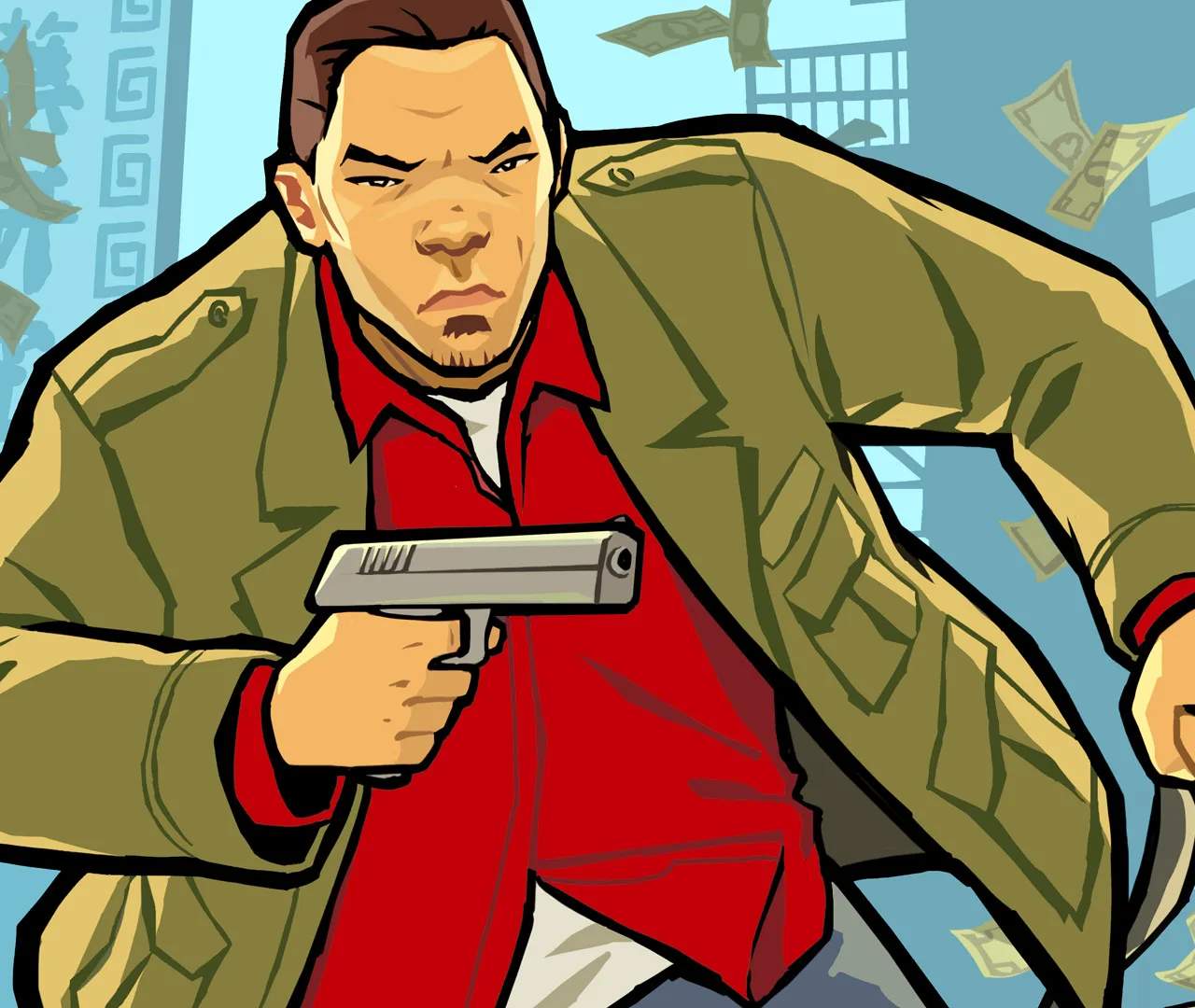
Saving & Loading
In the dangerous streets of Liberty City, knowing how to properly save your progress is paramount. Losing hours of drug-dealing profits or mission progress due to an unexpected game over can be incredibly frustrating. This section will detail the various methods for saving and loading your game in Grand Theft Auto: Chinatown Wars.
Manual Saves: Your Safe Houses
The primary method for saving your game is by visiting one of Huang Lee's safe houses. These are marked on your in-game map with a distinctive house icon. There are several safe houses scattered across Liberty City, becoming available as you progress through the story.
- Locating a Safe House: Open your PDA (bottom screen) and navigate to the map. Look for the white house icon. Tap on it to set a GPS waypoint for easy navigation.
- Entering a Safe House: Drive or walk into the glowing yellow marker outside the safe house entrance.
- Initiating the Save: Once inside, approach the bed. A prompt will appear on the screen, usually indicating "Save Game." Tap or press the appropriate button (depending on your platform) to confirm.
- Save Slots: The game offers multiple save slots. It's highly recommended to utilize these, especially before major missions or risky drug runs. This allows you to revert to an earlier save if a mission goes awry or you make a costly mistake.
- What Gets Saved: Manual saves record your current mission progress, cash on hand, drug stash, weapon inventory, vehicle collection (if stored in a garage), and overall game statistics.
Auto-Saving: A Convenient Backup
Grand Theft Auto: Chinatown Wars features an auto-save function, though it's not as frequent or reliable as manual saves. This system primarily acts as a safety net.
- When Auto-Saves Occur: Auto-saves typically trigger after completing certain story missions or significant game events. You'll see a brief "Saving..." message appear on screen.
- Limitations: Do NOT rely solely on auto-saves. They don't occur after every minor action, and if you quit the game immediately after a small achievement without a manual save, you risk losing that progress.
- Identifying an Auto-Save: Auto-save files are usually distinct from your manual saves in the load menu, often labeled as "Auto-Save."
Loading Your Game
To continue your criminal empire's journey, you'll need to load a previously saved game.
- From the Main Menu: When you first launch the game, select "Load Game" from the main menu options. This will present you with a list of all your manual and auto-save files.
- In-Game Loading (via Pause Menu): If you're already playing and wish to load an earlier save (perhaps to retry a mission), pause the game (usually by tapping the top screen or pressing Start) and navigate to the "Game" or "Options" menu. From there, you should find a "Load Game" option.
- Choosing a Save File: Carefully review the save file details, which usually include the date, time, and sometimes the last mission completed or location. Select the desired save file to load.
Important Saving Strategies
- Save Often: This cannot be stressed enough. After completing any mission, making a large drug sale, or acquiring a significant amount of cash or valuable items, head to a safe house and save.
- Multiple Save Slots: Use different save slots for different stages of the game. For example, keep one slot as a "pre-mission" save and another as a "post-mission" save. This is invaluable for replaying missions for better scores or recovering from bad decisions.
- Before Major Purchases: If you're about to spend a large sum of money on a weapon, vehicle, or property, consider saving beforehand. This way, if you regret the purchase, you can simply load your previous save.
- Before Experimenting: Want to try a risky stunt or engage in a massive police shootout? Save first! This allows you to indulge in chaotic fun without jeopardizing your main progress.
By following these saving and loading practices, you'll ensure a smoother and less frustrating experience as you navigate the treacherous underworld of Grand Theft Auto: Chinatown Wars.