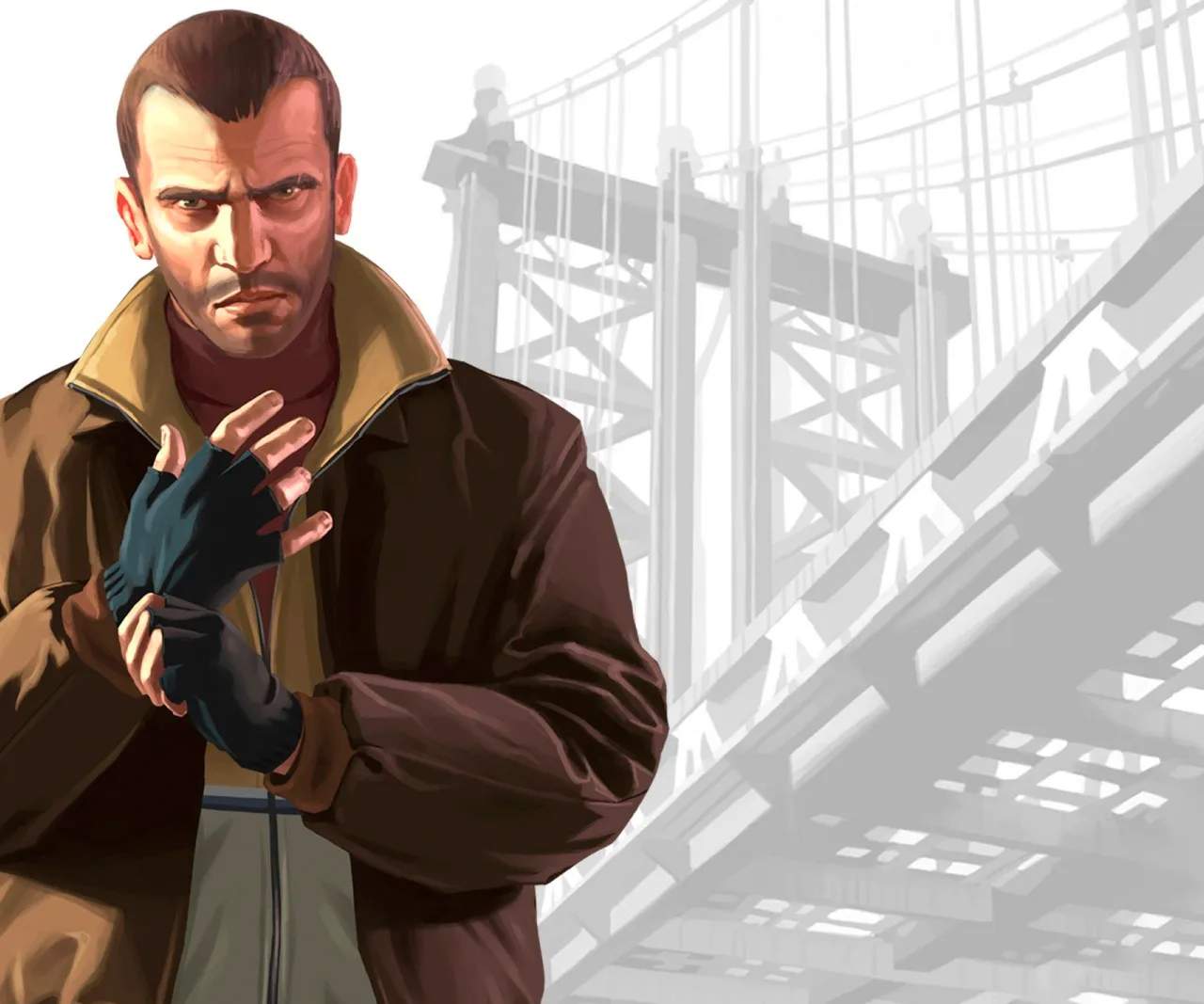
Understanding the controls is paramount to your success in Liberty City. Whether you're on foot, driving a car, or engaging in a shootout, fluid control will make all the difference. Here's a breakdown of the essential controls for both on-foot and vehicle gameplay:
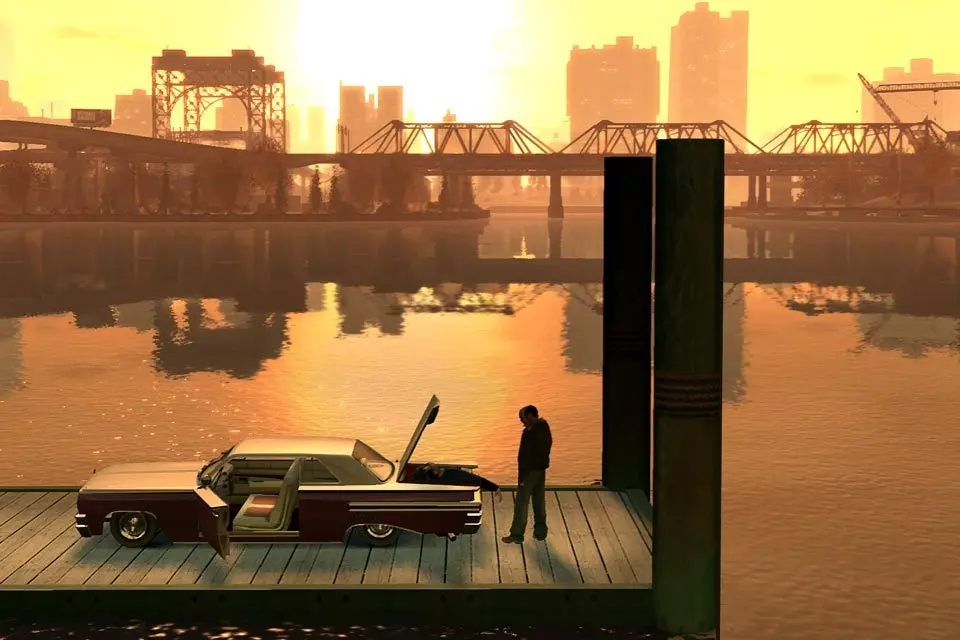
On-Foot Controls (Default PC)
- W, A, S, D: Move Niko
- Shift: Sprint
- Spacebar: Jump/Climb
- Left Mouse Button: Fire Weapon/Punch
- Right Mouse Button: Aim Weapon/Lock-on
- Q: Take Cover
- E: Enter Vehicle/Interact
- R: Reload Weapon
- Scroll Wheel: Change Weapon
- F: Melee Attack (when unarmed)
Vehicle Controls (Default PC)
- W: Accelerate
- S: Brake/Reverse
- A, D: Steer Left/Right
- Spacebar: Handbrake
- Left Mouse Button: Fire Weapon (from vehicle)
- Right Mouse Button: Aim Weapon (from vehicle)
- H: Horn
- G: Toggle Headlights
- F: Exit Vehicle
Practice these controls in a safe area, like the initial neighborhood of Broker, before diving into more intense missions. Mastering the cover system (Q) is especially important for surviving firefights, as it allows Niko to avoid incoming damage while returning fire effectively.
Compare controls & basic mechanics inGTA V