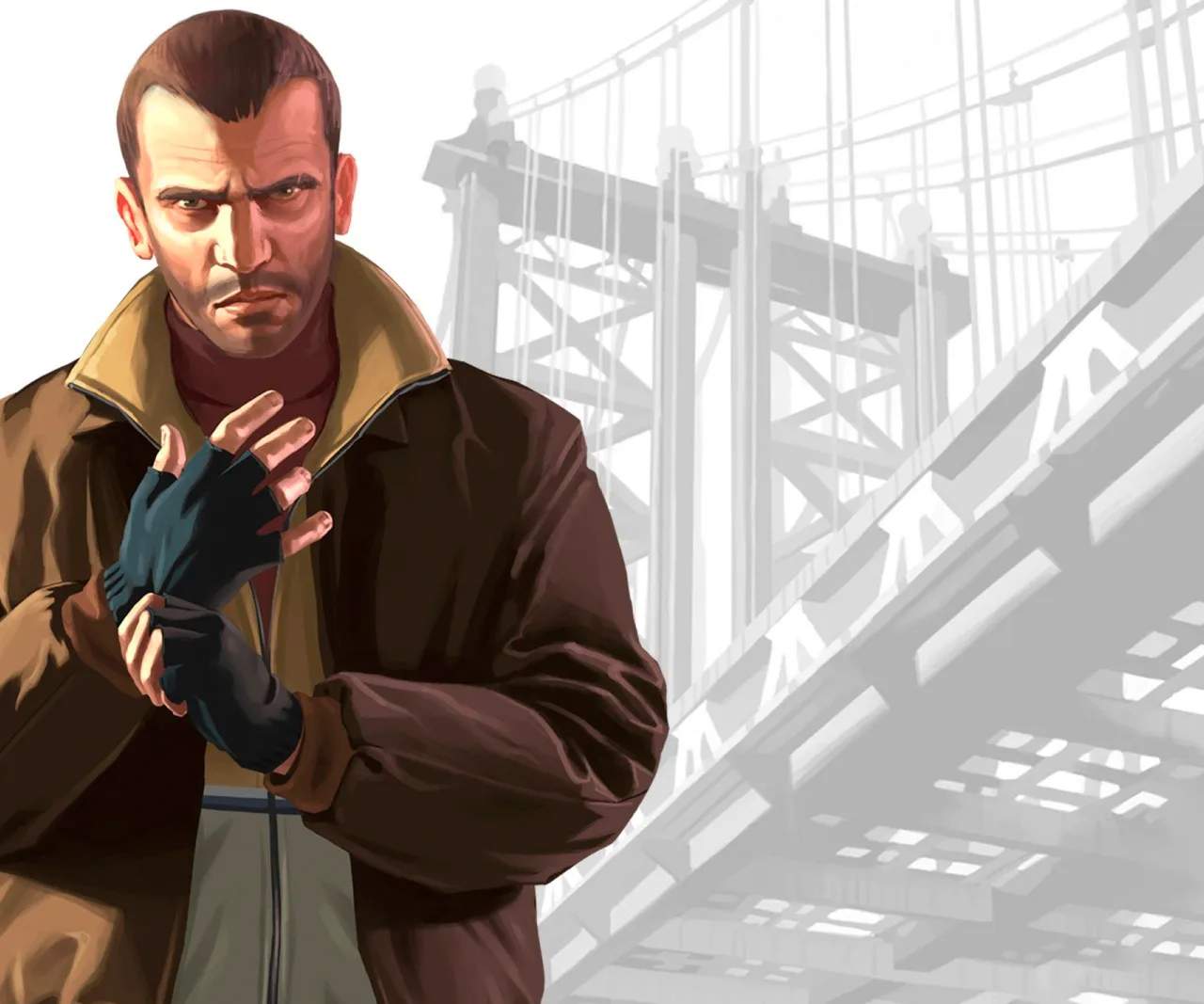
Step 1: Pick Up the Passenger (Mission: "Bleed Out")
This initial step marks the beginning of your first official mission in Liberty City, "Bleed Out," given to you by your cousin Roman Bellic. After the introductory cutscene at Roman's taxi depot, he'll task you with a seemingly simple job: picking up a fare. This serves as a crucial tutorial for basic driving mechanics and navigation within the game world, especially with a passenger.
Locating the Passenger
- Receive the Call: Shortly after the initial conversation with Roman, you'll receive a call from him, officially initiating the "Bleed Out" mission.
- Head to the Taxi Depot: If you're not already there, make your way to Roman's taxi depot in Hove Beach, Broker. A yellow mission icon will typically guide you.
- Identify the Pickup Point: Once the mission begins, a prominent yellow marker will appear on your in-game minimap and radar. This marker indicates the exact location of the passenger you need to pick up.
- Drive to the Location: Follow the GPS route displayed on your minimap to reach the passenger. For this early mission, the pickup point is usually nearby, allowing you to get accustomed to driving Roman's taxi.
- Stop in the Marker: Upon reaching the destination, carefully position your vehicle within the yellow marker on the ground. The game will prompt you when you are correctly aligned.
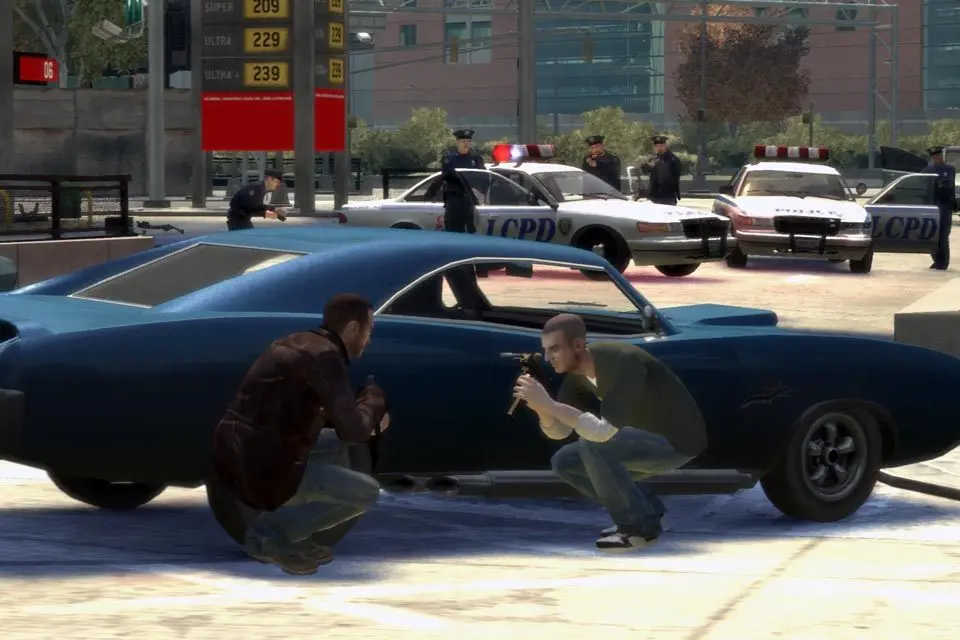
Driving Tips for New Players & Passenger Comfort
As this is likely one of your first driving experiences in Liberty City, it's important to get a feel for the controls and the game's physics. While "Bleed Out" doesn't have strict time limits or passenger comfort meters, developing good driving habits early on will benefit you in later missions.
- Smooth Acceleration and Braking: Avoid sudden, jerky movements. Liberty City's traffic can be dense, and smooth driving helps prevent unnecessary collisions.
- Respect Traffic Laws (Mostly): While GTA IV encourages a certain level of chaos, for early missions, especially with passengers, try to avoid excessive speeding, running red lights, or crashing into other vehicles. This minimizes vehicle damage and keeps your passenger (and Roman) happy.
- Utilize the Minimap: Your minimap is your best friend for navigation. Always keep an eye on the yellow GPS route, which will update to show the passenger's desired destination once they are in your car.
- Avoid Damage: Crashing your vehicle, especially with a passenger, can lead to mission failure in some later scenarios or simply make the journey longer due to a damaged car. In "Bleed Out," excessive damage to Roman's taxi might even prompt a scolding from him.
- Camera Angles: Experiment with different camera angles (usually by pressing the 'Change Camera' button, often 'V' on PC, 'Back' on Xbox 360, or 'Select' on PS3) to find what works best for your driving style. The cinematic camera can be fun but less practical for precise navigation.
Once the passenger enters your vehicle, the minimap will automatically update with a new yellow GPS route, indicating their destination. This signifies the completion of the pickup phase and the beginning of the journey to drop them off, which is the next stage of the mission.