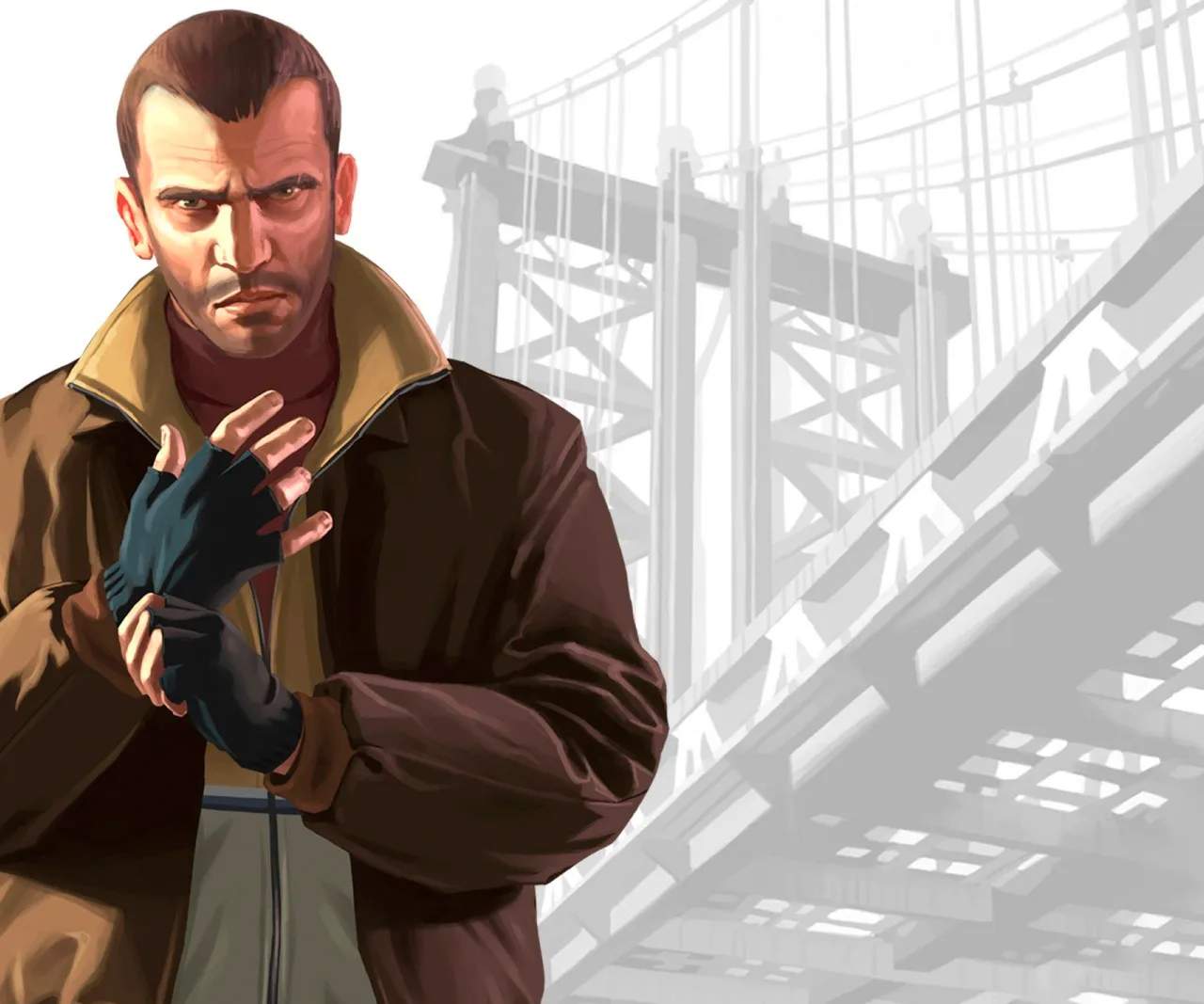
Enter the warehouse. You'll immediately be confronted by two armed thugs. This is your introduction to the cover system. Press 'Q' (PC) to take cover behind objects. Aim with the Right Mouse Button and fire with the Left Mouse Button. Prioritize headshots for quicker takedowns.
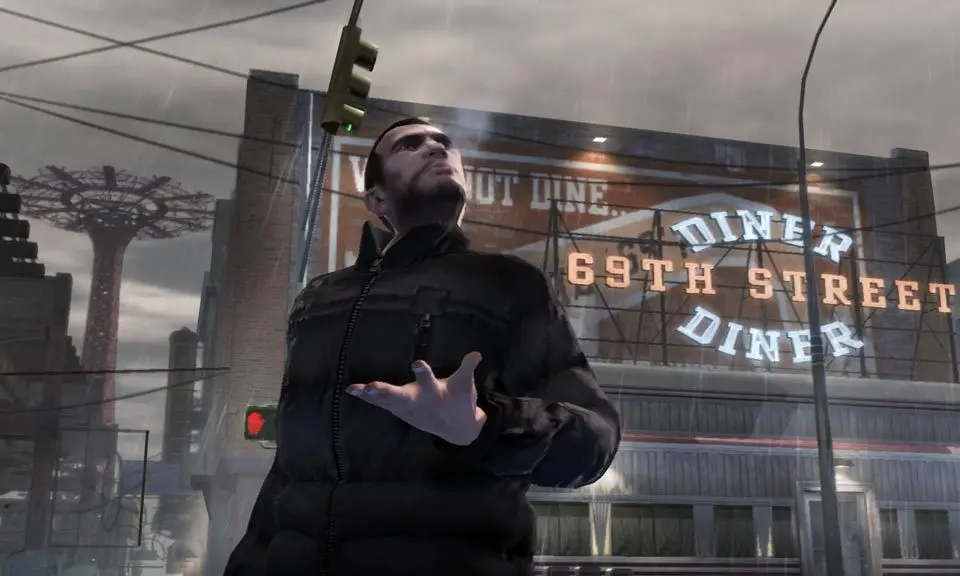
After dealing with the first two, move further into the warehouse. There will be more enemies on the upper level and ground floor. Use the environment to your advantage, moving from cover to cover. Don't rush; take your time to eliminate threats safely. Once all enemies are down, a cutscene will play, concluding the mission. Roman will be relieved, and you'll have proven your worth.