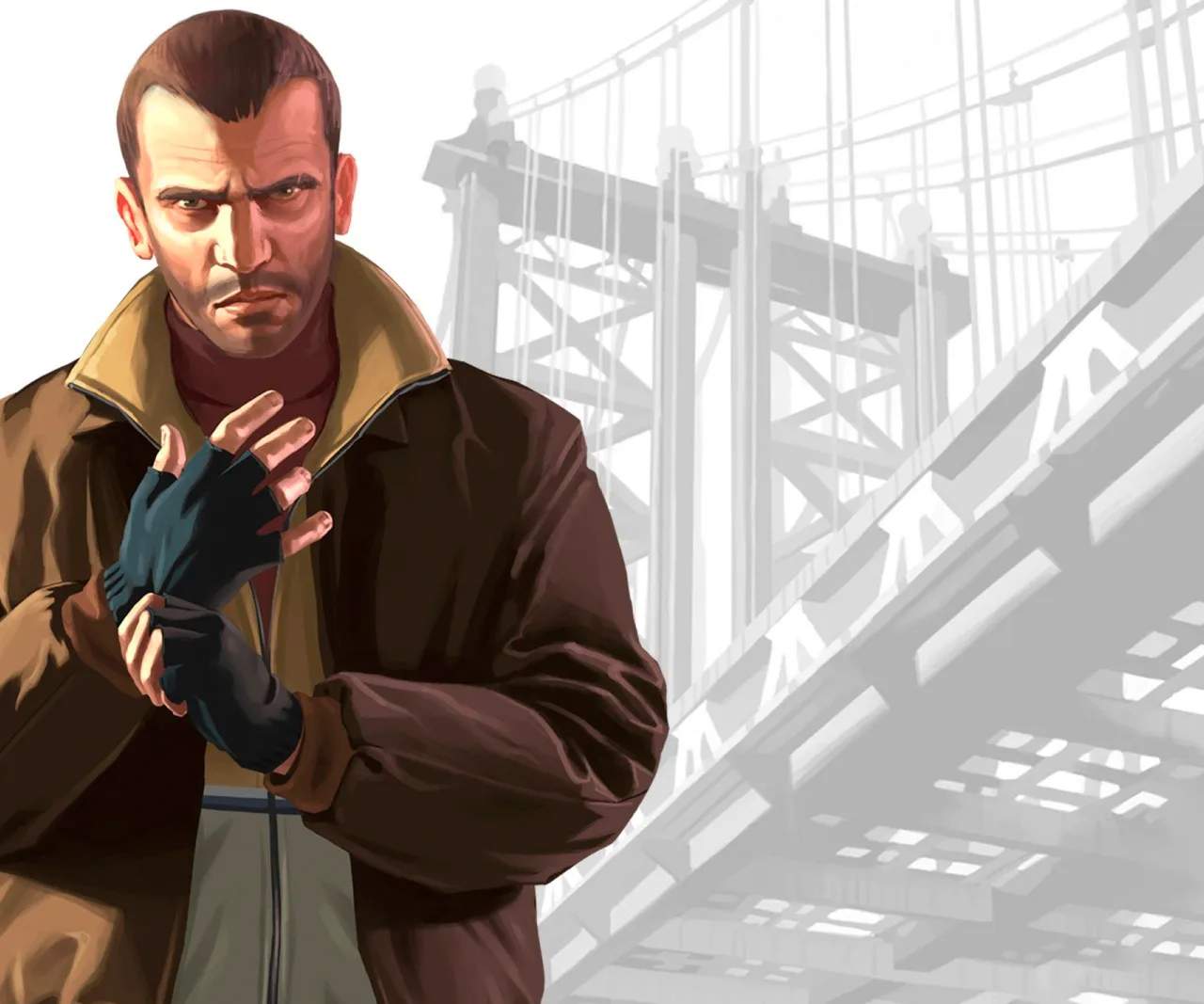
Aiming in Grand Theft Auto IV
Accurate aiming is paramount to survival and success in Grand Theft Auto IV. Whether you're engaging rival gang members, evading the police, or completing critical story missions, mastering the aiming mechanics will sificantly improve your combat effectiveness and survivability in Liberty City.
Aiming is the cornerstone of combat in Grand Theft Auto IV. The ability to accurately put rounds on target can mean the difference between life and death. This guide will break down the different aiming modes, provide tips for improving your accuracy, and explain how to leverage aiming to your advantage in various combat scenarios across Liberty City.
Aiming Modes Explained
GTA IV offers several aiming modes to suit different playstyles and situations:
- Free Aim: This is the most challenging but rewarding mode. You have complete control over where your crosshair is placed. It requires precise analog stick (or mouse) control but offers the highest degree of accuracy for skilled players. This is often the default on PC or can be selected in the game's options.
- Assisted Aim: This is the default mode for console players and offers a degree of auto-targeting. When you aim at an enemy, the reticle will "snap" to the nearest enemy. You can then use the right analog stick (or mouse) to fine-tune your aim or switch between targets. This mode sificantly lowers the skill floor for combat.
- Soft Lock Aim: A middle ground where the aim assist is less aggressive than full assisted aim, allowing for more player control while still providing some help in locking onto targets.
How to Aim
The controls for aiming are straightforward:
- Console (PlayStation/Xbox): Hold the LT button (Xbox) or L2 button (PlayStation) to enter aim mode.
- PC: Hold the Right Mouse Button to enter aim mode.
Once aiming, use the left analog stick (or WASD keys) to move and strafe, and the right analog stick (or mouse) to adjust your aim.
Improving Your Aiming Accuracy
Regardless of the aiming mode you use, several factors contribute to better accuracy:
- Stationary Aiming: Firing while standing still is always more accurate than firing while moving. Utilize cover and only expose yourself to shoot.
- Crouching: As detailed in another section, crouching increases weapon stability and accuracy.
- Weapon Choice: Different weapons have varying accuracy and recoil. Handguns are good for close to medium range, while assault rifles and sniper rifles excel at longer distances.
- Practice: The more you engage in combat, the better your muscle memory will become. Take advantage of side missions and random encounters to hone your skills.
- Headshots: Aiming for the head is the quickest way to dispatch enemies. Practice flicking your aim to the head when an enemy appears.
Aiming in Specific Scenarios
- Cover System: Use cover to your advantage. Aim from behind cover, pop out to shoot, and then duck back in.
- Vehicle Combat: When shooting from a vehicle, aim is often more difficult. Try to slow down or stop if possible for more accurate shots.
- Sniper Rifles: For long-range engagements, a sniper rifle is essential. Practice leading your targets if they are moving.
Missions Requiring Precise Aiming
Many missions will demand sharp aiming skills:
- "The Snow Storm": During the shootout at the warehouse, precise aiming is needed to take down multiple enemies quickly.
- "Holland Nights": Facing off against armed drug dealers requires accurate shots to survive.
- "Tunnel of Death": Sniping enemies from a distance is crucial for success.
By understanding and practicing the aiming mechanics in Grand Theft Auto IV, you'll become a much more formidable force in Liberty City. Experiment with different aiming modes and techniques to find what works best for you.