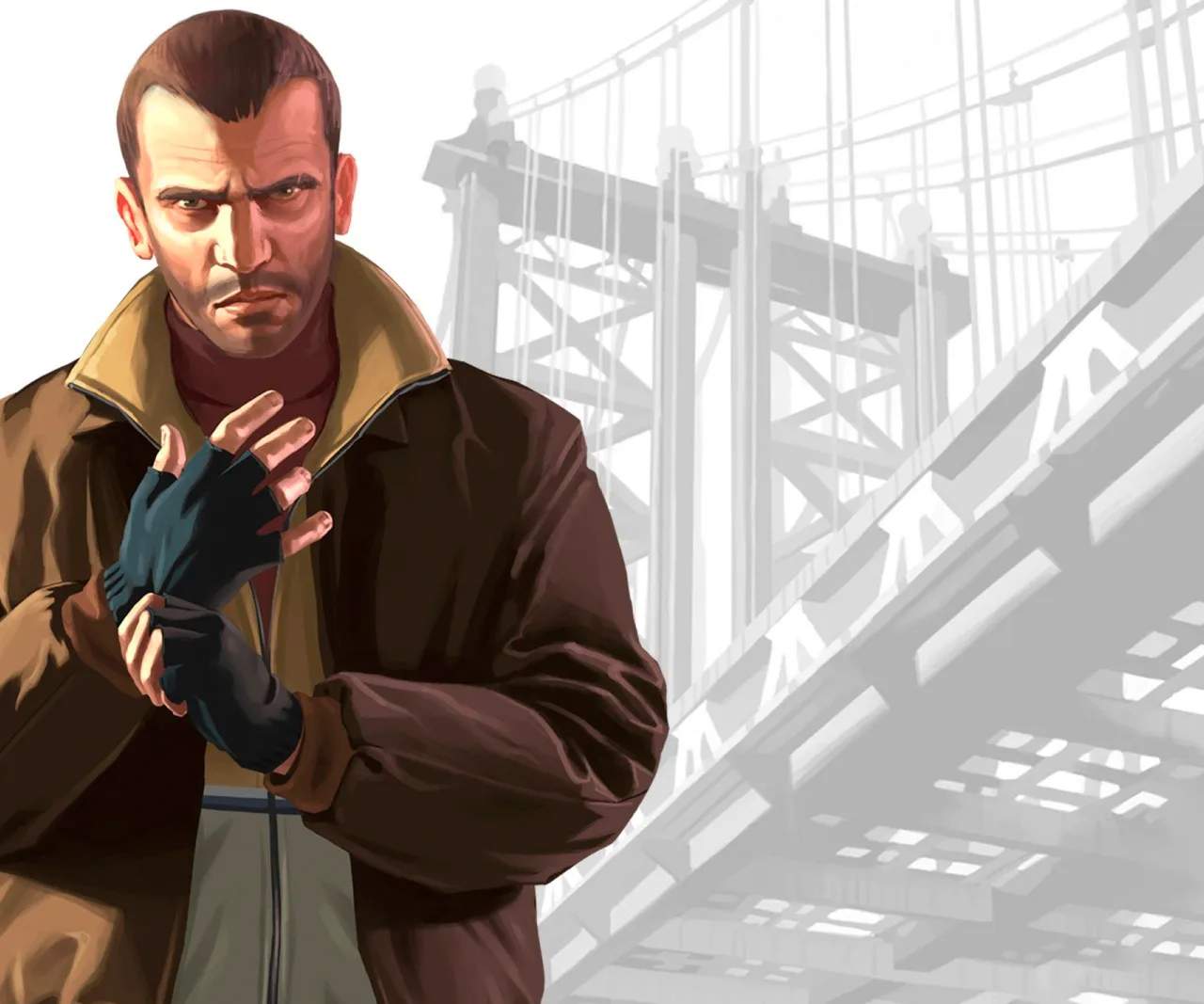
Reloading in Grand Theft Auto IV
Running out of ammunition at a critical moment in Grand Theft Auto IV can be a death sentence. Mastering the reloading mechanic, understanding when to reload, and how to do it efficiently is a vital skill for any player looking to survive the constant onslaught of enemies and police in Liberty City.
Reloading your weapon is a fundamental, yet often overlooked, aspect of combat in Grand Theft Auto IV. A poorly timed reload can leave you vulnerable, while a swift and strategic reload can ensure you stay in the fight. This guide will cover the mechanics of reloading, when to perform it, and how to minimize the risks associated with this essential action.
The Reloading Mechanic
Reloading in GTA IV is a straightforward process:
- Console (PlayStation/Xbox): Press the X button (Xbox) or Square button (PlayStation) to reload your currently equipped weapon.
- PC: Press the R key to reload your currently equipped weapon.
When you initiate a reload, Niko will perform an animation that takes a few seconds. During this animation, he is vulnerable and cannot shoot. The duration of the reload animation varies slightly depending on the weapon.
When to Reload
The timing of your reloads is crucial:
- During Downtime: The ideal time to reload is when there are no immediate threats. This could be after clearing an area, while behind cover, or during a brief lull in combat.
- Before Engaging: If you know a large group of enemies is about to appear, or you're about to enter a known combat zone, take a moment to ensure your weapon is fully loaded.
- When Ammo is Low: Don't wait until your magazine is completely empty. If you've fired a sificant number of rounds, consider reloading to avoid being caught short.
Risks Associated with Reloading
Reloading is an inherently risky action because it interrupts your ability to fight:
- Vulnerability: While reloading, Niko cannot shoot, dodge, or sprint effectively. Enemies will take advantage of this opening.
- Animation Lock: You are locked into the reload animation until it's complete. You cannot cancel it to immediately start shooting again.
Strategies for Safe Reloading
Minimize the risks by employing these strategies:
- Use Cover: Always reload behind solid cover. This provides protection from enemy fire while Niko is occupied.
- Reload in Bursts: Instead of emptying your entire magazine, fire a few shots, then duck behind cover and reload. This allows you to maintain offensive pressure while staying safe.
- Switch Weapons: If you have multiple weapons, and one is running low on ammo, switch to another fully loaded weapon instead of reloading the first one immediately. You can then reload the first weapon when it's safer.
- Be Aware of Your Surroundings: Before you start reloading, quickly scan the area to ensure no enemies are about to rush you.
- Strafing and Reloading: While you can't reload while actively strafing and shooting, you can initiate a reload after a short strafe and ducking behind cover.
Reloading in Specific Missions
Many missions will test your reloading discipline:
- "The Snow Storm": During the intense firefights in the warehouse, finding moments to reload behind crates is essential.
- "Three Leaf Clover": In the bank vault shootout, managing your ammo and reloading strategically is key to survival.
- "Holland Nights": When facing waves of enemies, reloading behind cars and walls is a constant necessity.
Effective reloading is a subtle but critical skill in Grand Theft Auto IV. By being mindful of your ammo count and choosing your reload opportunities wisely, you'll sificantly increase your chances of survival in the unforgiving world of Liberty City.