Understanding the controls is paramount for navigating Liberty City and engaging in its various activities. Whether you're on foot or in a vehicle, precise control can mean the difference between success and failure. The game offers a classic GTA control scheme, which can be customized to some extent in the options menu. Familiarize yourself with these inputs before diving into the action.
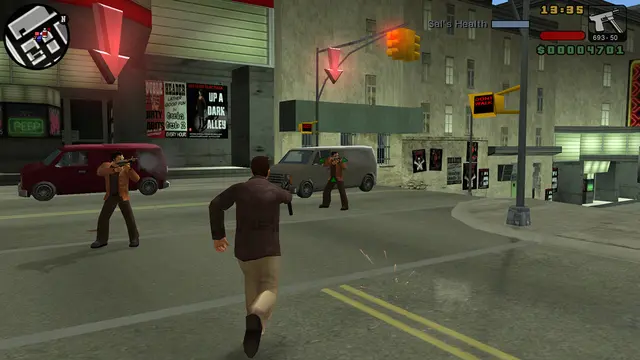
On Foot Controls:
- Analog Stick/D-Pad: Move Toni
- X Button: Sprint (tap repeatedly), Jump (hold)
- Square Button: Attack (melee/fire weapon)
- Circle Button: Enter/Exit Vehicle, Action (pick up items, open doors)
- Triangle Button: Cycle Weapons
- L Button: Target Lock (hold), Look Left (tap)
- R Button: Center Camera, Look Right (tap)
- Start Button: Pause Menu
- Select Button: Change Camera Angle
Vehicle Controls:
- Analog Stick/D-Pad: Steer
- X Button: Accelerate
- Square Button: Brake/Reverse
- Circle Button: Handbrake
- Triangle Button: Exit Vehicle
- L Button: Look Left
- R Button: Look Right
- Square Button (while driving): Fire Weapon (if equipped)
Practice these controls in a safe area, like the starting neighborhood of Portland, before embarking on missions. Getting a feel for vehicle handling, especially motorcycles, will save you a lot of frustration later on.
Compare controls & movement inGTA V