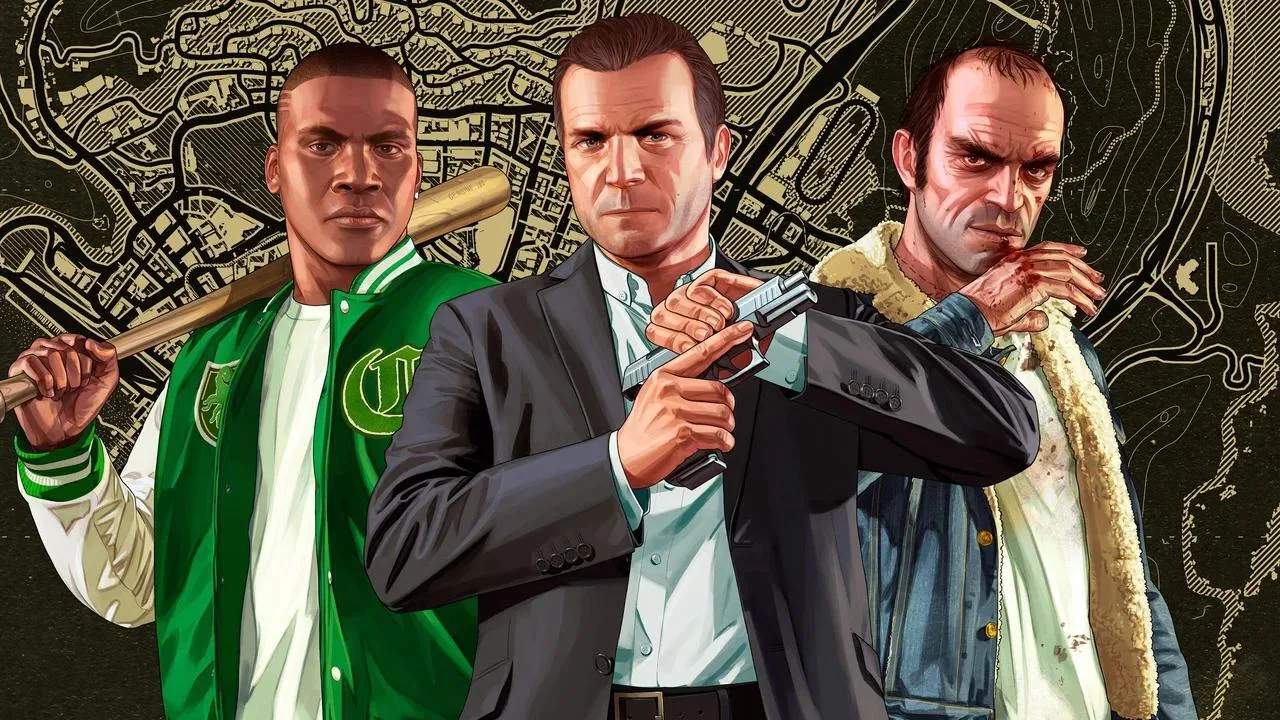
Rockstar Editor
Unleash your inner filmmaker with the Rockstar Editor, a powerful in-game tool available in the enhanced versions of Grand Theft Auto V. This feature allows players to record gameplay footage, edit it with various camera angles, filters, and effects, and then share their creations with the world. Master this tool to craft cinematic masterpieces.
The Rockstar Editor is a groundbreaking addition to Grand Theft Auto V, particularly in its enhanced versions for PlayStation 4, Xbox One, and PC. It transforms the game from a playground into a canvas, empowering players to become directors, editors, and storytellers. Whether you want to capture epic car chases, dramatic shootouts, or simply create humorous skits, the Rockstar Editor provides the tools to bring your vision to life. It's an integral part of the enhanced edition experience, offering a depth of creative control rarely seen in video games.
Accessing the Rockstar Editor is straightforward. In single-player mode, you can enter the editor from the pause menu. For GTA Online, you'll need to be in a Freemode session and access it via the online menu. Once activated, you can begin recording your gameplay. The editor allows you to save clips of your recent gameplay, or you can manually start and stop recording to capture specific moments.
The core functionality of the Rockstar Editor revolves around its editing suite. After recording your footage, you can access the editor to:
- Camera Controls: Choose from several camera angles, including free camera, fixed cameras, and dynamic tracking shots. You can manipulate the camera's position, rotation, and movement to create professional-looking shots.
- Editing Tools: Trim your clips, arrange them in sequence, and add transitions. You can also adjust playback speed, from slow-motion to fast-forward.
- Filters and Effects: Apply many visual filters to alter the mood and aesthetic of your video. Special effects like depth of field, color correction, and motion blur can further enhance the cinematic quality.
- Audio: Add custom music from the game's radio stations or your own imported audio files. You can also adjust sound effects and dialogue levels.
- Text and Titles: Overlay text and titles to provide context or add a personal touch to your videos.
- Director Mode: This advanced mode allows you to spawn any character, vehicle, or pedestrian into your scene, control the weather, and even trigger specific actions, offering unparalleled control over your narrative.
The Rockstar Editor is not just about making cool videos; it's also about community. Once you've finished editing, you can export your creations and share them on platforms like YouTube and the Rockstar Games Social Club. This has led to a vibrant community of content creators producing everything from hilarious parodies to breathtaking action sequences.
Tips for using the Rockstar Editor effectively:
- Plan Your Shots: Think about the story or action you want to convey before you start recording.
- Experiment with Cameras: Don't stick to one camera angle. Mix it up to keep your audience engaged.
- use Director Mode: This mode is incredibly powerful for creating specific scenarios and narratives.
- Master the Effects: Filters and effects can dramatically change the tone of your video.
- Practice: The more you use the editor, the more proficient you'll become.
The Rockstar Editor is a testament to Rockstar Games' commitment to player creativity, offering a robust and accessible platform for anyone looking to express themselves through the medium of video.