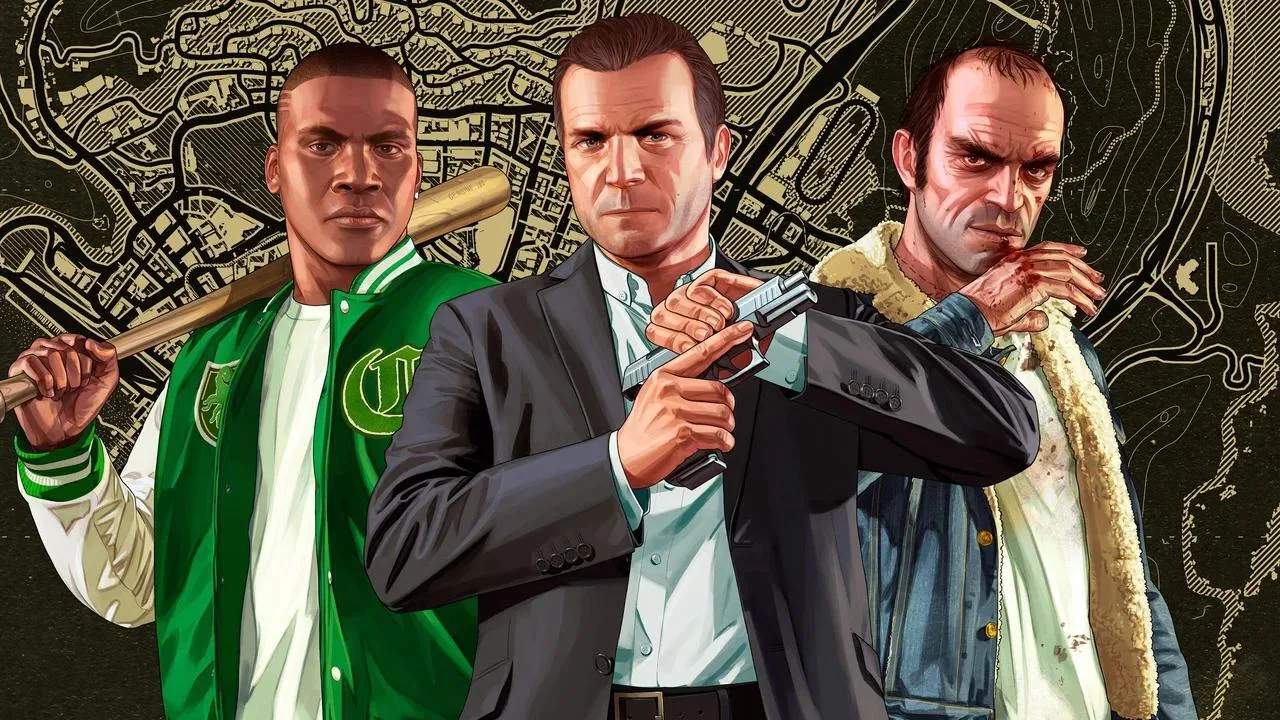
Get Grand Theft Auto V up and running smoothly with our installation and setup guide. Whether you're on PC, PlayStation, or Xbox, we'll walk you through the initial steps, from purchasing the game to launching it for the first time, ensuring a seamless entry into the world of Los Santos.
Installation & Setup Guide
Welcome to Los Santos! Before you can start your criminal empire, you'll need to get Grand Theft Auto V installed and ready to play. The process varies slightly depending on your platform, but the core steps remain the same: acquire the game, install it, and launch it.
Acquiring the Game
Grand Theft Auto V is available in several formats:
- Digital Download: Purchase and download the game directly from your platform's digital storefront (Rockstar Games Launcher, Steam, PlayStation Store, Microsoft Store). This is often the quickest way to get started.
- Physical Disc: Purchase a physical copy of the game from a retailer. You will need to insert the disc into your console or PC's disc drive to install.
Installation Process
PC (Rockstar Games Launcher/Steam):
- Once purchased, navigate to your library in the respective launcher.
- Select Grand Theft Auto V and click 'Install' or 'Download'.
- Choose your installation directory. Ensure you have sufficient free space (GTA V is a large game!).
- The launcher will download and install the game files. This can take a sificant amount of time depending on your internet speed.
- After installation, you may need to install Social Club and potentially DirectX or other required components.
PlayStation (PS4/PS5):
- If you purchased digitally, go to your PlayStation Store library and select 'Download'.
- If you have a physical disc, insert it into your console. The console will usually prompt you to install the game automatically.
- The game will download and install. You can often start playing a portion of the game while the rest installs in the background.
Xbox (Xbox One/Xbox Series X|S):
- For digital purchases, find GTA V in your 'Games & Apps' under 'Ready to install' or search the Microsoft Store and select 'Install'.
- Insert the game disc into your Xbox. The console will prompt you to install.
- The game will download and install. Similar to PlayStation, you can often begin playing before the full installation is complete.
First Launch and Updates
Upon launching Grand Theft Auto V for the first time, you will likely be prompted to download updates. It's highly recommended to install all available updates to ensure the best performance, stability, and access to online features. This may involve downloading patches for both Story Mode and Grand Theft Auto Online.
System Requirements (PC)
Ensure your PC meets the minimum or recommended system requirements for Grand Theft Auto V. These can be found on the game's store page. Key components to check include:
- Operating System: Windows 10 64 Bit, Windows 8.1 64 Bit, Windows 8 64 Bit, Windows 7 64 Bit Service Pack 1.
- Processor: Intel Core i5 3470 @ 3.2GHz (4 CPUs) / AMD X8 FX-8350 @ 4GHz (8 CPUs).
- Memory: 8GB RAM.
- Graphics Card: NVIDIA GTX 660 2GB / AMD HD 7870 2GB.
- Storage: 100GB available space.
Meeting these requirements will ensure a smoother gameplay experience without frequent crashes or performance issues.