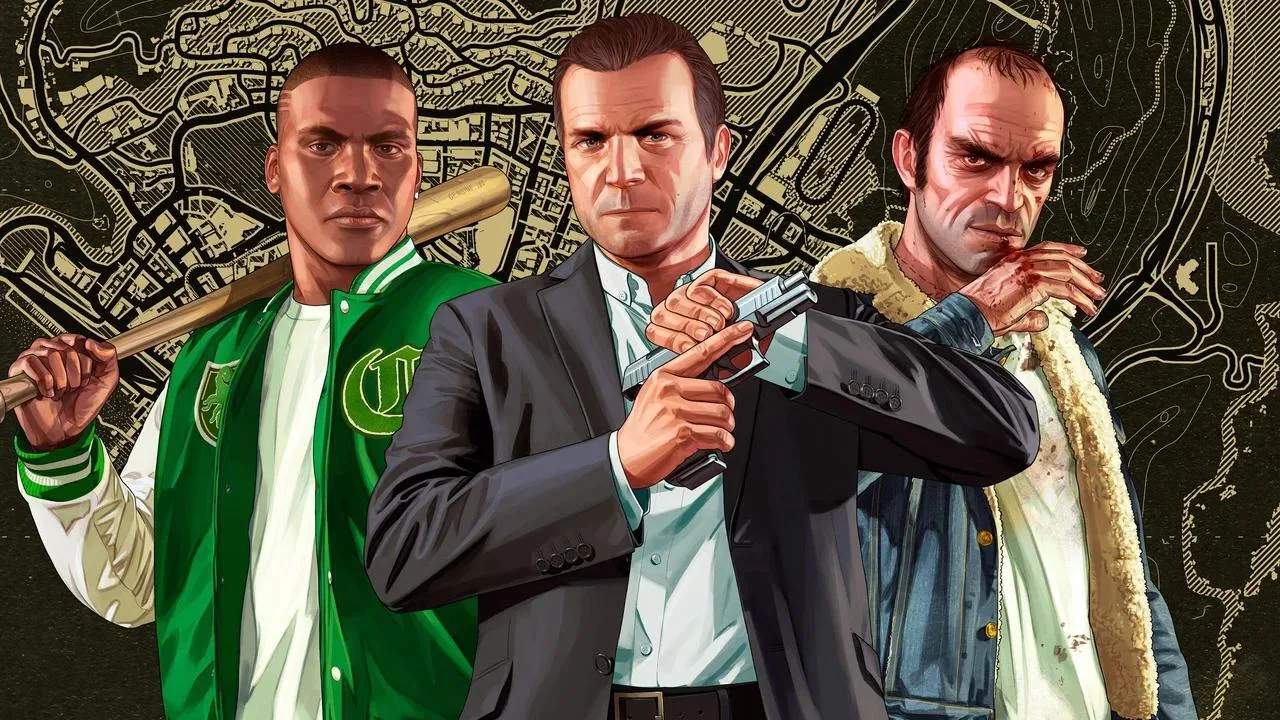
Unlock the creative potential of Grand Theft Auto V on PC with our guide to modding and community content. Discover how to install mods, explore popular modifications, and enhance your single-player experience with custom vehicles, scripts, and graphical overhauls.
Modding & Community Content (PC Specific)
For PC players, Grand Theft Auto V offers a vast and vibrant modding community that sificantly extends the game's lifespan and possibilities. Mods can range from simple cosmetic changes to entirely new gameplay mechanics, vehicles, and graphical enhancements.
Understanding Mods
Mods are user-created modifications that alter the game's files or inject new code to change its behavior. It's crucial to understand that:
- Single Player Only: Most mods are strictly for single-player Story Mode. Attempting to use mods in Grand Theft Auto Online can lead to account bans. Always ensure you are playing in offline mode when using mods.
- Backup Your Files: Before installing any mods, it is highly recommended to back up your original game files. This allows you to easily revert to the vanilla game if something goes wrong.
- Installation Tools: Many mods require specific tools to be installed correctly. The most common are Script Hook V and its associated Native Trainer, and OpenIV.
Essential Modding Tools
- Script Hook V: This is a library that allows you to use custom scripts in GTA V. Many advanced mods, including trainers and new gameplay mechanics, rely on Script Hook V. It's usually updated shortly after major game patches.
- OpenIV: This is an advanced file editor for Rockstar Games titles. It allows you to open, edit, and replace game archives (like .rpf files), which is necessary for installing many vehicle and texture mods.
- Native Trainer: Often bundled with Script Hook V, a Native Trainer provides an in-game menu to spawn vehicles, change weather, give yourself weapons, teleport, and more.
Types of Popular Mods
- Vehicle Mods: Add real-world cars, trucks, motorcycles, and even fictional vehicles to the game. These can range from simple re-skins to entirely new models with custom handling.
- Graphical Enhancements: Mods that improve textures, lighting, weather effects, and post-processing to make the game look more realistic or visually distinct. Examples include ENB presets and ReShade shaders.
- Gameplay Overhauls: Mods that fundamentally change how the game plays, introducing new mechanics, AI behaviors, or mission types.
- Map Mods: Mods that add new areas to explore or alter existing ones.
- Script Mods: These add new features and functionalities, such as advanced trainers, realistic traffic systems, or new interactive elements.
Where to Find Mods
The most popular and reliable sources for GTA V mods include:
- GTA5-Mods.com: A massive repository with thousands of mods, categorized and rated by users.
- Nexus Mods: Another large platform for game mods, though GTA V content might be less extensive than on dedicated GTA sites.
- Individual Modder Websites/Patreon: Some creators host their mods on their own sites or offer early access/exclusive content through platforms like Patreon.
Installation Tips
- Read Instructions Carefully: Every mod will have specific installation instructions. Follow them precisely.
- Install Mods One by One: This makes it easier to identify which mod is causing issues if problems arise.
- Check Compatibility: Ensure mods are compatible with your current game version and with each other.
- Use a Mod Manager (if available): Some tools can help manage and install mods more easily.
Modding GTA V can be an incredibly rewarding experience, allowing you to tailor the game to your exact preferences and discover new ways to enjoy the world of Los Santos.