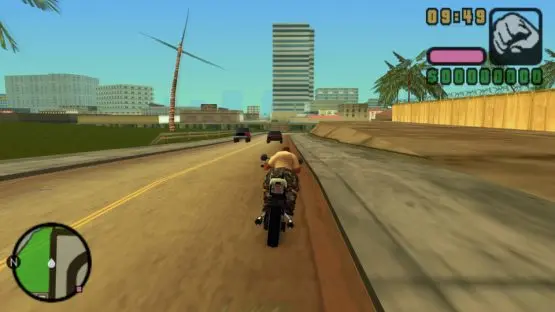
Mastering the controls is your first step to becoming a Vice City legend. On PSP, the analog stick (or D-Pad) controls movement, while the X button is for sprinting (tap repeatedly) and jumping. The Square button is used for actions like entering vehicles, picking up items, and interacting with the environment. Circle is for attacking (melee or firing weapons), and Triangle is for exiting vehicles. L and R buttons are crucial for targeting and camera control, respectively. Experiment with these early on to get a feel for Victor's agility and combat capabilities. Remember, precise movement can often be the difference between life and death in a firefight or a high-speed chase.