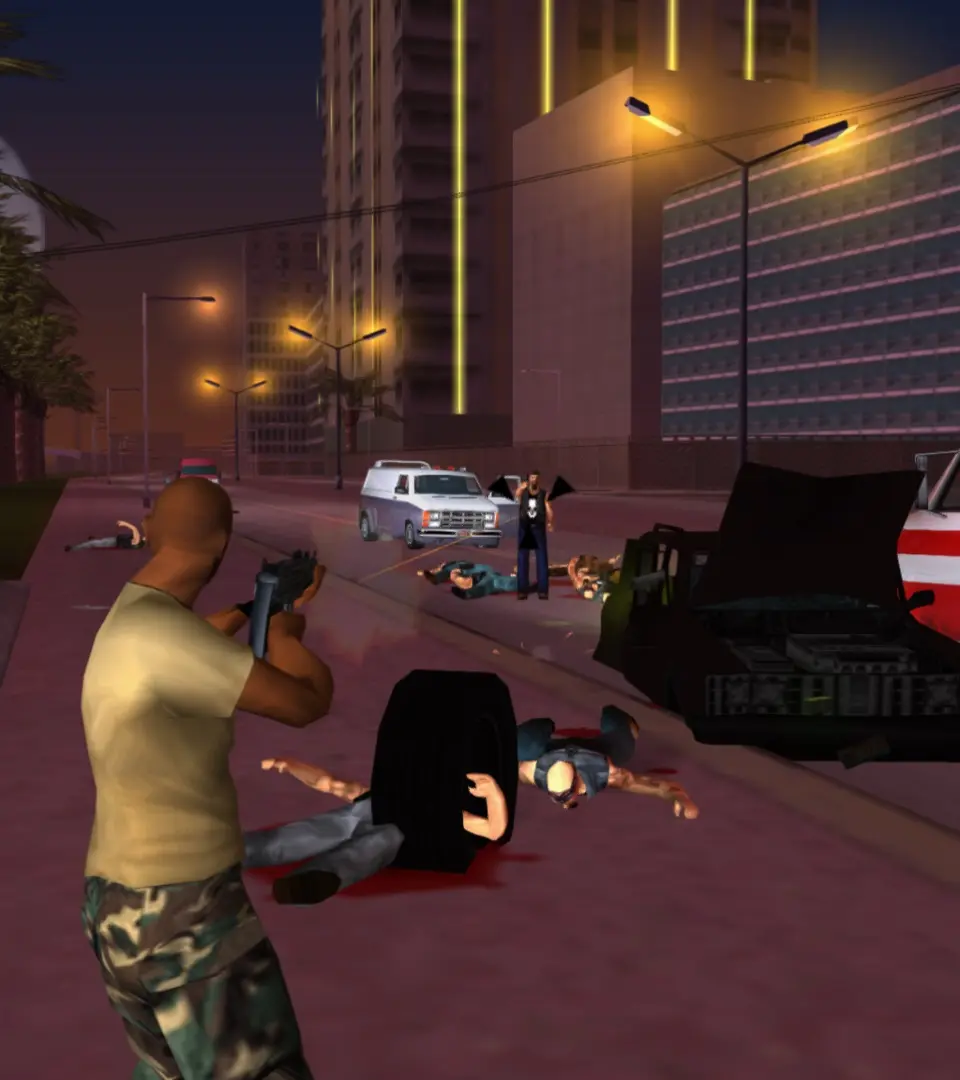
The Heads-Up Display (HUD) provides vital information at a glance. In the top-left corner, you'll see your health bar (green) and armor bar (blue, if equipped). Below that is your current weapon icon and ammo count. The top-right displays your money. The mini-map in the bottom-left corner is your most important navigational tool, showing your current location, mission objectives (yellow icons), safehouses (green house icon), and other points of interest. Pay close attention to the mini-map during missions to avoid getting lost and to anticipate enemy positions. The wanted level stars appear in the top-right when you attract police attention, indicating the severity of your crimes.