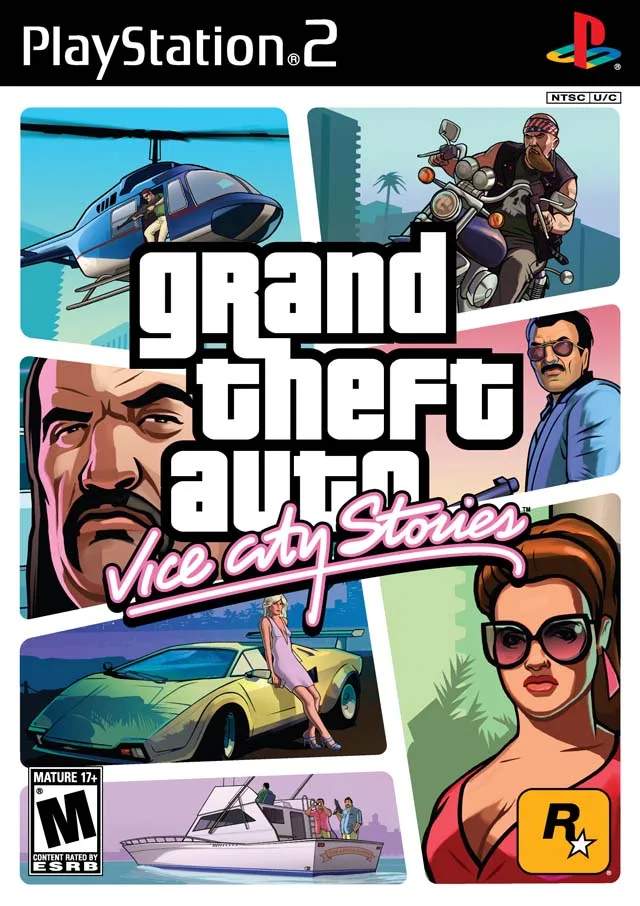
Business Upgrades — Grand Theft Auto: Vice City Stories Guide
Investing in business upgrades is a cornerstone of Victor Vance's rise to power in Grand Theft Auto: Vice City Stories. These upgrades not only increase the profitability of your acquired businesses but also unlock new mission opportunities and enhance your overall influence in Vice City.
Maximizing your earnings in Grand Theft Auto: Vice City Stories often hinges on smart investments in your businesses. Upgrading your assets is crucial for boosting income, unlocking new missions, and solidifying your criminal empire. This guide details how to approach business upgrades effectively.
Why Upgrade Businesses?
Acquiring businesses is the first step to building a criminal empire. However, simply owning them isn't enough. Upgrades serve several key purposes:
- Increased Income: The most direct benefit is a sificant boost to the passive income generated by your businesses. Higher-tier upgrades yield greater returns.
- Unlocking New Missions: Many businesses have associated mission chains that are only unlocked after certain upgrade levels are reached. These missions often lead to further expansion and increased profits.
- Enhanced Reputation: A well-developed business can improve Victor's standing in the city, potentially making certain interactions easier.
- Access to New Features: Some upgrades might unlock new services or functionalities within the business itself, such as better security or more efficient operations.
How to Upgrade Businesses:
Upgrading businesses is a straightforward process:
- Visit the Business: Travel to the location of the business you wish to upgrade.
- Enter the Office: Most businesses have an office area, often marked with a specific icon on the map or minimap. Enter this office.
- Access the Upgrade Menu: Within the office, you'll find an option to view and purchase upgrades. This is usually presented as a menu or a list of available improvements.
- Purchase Upgrades: Upgrades are purchased with in-game cash. The cost increases with each subsequent upgrade level.
Types of Upgrades:
The specific upgrades available vary depending on the type of business. However, common upgrade categories include:
- Operational Improvements: Enhancements that streamline the business's core functions, leading to increased efficiency and profit.
- Security Enhancements: Upgrades to protect the business from rival attacks or police interference.
- Expansion: Adding new facilities or expanding existing ones to accommodate more operations.
- Cosmetic Improvements: While less impactful on income, these can sometimes be prerequisites for other upgrades or missions.
Key Businesses and Their Upgrade Potential:
| Business | Upgrade Focus | Potential Benefits |
|---|---|---|
| Chunder (Strip Club) | Staff, Entertainment, Security | Increased cash flow, new missions, reduced harassment. |
| Empire Rock (Nightclub) | DJs, Sound System, Security | Higher income, unlockable music tracks, new missions. |
| Print Works (Counterfeiting) | Machinery, Security, Distribution | Massive income boost, unlockable missions involving distribution. |
| Interglobal Films (Studio) | Equipment, Staff, Security | Steady income, sabotage missions against rivals. |
| Phil's World (Amusement Park) | Rides, Staff, Security | Income from attractions, unique missions. |
Strategic Investment:
Prioritize upgrading businesses that offer the highest return on investment or unlock critical story missions. Early game, focus on businesses that provide consistent income. As you progress, invest in those that open up new avenues for expansion and power.