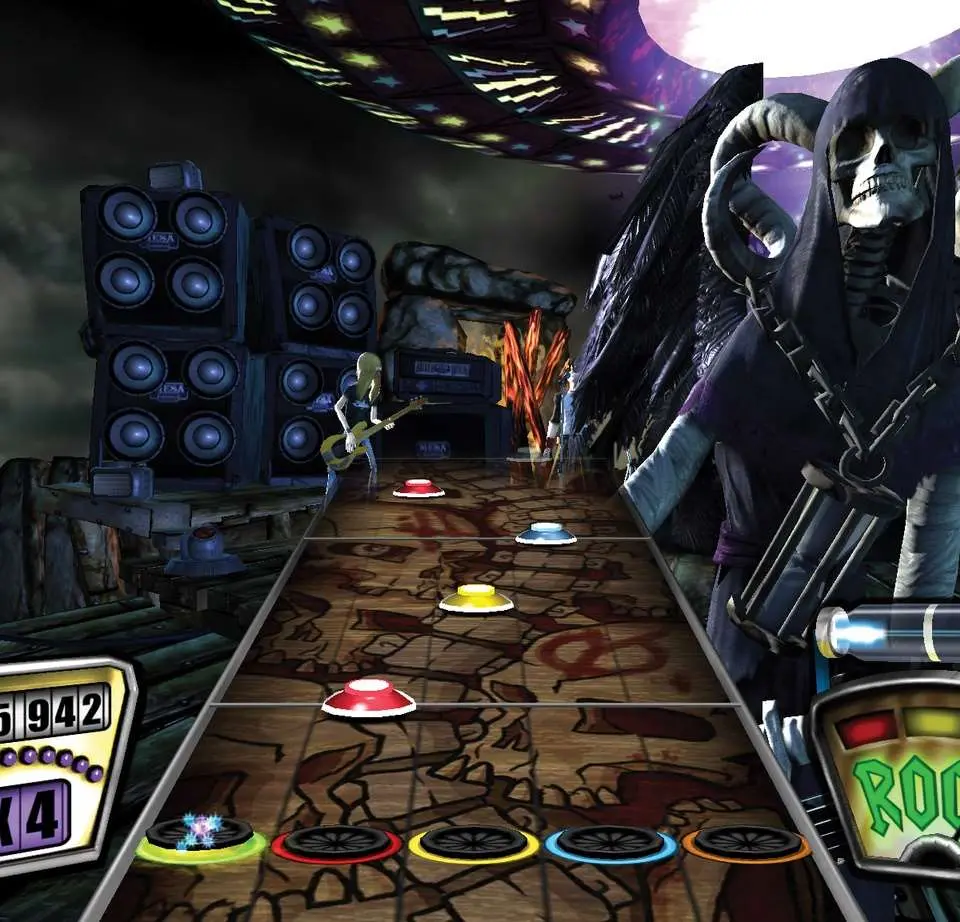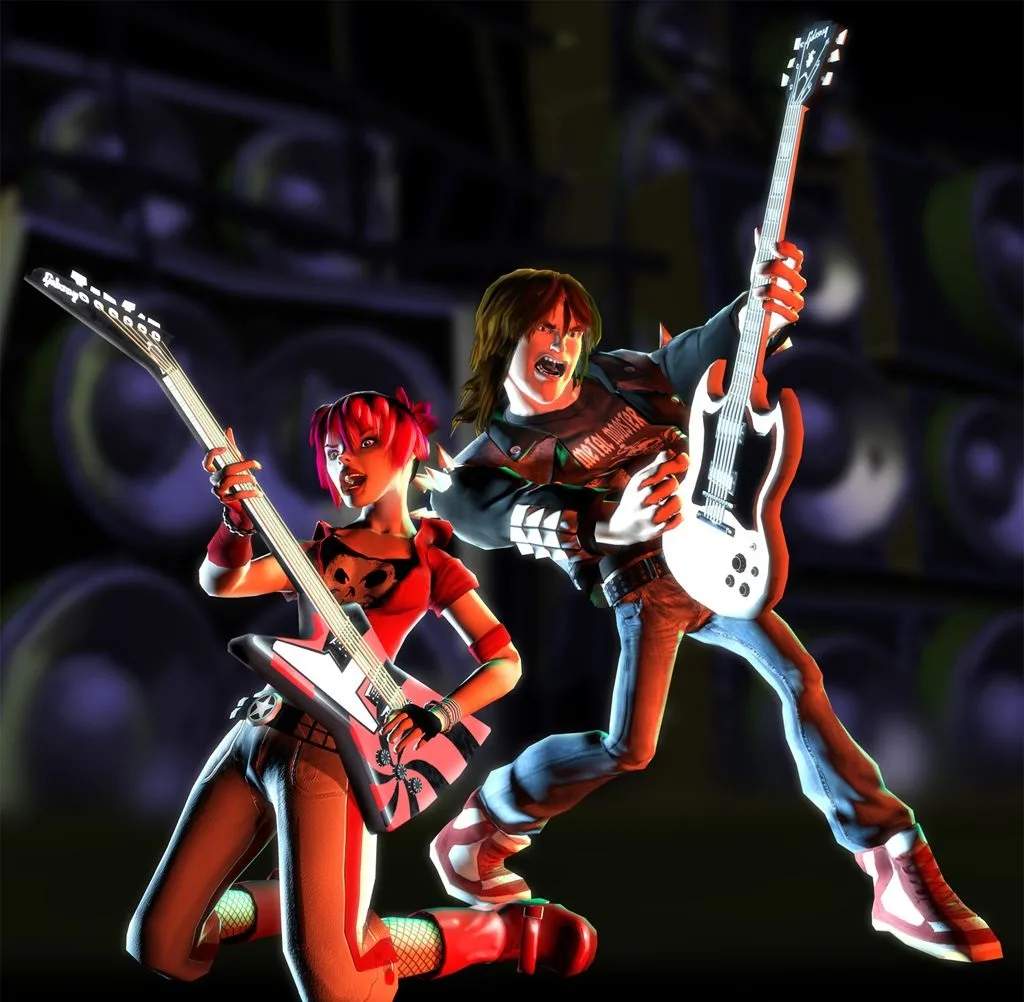
While Guitar Hero II doesn't offer extensive character creation in the traditional RPG sense, you can choose from a roster of pre-defined rockstar characters, each with their own unique style and personality. As you progress through Career Mode, you'll unlock new characters, outfits, and guitars that you can purchase from the in-game 'Store'. To customize your look, navigate to the 'Options' menu from the main screen, then select 'Change Character' or 'Change Guitar'. Experiment with different combinations to find a look that truly represents your rockstar alter ego. Remember, these cosmetic changes don't affect gameplay, but they add to the immersive experience of being a rock legend. Unlocking all characters and guitars is a fun side goal for completionists.