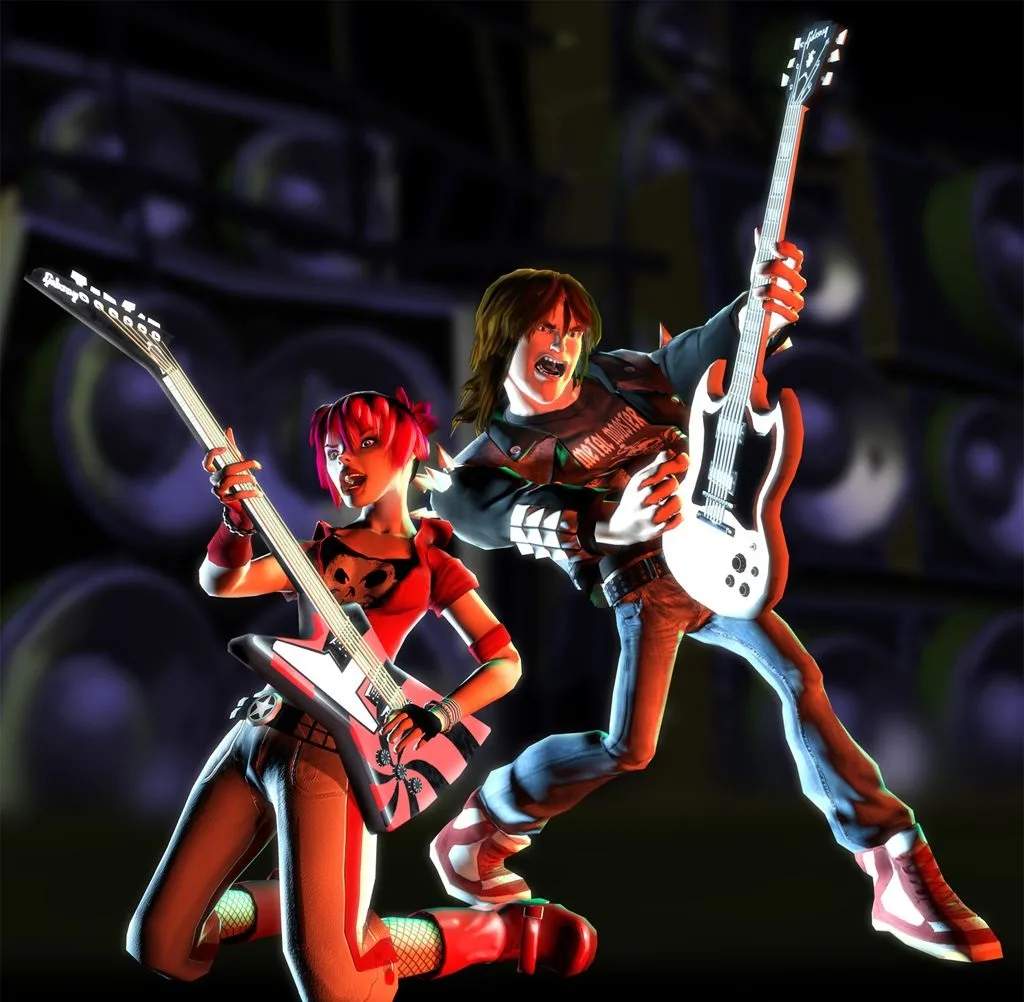
Game Controls
Mastering the controls in Guitar Hero II Arcade is crucial for shredding your way to rock stardom. Unlike console versions, the arcade cabinet features a dedicated, robust guitar peripheral designed for immediate, intuitive play. This section will detail every control input and provide actionable strategies to maximize your performance.
The Guitar Controller
The arcade guitar controller is a full-sized, five-fret instrument, typically mounted to the cabinet. Familiarizing yourself with its layout is the first step to becoming a Guitar Hero legend.
- Strum Bar: Located at the center of the guitar body, this large, spring-loaded bar is your primary input for hitting notes.
- Whammy Bar: Positioned below the strum bar, this lever is used to manipulate the pitch of sustained notes.
- Fret Buttons: Five colored buttons (Green, Red, Yellow, Blue, Orange) are located on the neck of the guitar. These correspond to the notes scrolling down the screen.
- Star Power Button: Typically a large, prominent button near the strum bar, this activates your accumulated Star Power.
- Start Button: Usually a smaller, separate button on the cabinet or guitar, used to begin a song or navigate menus.
- Coin Slot: (Not a control, but essential!) Insert credits here to start your game.
Basic Gameplay Actions
Here's how to translate the on-screen action into physical inputs:
Hitting Single Notes
When a single colored note icon reaches the bottom of the highway:
- Press and Hold the Corresponding Fret Button: For example, if a green note appears, hold down the Green Fret Button.
- Strum the Strum Bar: While holding the fret button, quickly push the Strum Bar up or down.
- Release the Fret Button: After strumming, you can release the fret button.
Strategy: Timing is everything! Aim to strum precisely as the note crosses the activation line. Holding the fret button slightly before the note and releasing it after the strum can improve accuracy.
Sustained Notes
These notes appear as elongated colored bars. To successfully hit them:
- Press and Hold the Corresponding Fret Button: Just like a single note.
- Strum the Strum Bar: Strum once at the beginning of the sustained note.
- Continue Holding the Fret Button: Keep the fret button pressed for the entire duration of the sustained note.
Strategy: For sustained notes, you can also use the Whammy Bar. Wiggling the Whammy Bar while holding a sustained note will increase your score and contribute to your Star Power meter. This is especially useful for long sustains.
Chords
Chords are two or more colored notes appearing simultaneously. To hit them:
- Press and Hold All Corresponding Fret Buttons: For instance, if Green and Red notes appear together, hold both the Green and Red Fret Buttons.
- Strum the Strum Bar: Strum once while holding all the required fret buttons.
Strategy: Practice chord shapes. Some common chords involve adjacent frets (e.g., Green and Red) while others might span wider (e.g., Green and Blue). Develop finger memory for these combinations.
Hammer-Ons and Pull-Offs (HO/PO)
These special notes are indicated by a glowing outline and allow you to hit notes without strumming. They are a cornerstone of advanced play.
- Hammer-On: After successfully hitting a note, if a glowing note appears immediately after it on the same string (or a higher fret), you can simply press the new fret button without strumming.
- Pull-Off: After successfully hitting a note, if a glowing note appears immediately after it on a lower fret on the same string, you can simply release the higher fret button and press the lower one without strumming.
Strategy: HO/POs are crucial for maintaining combos and high scores, especially during fast passages. They save you precious strumming time. The key is to maintain the combo; if you miss a note before an HO/PO sequence, you'll need to strum the first glowing note to restart the chain.
Star Power Activation
Star Power is your ultimate score-boosting tool. You accumulate it by hitting glowing note phrases or successfully whammying sustained notes.
- Fill the Star Power Meter: The meter is located on the left side of your screen.
- Activate Star Power: Once at least half-full, press the dedicated Star Power Button.
Strategy: Deploy Star Power strategically. The best times are during dense note sections or guitar solos to maximize the score multiplier. Avoid activating it during slow, sparse sections where its effect will be wasted. You can also tilt the guitar controller upwards (if the cabinet supports it) to activate Star Power, but the dedicated button is often more reliable in an arcade setting.