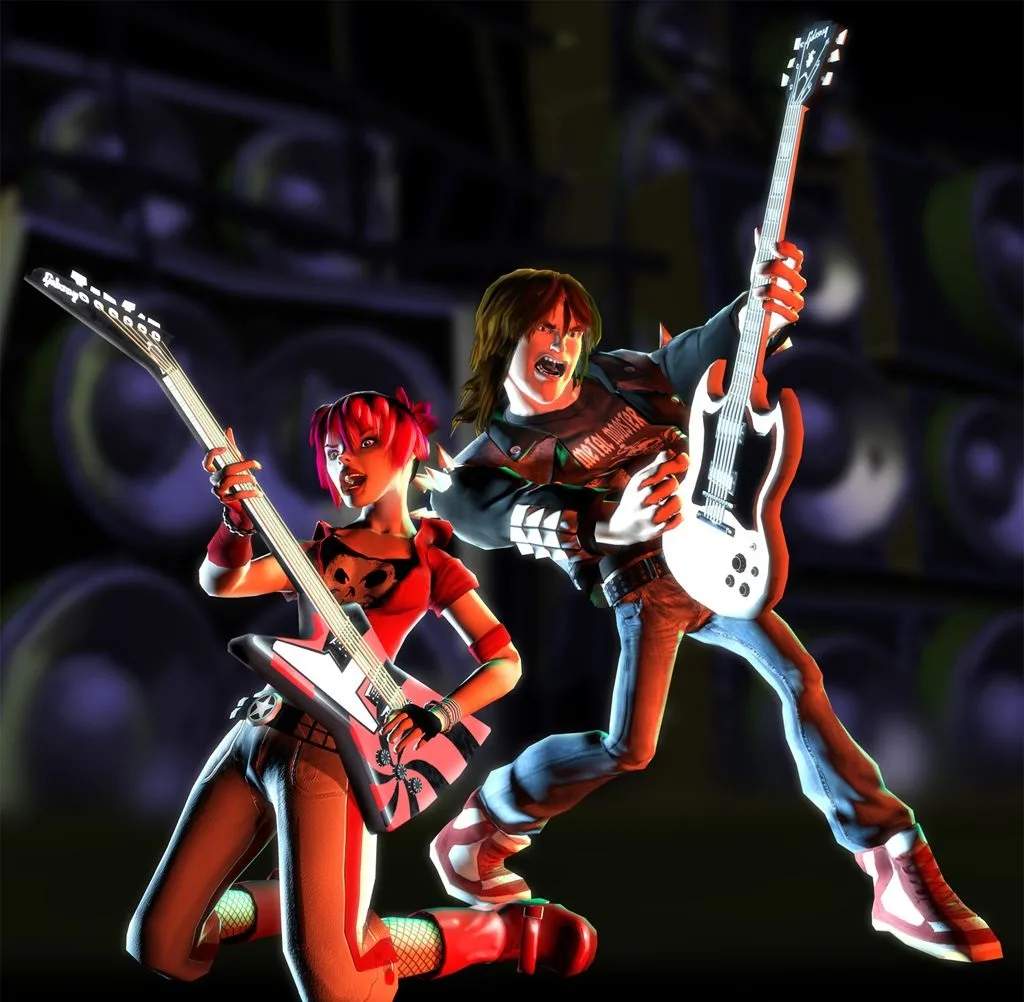
Guitar Hero II Specifics
Welcome, shredders, to the ultimate guide for dominating the arcade version of Guitar Hero II! While the core gameplay remains true to its console counterparts, the arcade cabinet introduces unique elements and considerations that can make or break your high score. This section will delve into these specifics, providing actionable strategies to master the arcade experience.
Arcade Cabinet Hardware & Controls
The arcade unit of Guitar Hero II features a robust, dedicated setup. Understanding its nuances is crucial for optimal performance.
- Guitar Controller: Unlike home consoles, the arcade guitar is hard-mounted and often more durable.
- Strum Bar: Pay close attention to the responsiveness. Some older cabinets might have a slightly stiffer or looser strum bar than you're used to. Adapt your strumming technique accordingly.
- Fret Buttons: These are generally larger and more tactile than typical console controllers. Ensure your finger placement is precise, as the larger buttons can sometimes lead to accidental presses if you're used to smaller, more forgiving fretboards.
- Whammy Bar: The arcade whammy bar is often more robust. Utilize it for sustained notes to rack up extra points, especially during Star Power activation.
- Coin Slot & Credits: This is the most significant difference. Each play costs credits.
- Credit Management: Plan your song choices wisely. If you're aiming for a high score on a specific track, consider practicing on easier songs first to conserve credits.
- Continue Option: If you fail a song, you'll typically be given the option to continue by inserting more credits. This can be a lifesaver for challenging tracks, but be mindful of your budget!
- Arcade Monitor & Audio: The visual and auditory experience can vary.
- Input Lag: While generally minimal, some older arcade monitors might introduce a slight input lag. If you notice notes feeling off-sync, try to adjust your timing slightly to compensate.
- Speaker Volume: Arcade environments are often noisy. Ensure the game's volume is adequate for you to clearly hear the music and note cues. Don't be afraid to ask an attendant if the volume can be adjusted.
Arcade-Specific Gameplay Strategies
Beyond the hardware, certain strategies are particularly effective in the arcade setting.
- Crowd Management: You're playing in public! While it's easy to get lost in the music, be aware of your surroundings.
- Performance Anxiety: Don't let onlookers distract you. Focus on the notes and the music.
- Showmanship: Embrace the arcade spirit! A little showmanship can enhance the experience for both you and the audience, but never at the expense of your score.
- High Score Chasing: The arcade leaderboard is your ultimate rival.
- Star Power Optimization: Activating Star Power at critical, high-density note sections is paramount. The arcade environment often has a more immediate sense of competition, making every Star Power activation count.
- Note Streak Preservation: Maintaining your note streak is crucial for maximizing your score multiplier. On harder difficulties, even a single missed note can significantly impact your final score.
- Song Selection: Familiarize yourself with the full song list available on the arcade cabinet. Some songs, even on the same difficulty, offer more opportunities for high scores due to their note patterns or sustained sections.
- Troubleshooting Common Arcade Issues: Be prepared for minor hiccups.
- Stuck Notes: If a fret button feels stuck or unresponsive, gently tap it a few times. If the issue persists, inform an arcade attendant.
- Calibration Issues: Occasionally, the game's calibration might feel off. While you can't manually recalibrate in the arcade, being aware of potential timing discrepancies can help you adjust your playstyle.
Unlocking & Progression in Arcade Mode
The arcade version streamlines the progression compared to the console game.
- No Career Mode: You won't find a lengthy career mode with venue progression or money management. The arcade experience is all about immediate song selection and high score attempts.
- Instant Access to Songs: All songs are typically unlocked from the start, allowing you to jump straight into your favorites or challenge yourself with the hardest tracks.
- No Customization: Character and guitar customization options are generally absent in the arcade version. Focus your energy on perfecting your performance.
By keeping these arcade-specific details in mind, you'll be well on your way to becoming a Guitar Hero II legend at your local arcade!