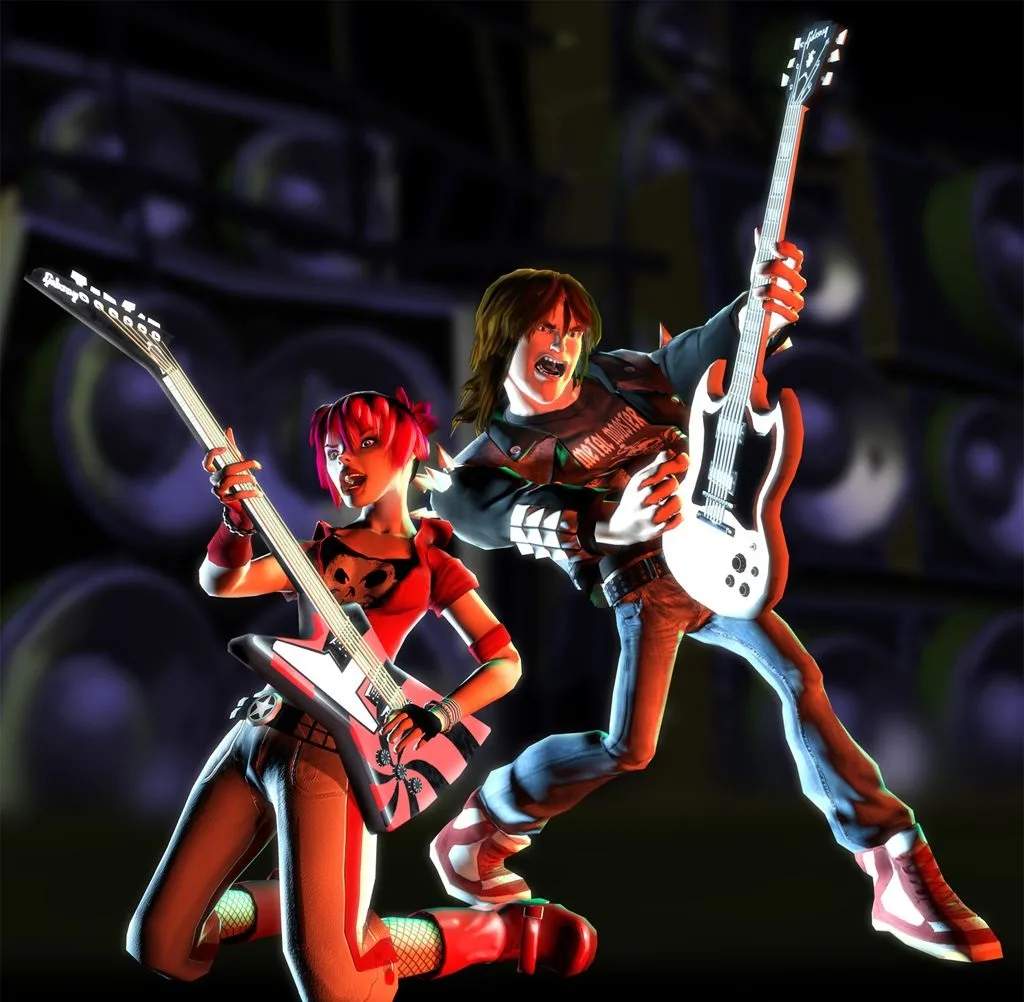
Glossary of Guitar Hero II Terms
Welcome, aspiring rock legends! This detailed glossary will demystify the lingo of Guitar Hero II (Arcade), ensuring you understand every nuance of the game. Mastering these terms is crucial for climbing the leaderboards and achieving true guitar god status.
Core Gameplay Mechanics
Notes
- Standard Note: The most common note type. Press and hold the corresponding fret button (Green, Red, Yellow, Blue, Orange) and strum the strum bar as the note passes the strike line. Precision is key for a perfect hit.
- Sustained Note: Indicated by a longer note graphic. Hold down the fret button and the strum bar for the duration of the note. Releasing either too early will break the sustain and reduce your score.
- Hammer-On/Pull-Off (HO/PO): These are notes that appear without a pick scratch on the note highway, allowing you to play them without strumming.
- Hammer-On: Occurs when a note appears immediately after a successfully strummed note, or another HO/PO, on a higher fret. Simply press the new fret button in time.
- Pull-Off: Occurs when a note appears immediately after a successfully strummed note, or another HO/PO, on a lower fret. Release the higher fret button and press the lower one (if not already held) in time.
- Strategy: HO/POs are vital for maintaining note streaks and conserving energy on fast passages. Practice recognizing them by their lack of a pick scratch and their proximity to the preceding note.
- Chord: Two or more notes appearing simultaneously. You must press all corresponding fret buttons and strum at the same time. Missing even one fret button will result in a missed chord.
Scoring & Performance
- Multiplier: Your score multiplier increases as you hit consecutive notes without missing.
- Base Multiplier: Starts at 1x.
- Normal Progression: Increases to 2x after 10 consecutive notes, 3x after 20, and 4x after 30.
- Star Power Multiplier: When Star Power is active, your multiplier doubles (e.g., 4x becomes 8x).
- Strategy: Maintaining your multiplier is paramount for high scores. Prioritize hitting notes, especially during Star Power activation, to maximize your score.
- Note Streak: The number of consecutive notes you've hit without missing. A visual counter is displayed on the screen. Missing a note resets your streak to zero.
- Rock Meter: Located on the left side of the screen, this meter indicates your performance.
- Green Zone: You're doing well.
- Yellow Zone: Your performance is slipping.
- Red Zone: You're close to failing the song.
- Failure: If the meter drops completely into the red and stays there for too long, your performance ends prematurely.
- Strategy: Pay attention to the Rock Meter. If it starts to dip, focus on hitting every note to bring it back up. Activating Star Power can also give a significant boost.
- Star Power: A powerful scoring boost.
- Acquisition: Collect Star Power phrases by successfully hitting all notes within a glowing section of the note highway.
- Activation: Once you have at least half a Star Power meter filled, you can activate it by tilting your guitar controller vertically or pressing the "Select" button.
- Effect: Doubles your score multiplier and gives a significant boost to your Rock Meter.
- Strategy: Strategic Star Power activation is crucial. Aim to activate it during dense note sections or when your multiplier is already high to maximize its impact. Avoid activating it during slow sections with few notes.
- Whammy Bar: The bar located on your guitar controller.
- Sustained Notes: Wiggling the whammy bar during a sustained note will generate extra points and vibrato.
- Star Power: On certain sustained Star Power notes, whammying can fill your Star Power meter faster.
- Strategy: Always whammy sustained notes, especially Star Power notes, to eke out every possible point.
Game Modes & Options
Career Mode
The primary single-player mode where you progress through venues, unlock songs, and earn money to purchase items in the shop. Each venue features a setlist of songs that must be passed to advance.
Quick Play
Allows you to play any unlocked song immediately without the progression of Career Mode. Great for practicing specific songs or just jamming out.
Co-op Mode
Play with a friend, one on lead guitar and the other on bass guitar. Both players share a Rock Meter and Star Power. Communication and coordination are key to success.
Battle Mode
A competitive mode where two players go head-to-head, using Battle Powers to disrupt their opponent's performance while trying to maintain their own.
Practice Mode
An invaluable tool for mastering difficult songs or sections.
- Section Select: Choose specific parts of a song to practice.
- Speed Control: Slow down the song to a percentage of its original speed (e.g., 50%, 75%) to learn complex patterns.
- Strategy: If you're struggling with a particular riff, head to Practice Mode. Slow it down, master the finger movements, and gradually increase the speed until you can play it perfectly.
The Shop (Mulligan's)
Accessible from the main menu, this is where you spend your hard-earned cash from Career Mode.
- Guitars: Purchase new guitar models, each with unique visual flair.
- Characters: Unlock new playable characters.
- Outfits: Customize your character's appearance.
- Songs: Unlock bonus songs not found in the main Career Mode setlist.
- Venues: Unlock new stages for your band to perform on.
- Cheats: Purchase various gameplay modifiers, though using them often disables score saving.
- Strategy: Prioritize unlocking bonus songs and characters you want first. Cheats can be fun for casual play but avoid them if you're aiming for high scores.
Guitar Controller Terminology
- Fret Buttons: The five colored buttons (Green, Red, Yellow, Blue, Orange) on the neck of the guitar controller. These correspond to the notes on the screen.
- Strum Bar: The lever located in the body of the guitar controller. You must strum this up or down in conjunction with pressing fret buttons for most notes.
- Whammy Bar: The small lever near the strum bar, used to add vibrato and earn extra points on sustained notes.
- Start Button: Used to pause the game or navigate menus.
- Back/Select Button: Used to activate Star Power or navigate menus.
With this comprehensive glossary, you're now equipped with the knowledge to understand every aspect of Guitar Hero II. Go forth, shred, and conquer the stage!