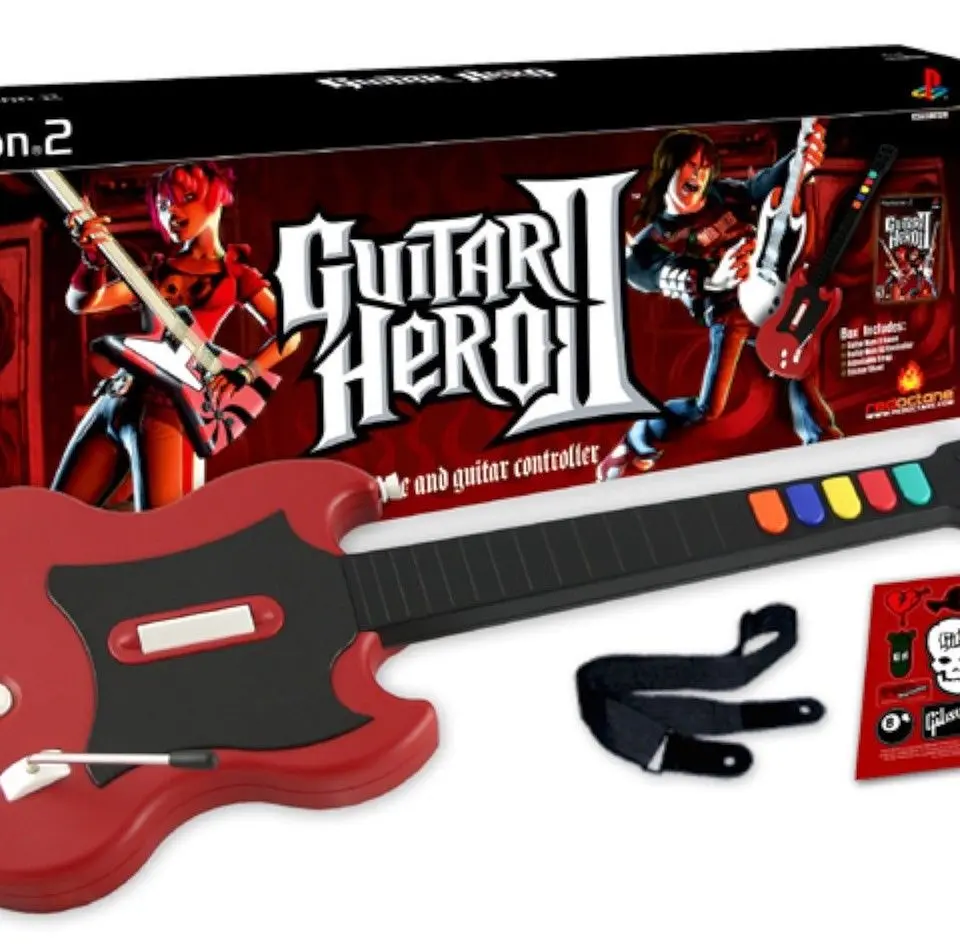
The Guitar Hero II user interface is intuitive and provides all the information you need to succeed. During gameplay, the main screen displays the note highway, where colored notes scroll down towards the strum line. Above the note highway, you'll see your score, rock meter, and Star Power gauge. The rock meter indicates your performance; keep it in the green to avoid failing the song. The Star Power gauge fills as you hit star-shaped notes and can be activated by tilting the guitar or pressing the 'Select' button, doubling your score multiplier temporarily. The pause menu allows you to adjust settings, restart the song, or exit. In the main menu, you can access Career Mode, Quick Play, Multiplayer, the Practice Mode, and the Options menu. Familiarize yourself with these elements to navigate the game efficiently.