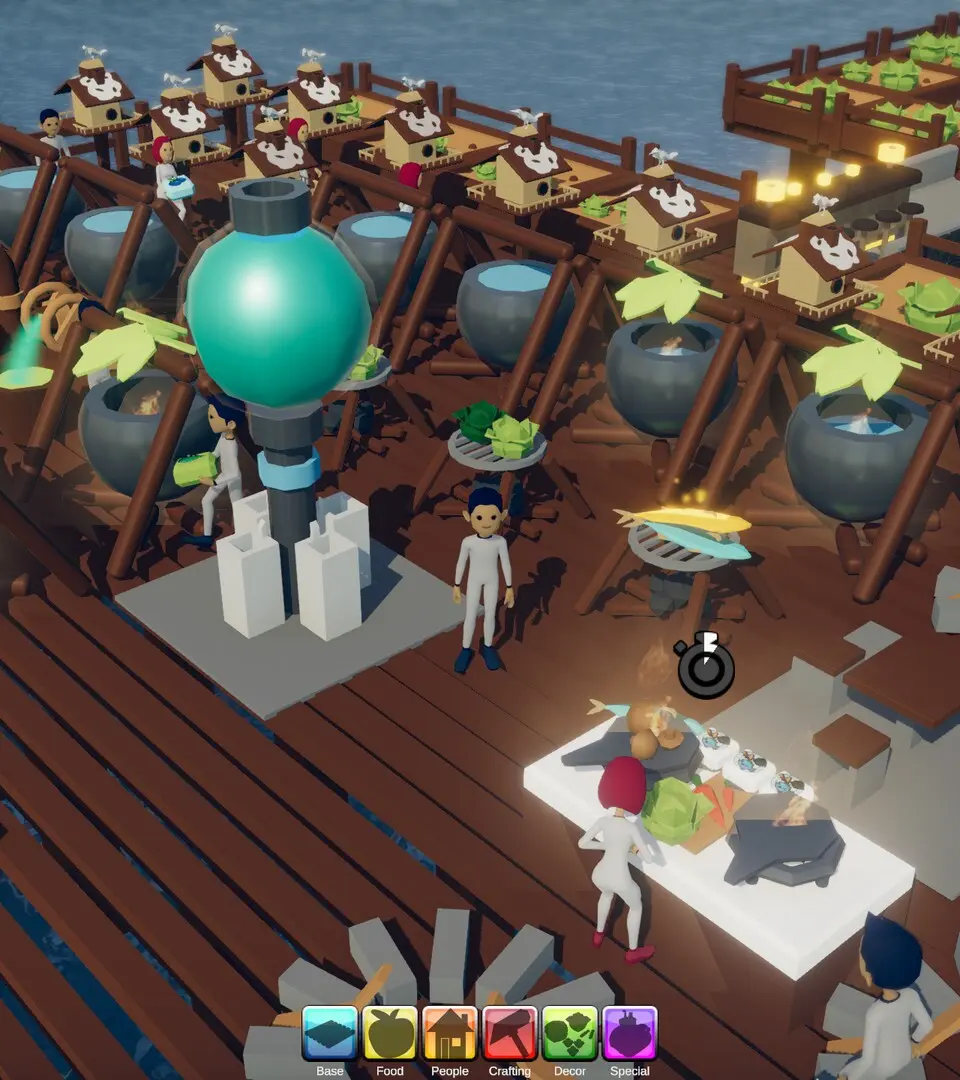
Understanding the controls and UI is paramount for efficient gameplay. Use WASD for movement, Spacebar to jump, and Left Click to interact or use tools. Right Click often brings up context menus or cancels actions. The E key is for general interaction with objects and structures. Your inventory is accessed with Tab, and the crafting menu with C. The top-left of your screen displays your health, hunger, and thirst meters. Keep a close eye on these to avoid unfortunate incidents. The bottom-right shows your current tool and quick-slot items. Familiarize yourself with these elements to streamline your building and survival efforts.