
Understanding the core controls is paramount for navigating the Neighbor's house and interacting with objects. The game primarily uses a first-person perspective, relying on standard PC controls (keyboard and mouse) or gamepad inputs. Here's a breakdown of the default PC controls:
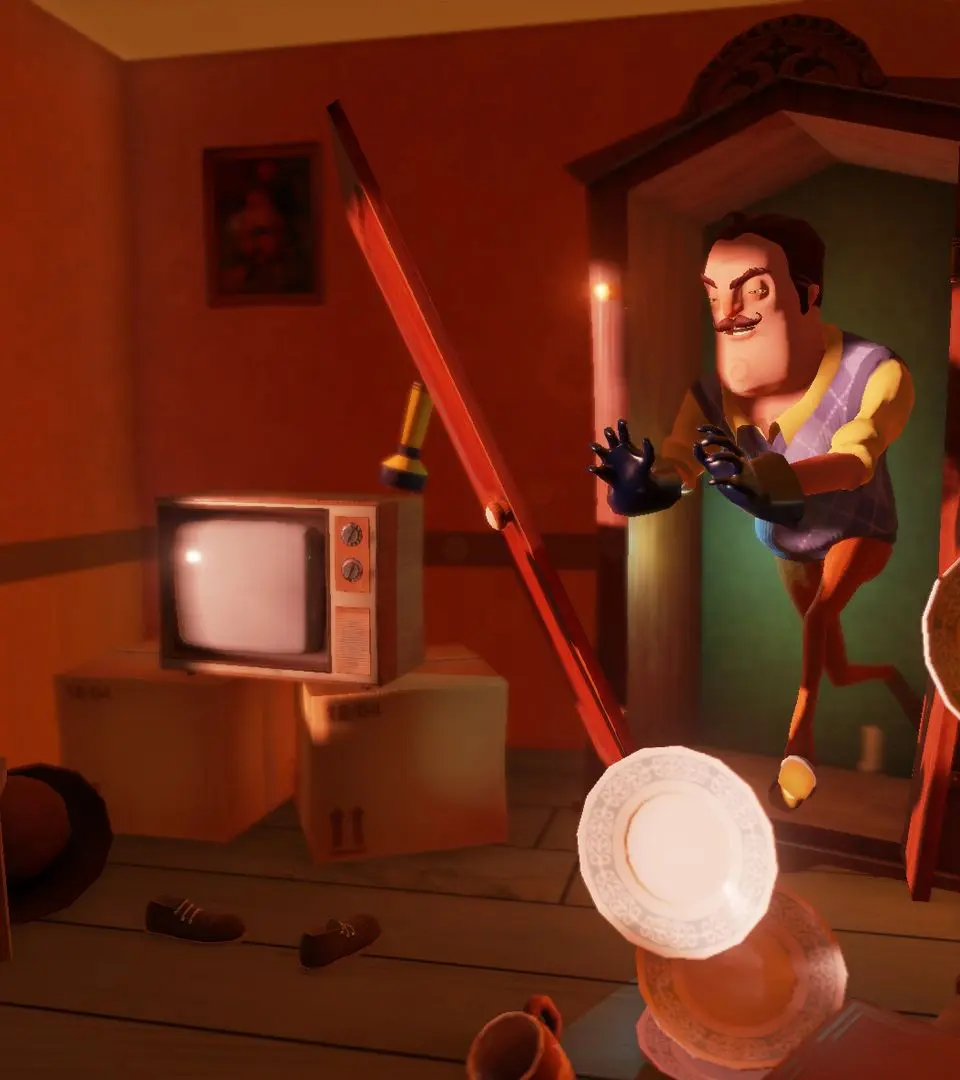
- W, A, S, D: Movement (Forward, Left, Backward, Right)
- Mouse: Look around / Aim
- Left Click: Interact / Pick up / Use item
- Right Click: Throw item (when holding one) / Zoom (when not holding)
- E: Interact (alternative) / Open doors
- Shift: Sprint
- Ctrl / C: Crouch
- Spacebar: Jump
- Q: Drop current item
- 1-4: Select inventory slot
Practice these movements in a safe area, like your own house at the beginning of Act 1, to get a feel for the character's mobility and interaction range. Remember, stealth is key, so mastering crouching and precise movement is more important than raw speed.
Compare basic controls inBendy and the Ink Machine