The Hollow Knight UI is minimalist but provides all necessary information. Here's what you'll see:
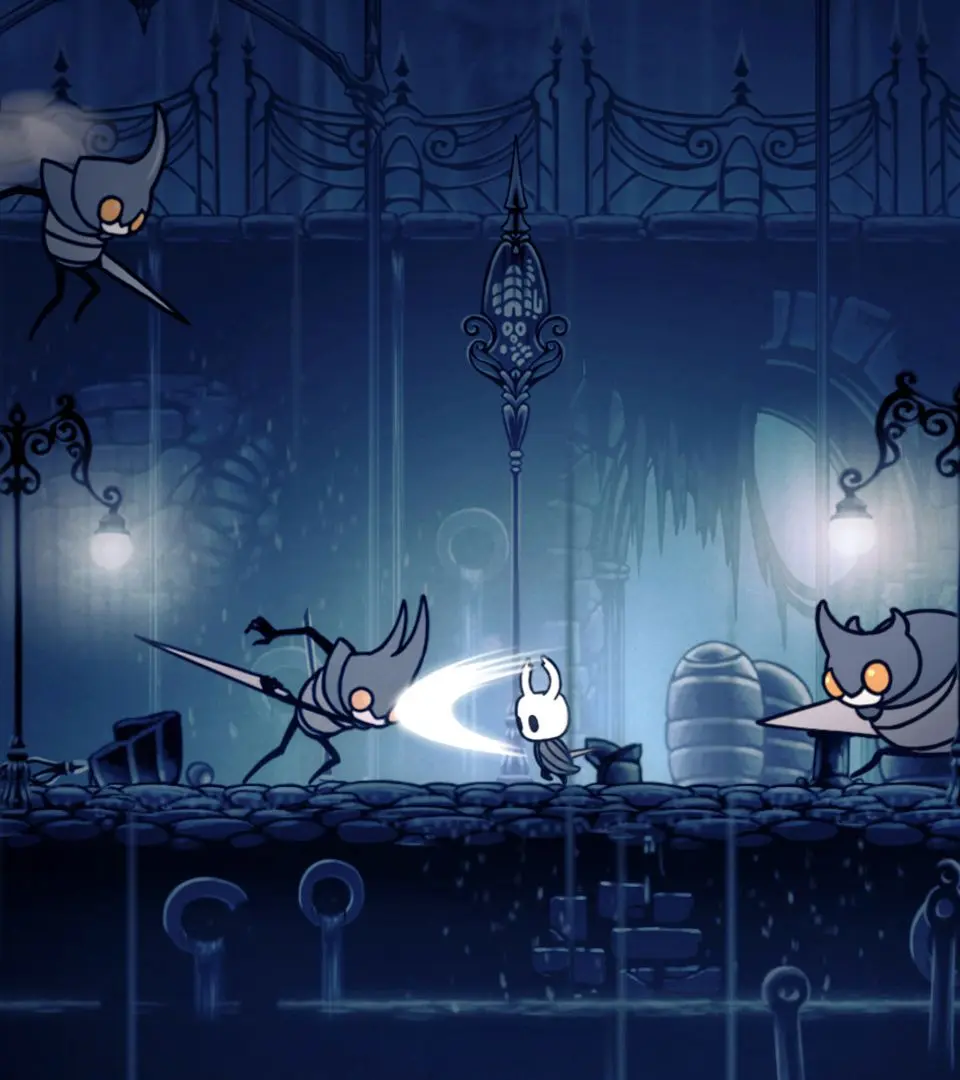
- Health (Masks): Top-left corner. Each mask represents one hit point. Losing all masks results in death.
- Soul Meter: Below health. Fills by hitting enemies. Used for Focus (healing) and Spells.
- Geo Counter: Top-right corner. Displays your current currency.
- Charm Notches: Below Geo. Indicates available slots for Charms.
- Dream Nail Charge: Appears when the Dream Nail is equipped and charged.
Pay close attention to your health and Soul meter, as managing these resources is key to surviving encounters.