
The UI in Hotline Miami 2 is minimalist but provides all the crucial information you need to survive. Understanding each element will help you make informed decisions in the heat of battle:
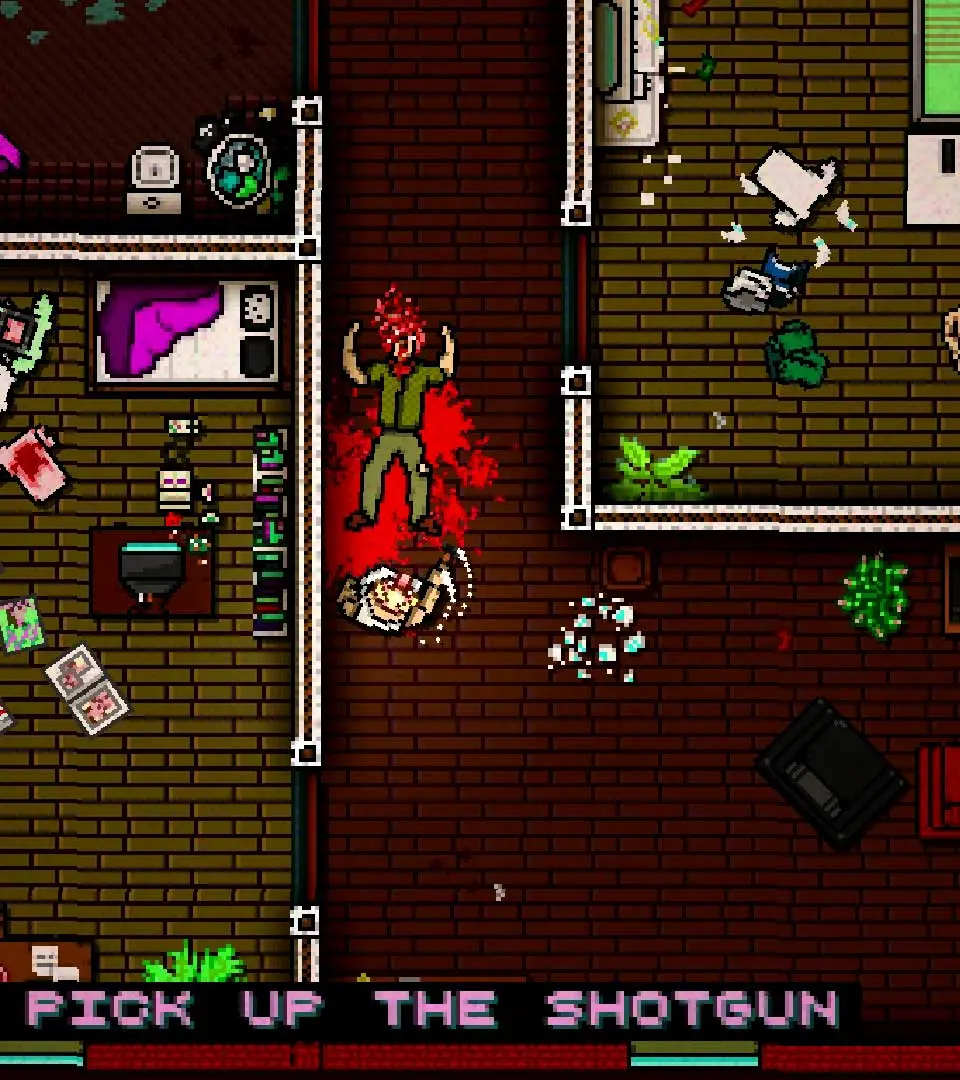
- Score Multiplier (Top Left): This is your combo counter. Killing enemies in quick succession increases this multiplier, leading to higher scores. Maintaining a high combo is key to achieving 'A+' ranks.
- Current Weapon (Bottom Right): Displays the weapon you currently have equipped, along with its remaining ammunition if it's a firearm. Pay close attention to ammo counts, as running out mid-fight can be fatal.
- Health (Implicit): There is no explicit health bar. One hit kills you. The only 'health' indicator is the screen flashing red briefly when you take damage, just before you die. This emphasizes the game's brutal difficulty.
- Enemy Indicators (Off-screen): Sometimes, red arrows will appear at the edges of the screen, indicating the direction of off-screen enemies. Use these to anticipate threats.
- Restart Prompt (After Death): Upon death, you'll be given the option to restart the current floor. This is a core mechanic; embrace death as a learning tool.
The UI is designed to keep you focused on the action, so internalizing these visual cues is vital for success.