
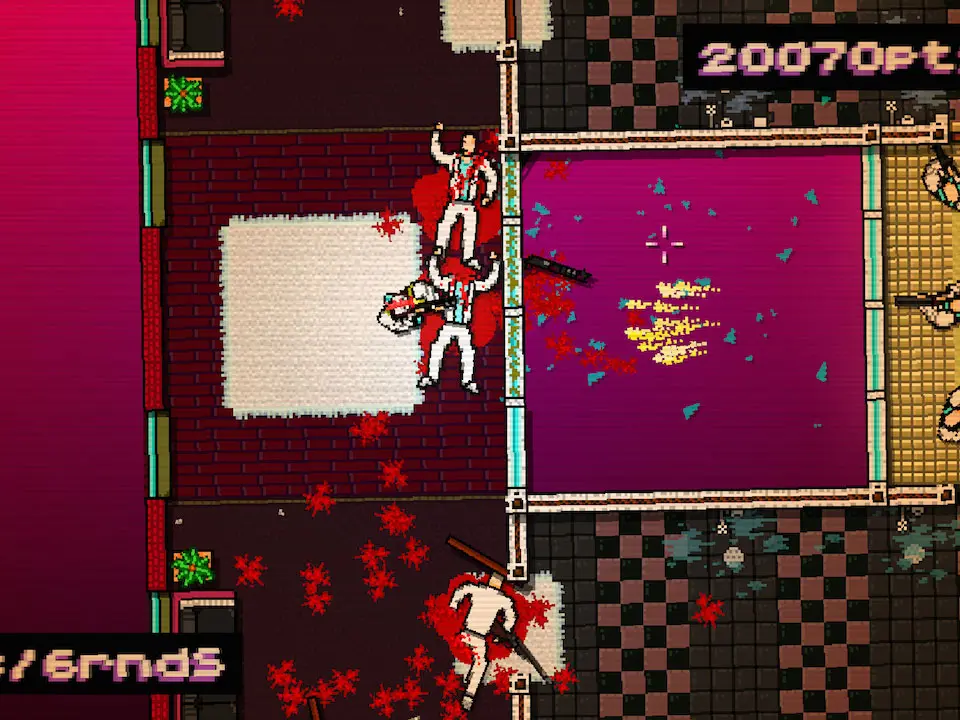
Hotline Miami's controls are deceptively simple, yet mastering them is key to success. The game emphasizes quick reflexes and strategic planning. You'll primarily use the WASD keys for movement, the mouse for aiming, and the left mouse button to attack. The right mouse button is crucial for throwing your current weapon, a tactic often used to stun enemies or clear a path. Pressing 'R' will restart the current floor, a feature you'll use frequently. 'Spacebar' interacts with objects and picks up weapons. Remember, every enemy is a one-hit kill, and so are you. This symmetrical lethality is at the heart of the game's challenge and appeal.
- WASD: Movement
- Mouse: Aiming
- Left Click: Attack / Fire Weapon
- Right Click: Throw Weapon
- Spacebar: Interact / Pick Up Weapon
- R: Restart Floor
- Shift: Look Further (useful for scouting)