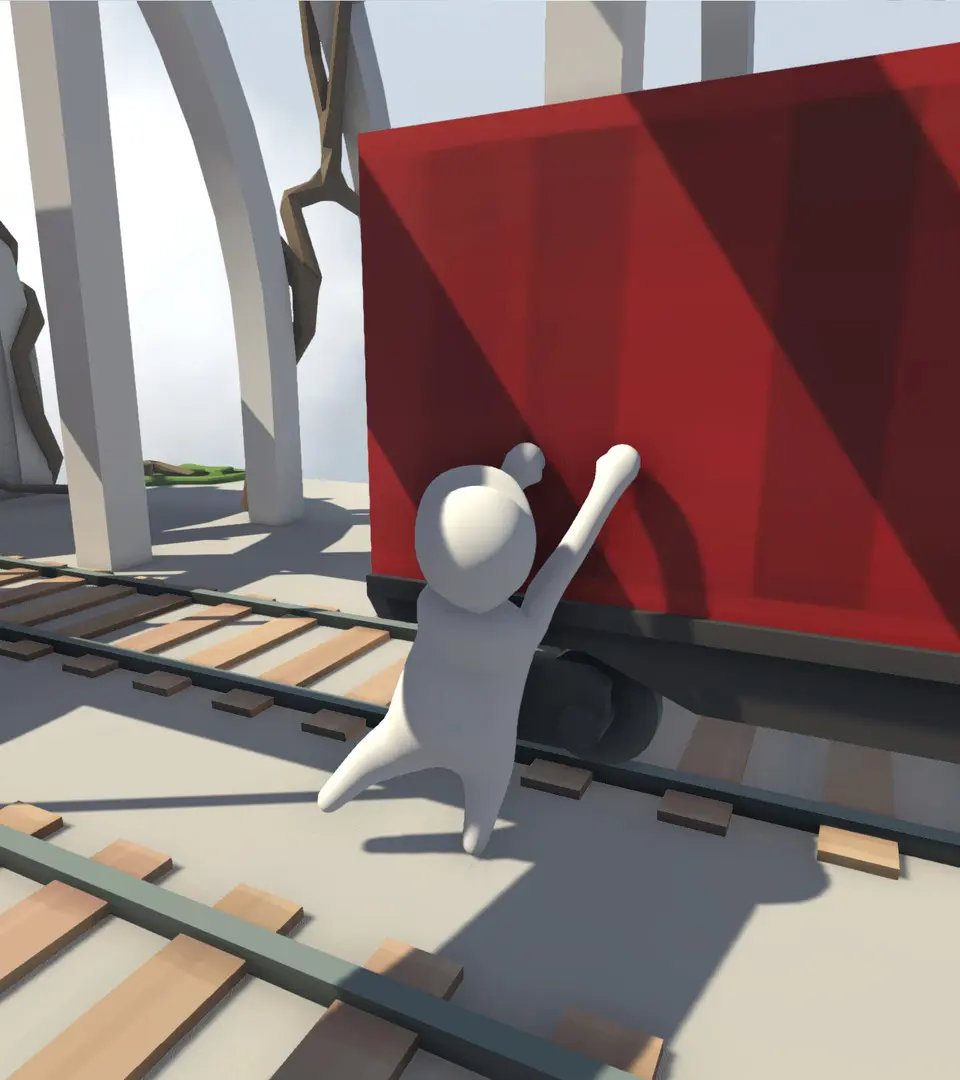
The UI in Human: Fall Flat is minimalistic, focusing on immersion. You'll primarily see your character and the environment. The pause menu (Start/Esc) allows you to restart the level, adjust settings, or return to the main menu. In multiplayer, you'll see other players' Bobs and their custom skins. There are no complex health bars or inventories to manage, keeping the focus on the physics puzzles.