
The main map, accessible by pressing the minus (-) button, is your strategic overview. It displays all available missions, side quests, and services. Main story missions are marked with a distinct icon, while side quests and challenges have different indicators. Before starting any mission, review its objectives, recommended level, and potential rewards. This helps you prepare your team and equipment.
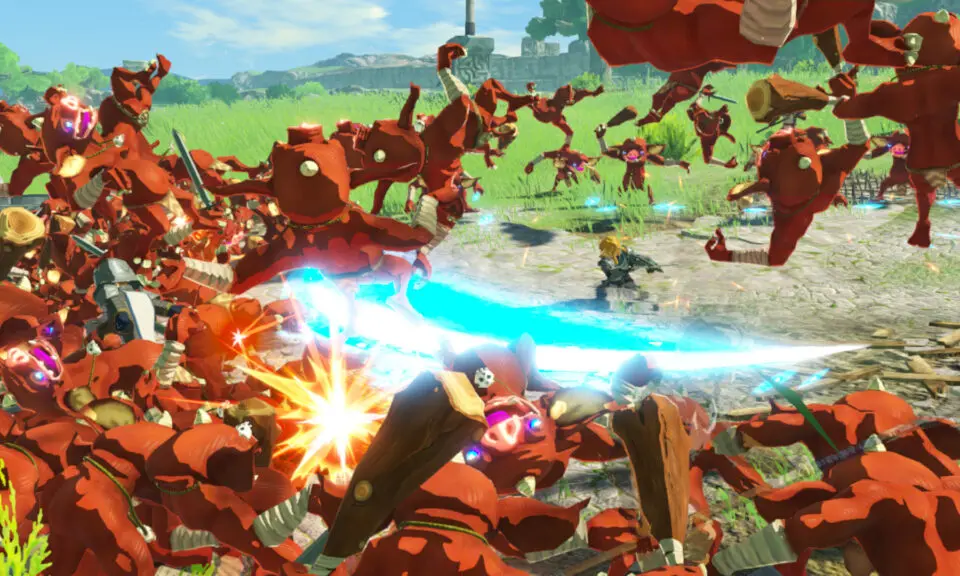
During a mission, the mini-map and full map are invaluable. They show enemy positions, allied forces, outposts, and key objective markers. Pay attention to red arrows indicating enemy advances and blue arrows for allied movements. Often, objectives will update dynamically, so keep an eye on the top-right corner of your screen for new instructions. Successfully completing all objectives is necessary to clear a mission.