
To ensure the best possible gameplay experience, it's important to optimize your game settings. For console players, ensure your display is set to Game Mode to minimize input lag. PC adjust graphics settings for a stable 60 FPS, as frame drops can severely impact timing and execution. Experiment with controller sensitivity and button mapping to find what feels most comfortable for you.
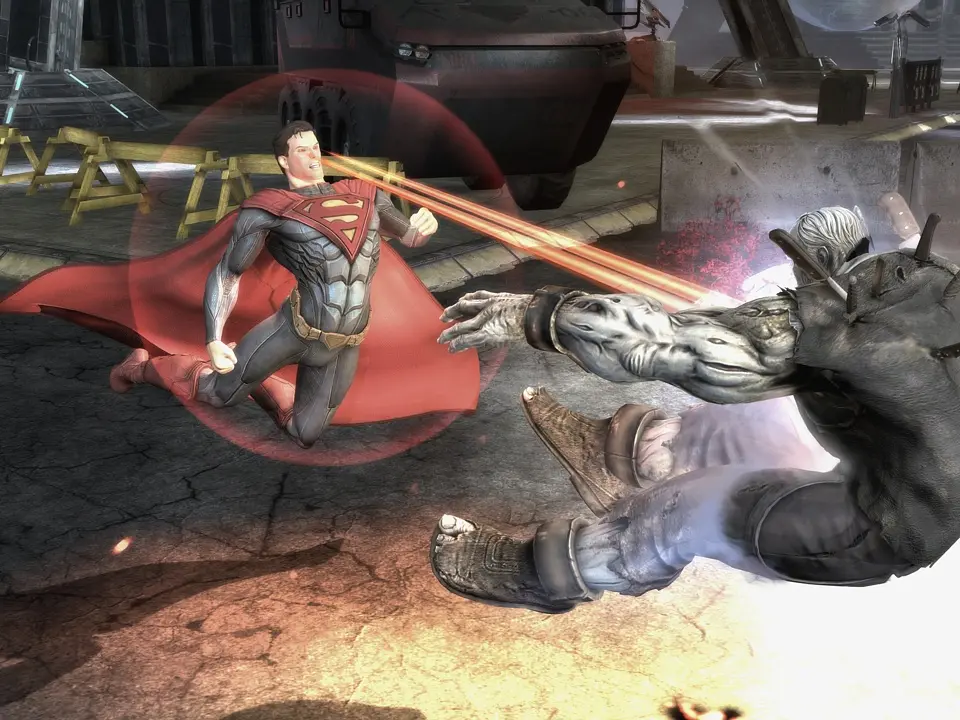
- Display Settings: Use Game Mode on TVs for reduced input lag.
- Graphics Settings (PC): Prioritize 60 FPS for smooth gameplay.
- Controller Mapping: Customize button layouts to your preference.
- Audio Settings: Adjust sound effects and music for optimal awareness.
- Network Settings (Online): Ensure a stable internet connection for online play.