
The User Interface in It Takes Two is designed to be minimal and non-intrusive, allowing you to focus on the vibrant world. Key elements you'll encounter include:
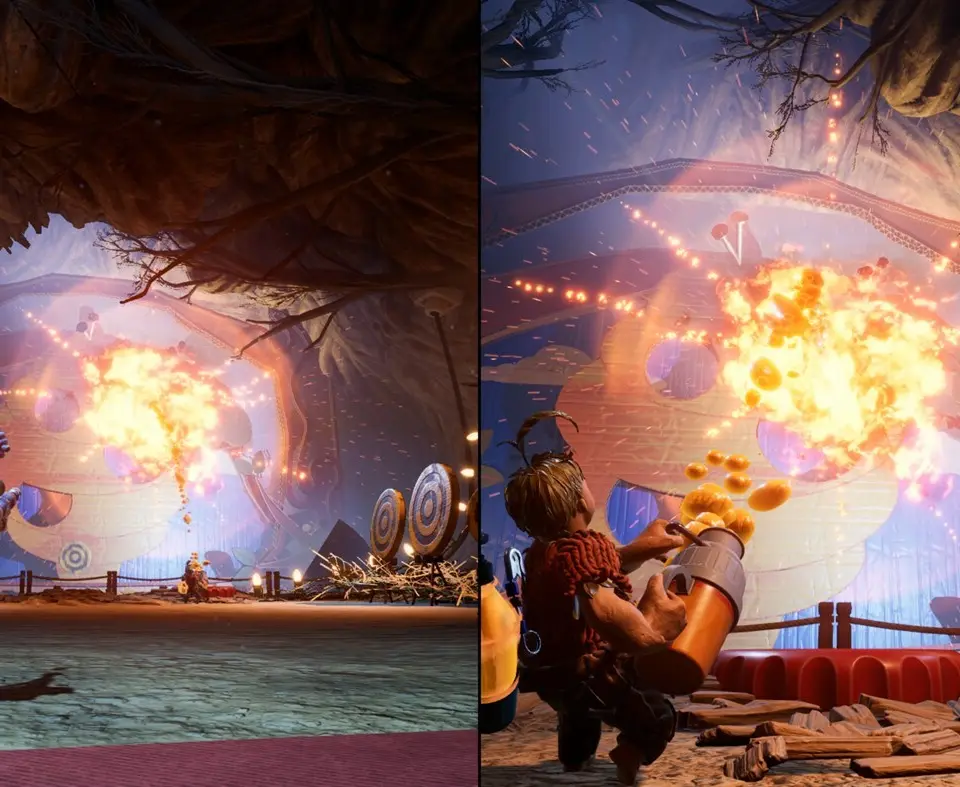
- Health Bar: Located near your character, indicating your current health. Taking damage will deplete it, and you'll respawn nearby if it reaches zero.
- Ability Icon: Displays your current unique ability, often with a cooldown indicator.
- Partner Indicator: A small icon or arrow pointing towards your partner, especially useful when separated.
- Objective Tracker: Briefly appears to remind you of your current goal.
- Interaction Prompts: Contextual button prompts appear when you can interact with an object or perform an action.
Pay attention to these visual cues to navigate and progress effectively.