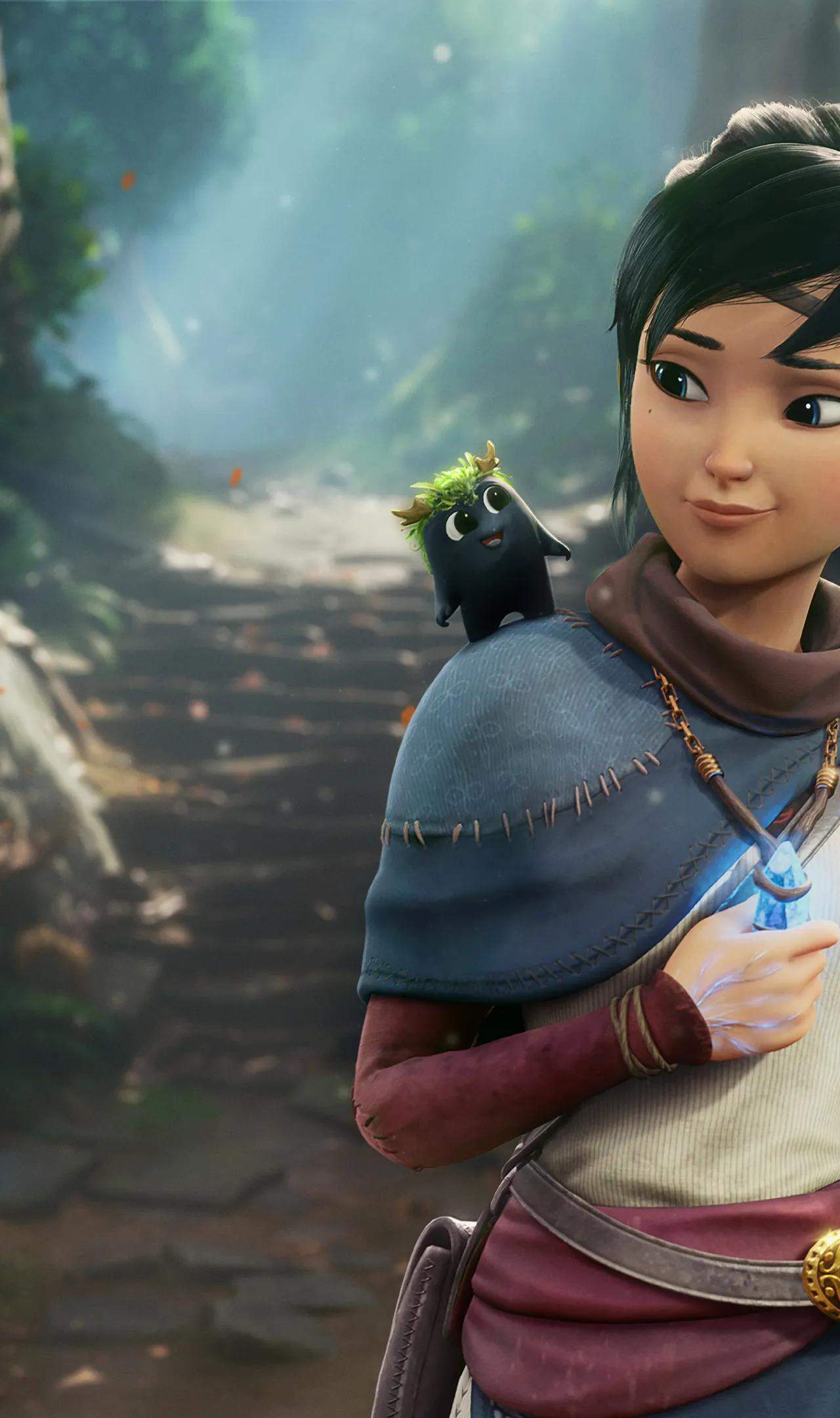
Embarking on your adventure in Kena: Bridge of Spirits is a straightforward process, whether you're playing on PC or one of the supported consoles. The initial setup involves ensuring your system meets the game's requirements and then proceeding with the digital download or physical disc installation. For PC players, this means verifying your hardware compatibility and downloading the game through your chosen storefront like Steam or the Epic Games Store. Console players will find the process equally streamlined, typically involving inserting a disc or navigating to the digital store on your PlayStation or Xbox console.
Once the installation is complete, it's highly recommended to check for any available patches or updates. These often contain crucial performance improvements, bug fixes, and sometimes even new content, ensuring the smoothest and most enjoyable gameplay experience. Familiarizing yourself with the game's initial launch screens and any introductory tutorials will also provide a solid foundation for the mechanics and story that await you. This section will guide you through the essential steps to get Kena: Bridge of Spirits up and running on your preferred platform.