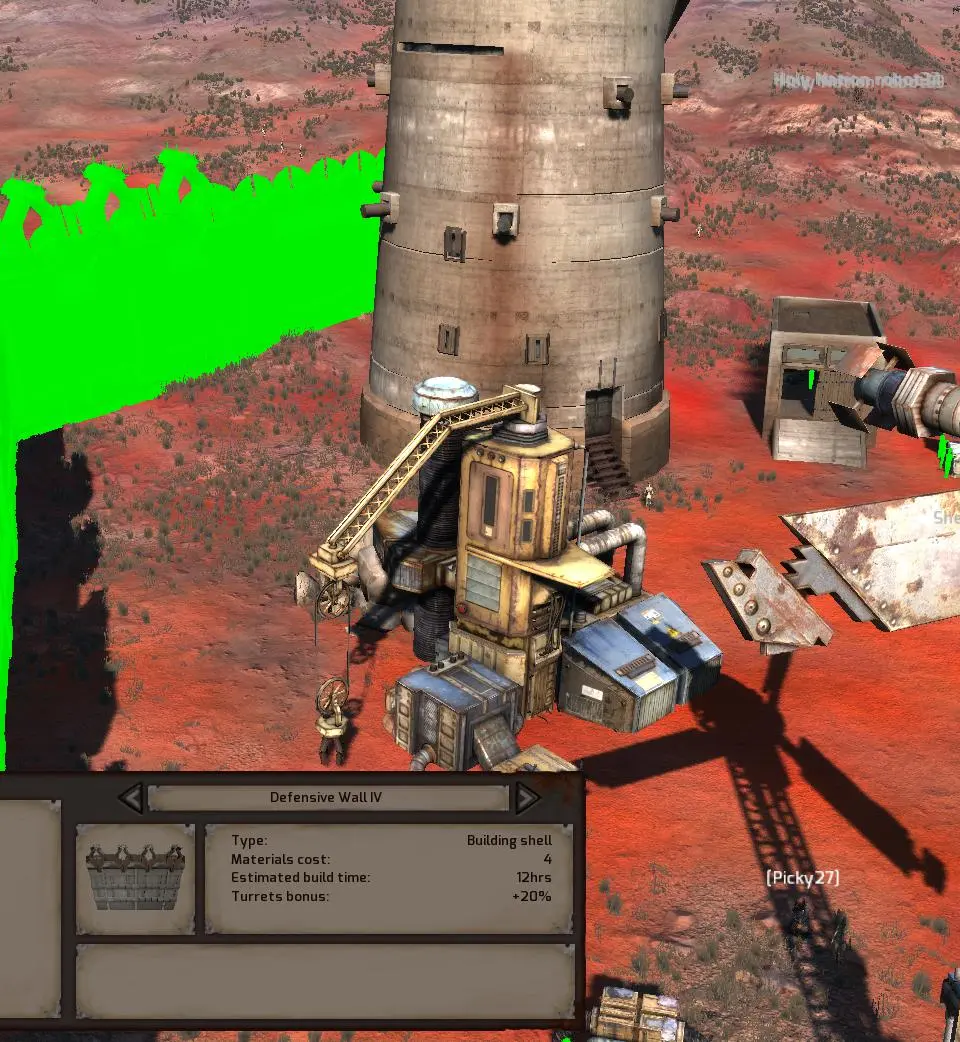
Movement is controlled with WASD, and the camera with Q and E or by holding the middle mouse button. Left-click to select characters or interact with objects. Right-click to issue commands (move, attack, loot). Double-clicking an enemy will initiate combat. The 'Hold' command (H) is vital for keeping characters in place. Use the scroll wheel to zoom in and out. Mastering these basic controls will allow you to effectively manage your squad and navigate the world.