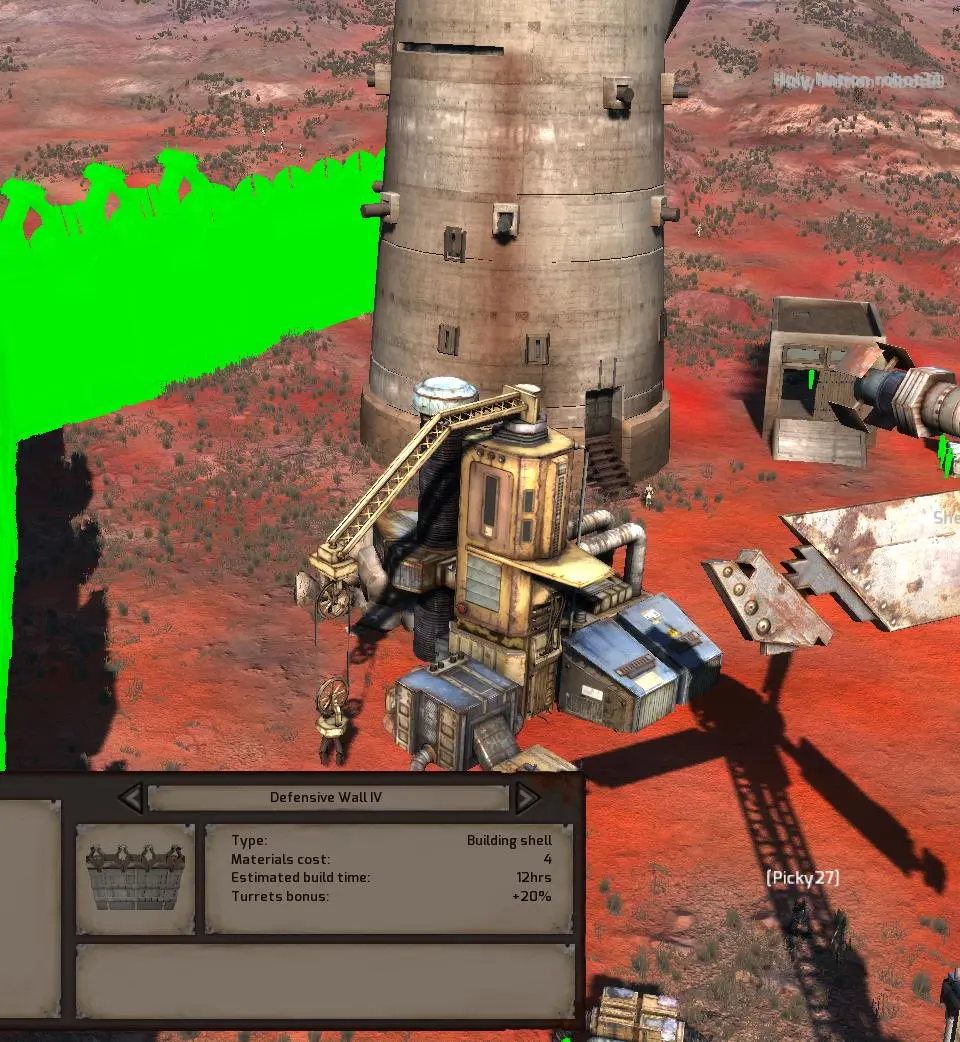
Kenshi's UI can be daunting at first. The top-left displays character portraits, health, and status effects. The bottom-left shows your current squad's inventory and equipment. The bottom-right contains quick slots for items and abilities. The top-right has the map, time controls, and various menus (inventory, stats, research, factions). Pay close attention to the combat log in the bottom-center for crucial information during fights. Learning to navigate these menus efficiently is key to survival.