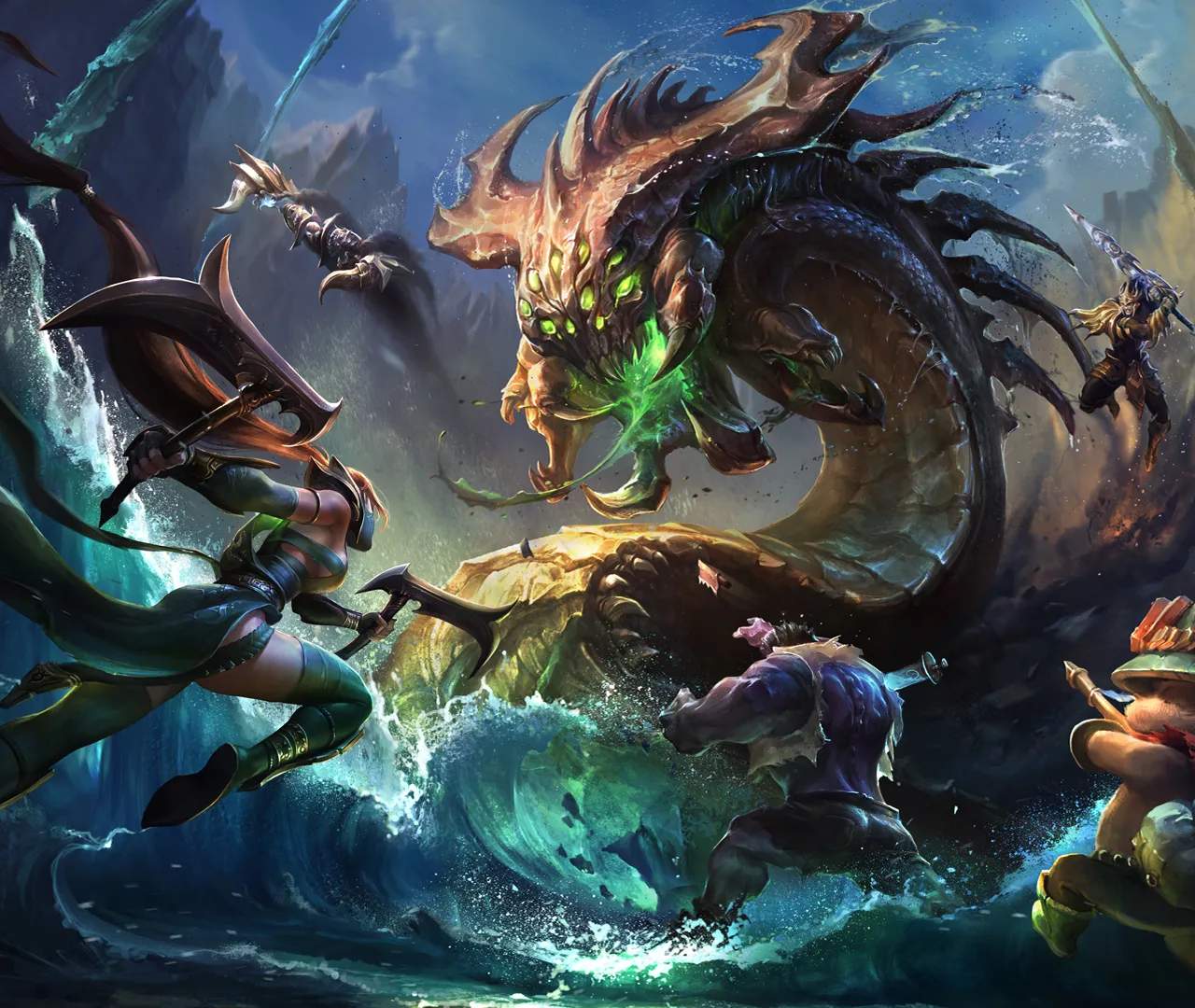
Embarking on your League of Legends journey begins with account creation and familiarizing yourself with the client. This guide will walk you through the initial steps, from setting up your account to navigating the main interface, ensuring you're ready to enter the Rift and begin your adventure.
Creating Your League of Legends Account
To start playing League of Legends, you'll need to create a Riot Games account. This account serves as your gateway to all Riot titles.
- Visit the Official Website: Go to the official League of Legends website.
- Click 'Play Free': You'll find a prominent button to start the download and account creation process.
- Create Your Account: You'll be prompted to enter your email address, date of birth, and choose a username and password. Ensure you choose a strong, unique password for security.
- Download the Client: After account creation, you'll download the League of Legends client.
- Install the Game: Run the installer and follow the on-screen instructions. The game will download and install automatically.
Navigating the League of Legends Client
Once installed, launch the client. The main interface is designed to be intuitive, though it can seem overwhelming at first. Here's a breakdown of key areas:
- Home Tab: This is your dashboard. It typically features news, patch notes, featured game modes, and personal updates.
- Play Button: This is your primary gateway to starting a game. Clicking it will present various game modes.
- Profile: Here you can view your Summoner level, ranked statistics, match history, runes, and champions.
- Collection: This section allows you to manage your champions, skins, emotes, and other cosmetic items.
- Store: Purchase champions, skins, RP (Riot Points), and other in-game items.
- News/Patch Notes: Stay updated on the latest game changes, champion spotlights, and developer updates.
- Social/Friends List: Manage your friends, join parties, and communicate with other players.
- Settings: Customize your game settings, including graphics, audio, hotkeys, and interface options.
Choosing Your First Champion
As a new player, you'll have access to a rotating roster of free champions and a few starter champions. It's recommended to start with champions that have simpler mechanics:
- Garen (Top Lane): A straightforward tanky fighter.
- Annie (Mid Lane): A mage with a simple stun mechanic.
- Ashe (Bot Lane - ADC): An archer with utility and a reliable engage ultimate.
- Soraka (Bot Lane - Support): A healer who focuses on keeping allies alive.
- Warwick (Jungle): A jungler with strong sustain and clear gank potential.
Your First Games
When you first start, you'll likely be guided through tutorials and introductory bot games. These are designed to teach you the basics of movement, attacking, using abilities, and understanding objectives like turrets and inhibitors.
- Tutorials: Complete the in-client tutorials for a foundational understanding.
- Bot Games: Practice against AI-controlled opponents to get a feel for the game without the pressure of playing against other humans.
- Summoner's Rift: This is the primary map for League of Legends. Familiarize yourself with its three lanes (Top, Mid, Bot) and the jungle area.
Welcome to League of Legends! Take your time to explore the client, experiment with champions in bot games, and don't be afraid to ask questions. The journey to mastering the Rift is a rewarding one.