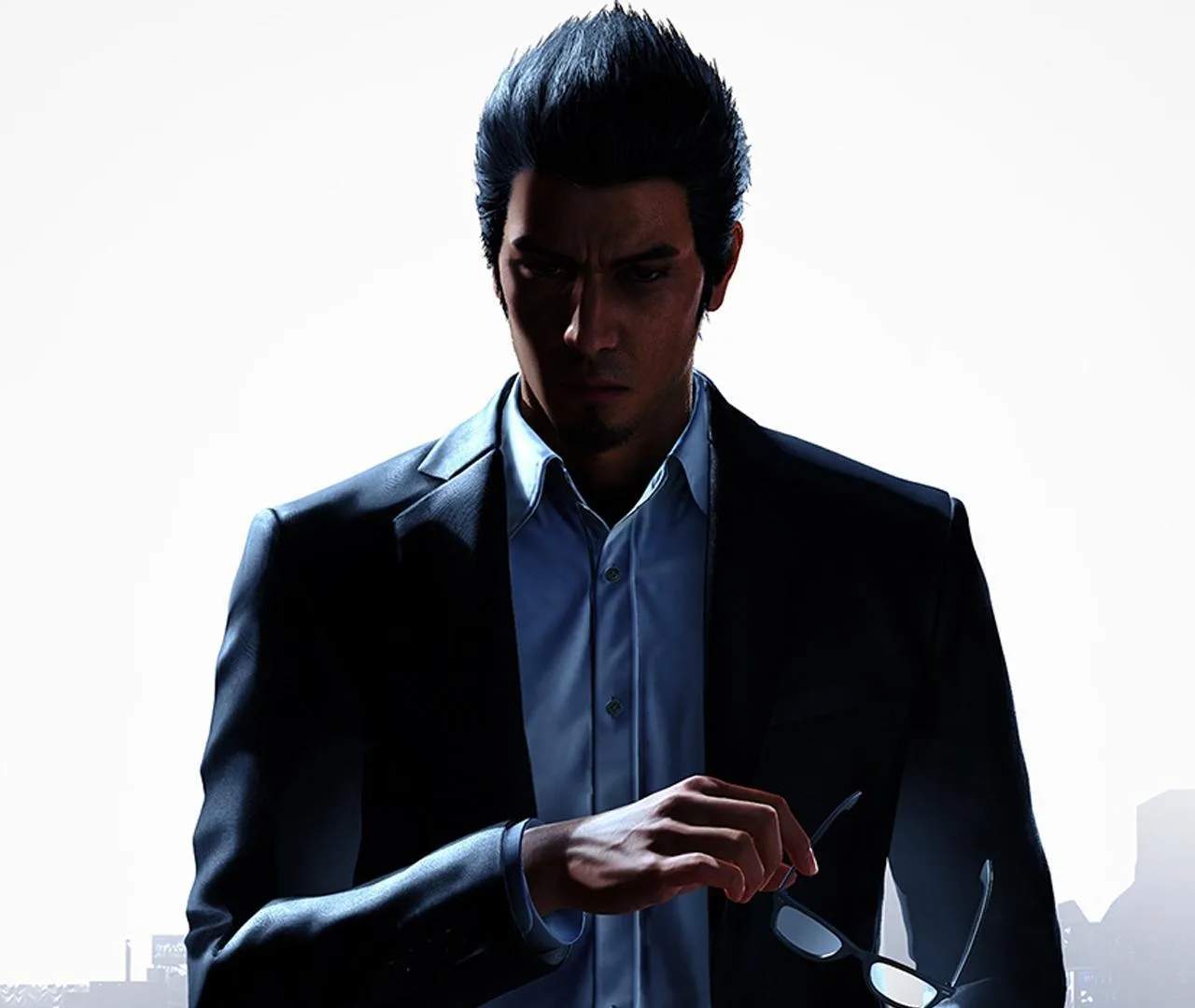
Understanding the controls is fundamental. Movement is typically handled with the left analog stick, while the camera is controlled with the right. Interaction prompts will appear on screen for talking to NPCs, picking up items, or entering buildings. The mini-map in the top-right corner shows your current location, objectives, and nearby points of interest. Pay attention to the health bar and heat gauge during combat, located at the bottom left.
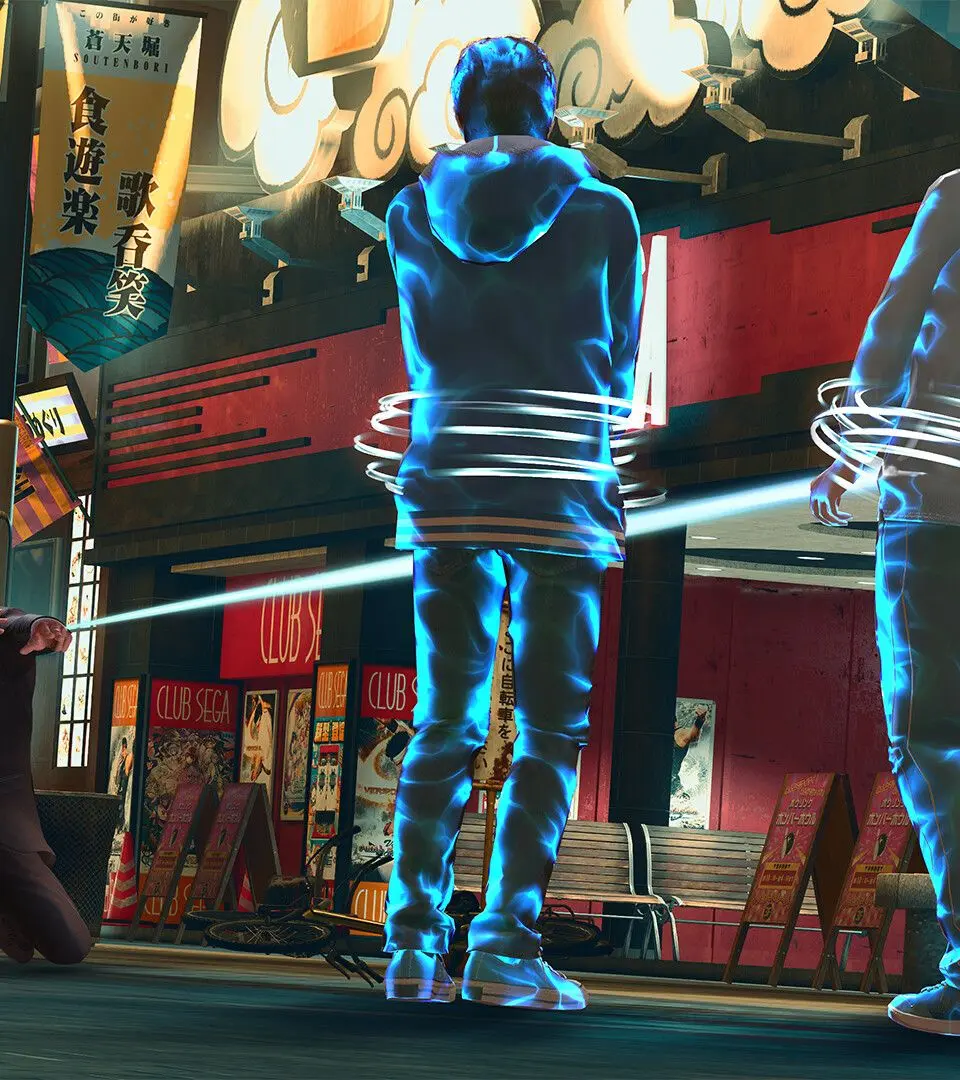
- Movement: Left Analog Stick
- Camera: Right Analog Stick
- Interact: Circle/B Button
- Attack: Square/X Button (Light), Triangle/Y Button (Heavy)
- Dodge: X/A Button
- Guard: L1/LB Button
- Heat Action: Triangle/Y Button (when prompted)