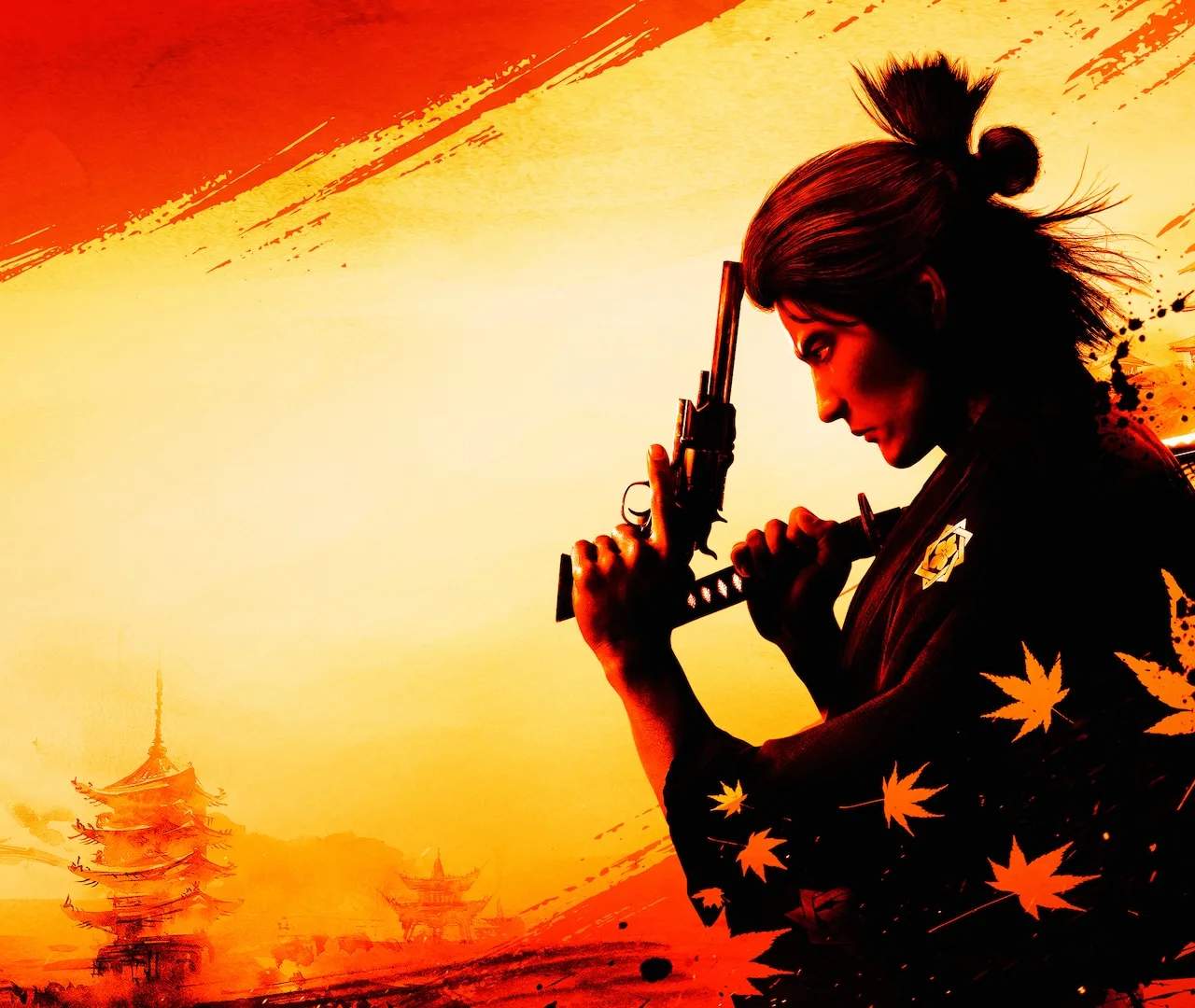
While Like a Dragon: Ishin! features a fixed protagonist in Sakamoto Ryoma (or rather, Saito Hajime), you do have some limited customization options, primarily through outfits and equipment. There is no traditional character creation screen at the start of the game.
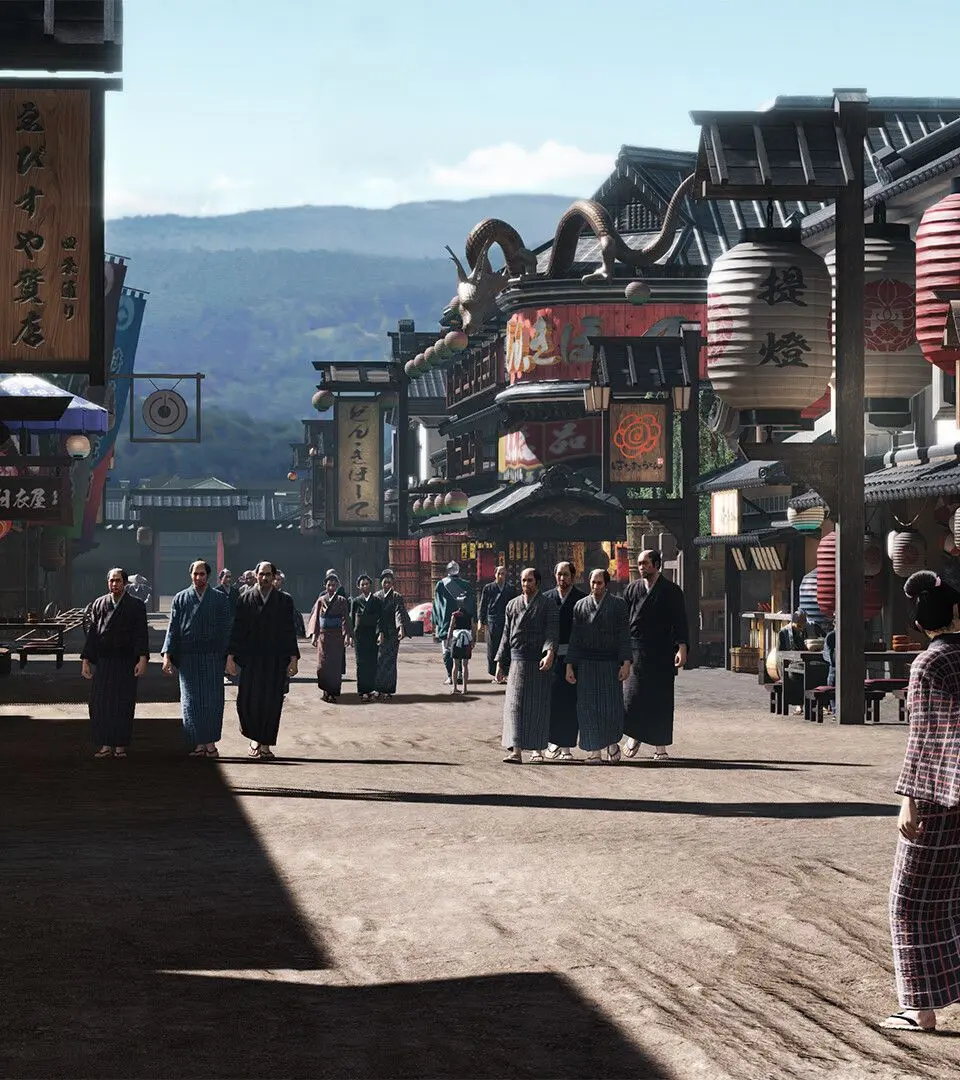
Outfits & Appearance:
- Changing Outfits: As you progress, you'll unlock various outfits and accessories. These can be changed at your residence (Teradaya Inn initially, then your villa) or at certain shops. Outfits are purely cosmetic and do not affect stats.
- Hair & Facial Hair: Some barbershops in Kyo allow you to change Ryoma's hairstyle and facial hair. This is a great way to personalize his look throughout your journey.
- Equipment Visuals: While weapons and armor have stats, some pieces also have distinct visual appearances. You can often choose to display or hide certain armor pieces in the menu if you prefer a specific aesthetic.
Don't be afraid to experiment with different looks! Finding an outfit that suits your style can enhance your immersion in the game world. Remember, fashion is just as important as fighting prowess in Kyo!