The UI provides vital information during exploration and combat. Familiarizing yourself with its elements will help you make informed decisions and stay aware of your surroundings.
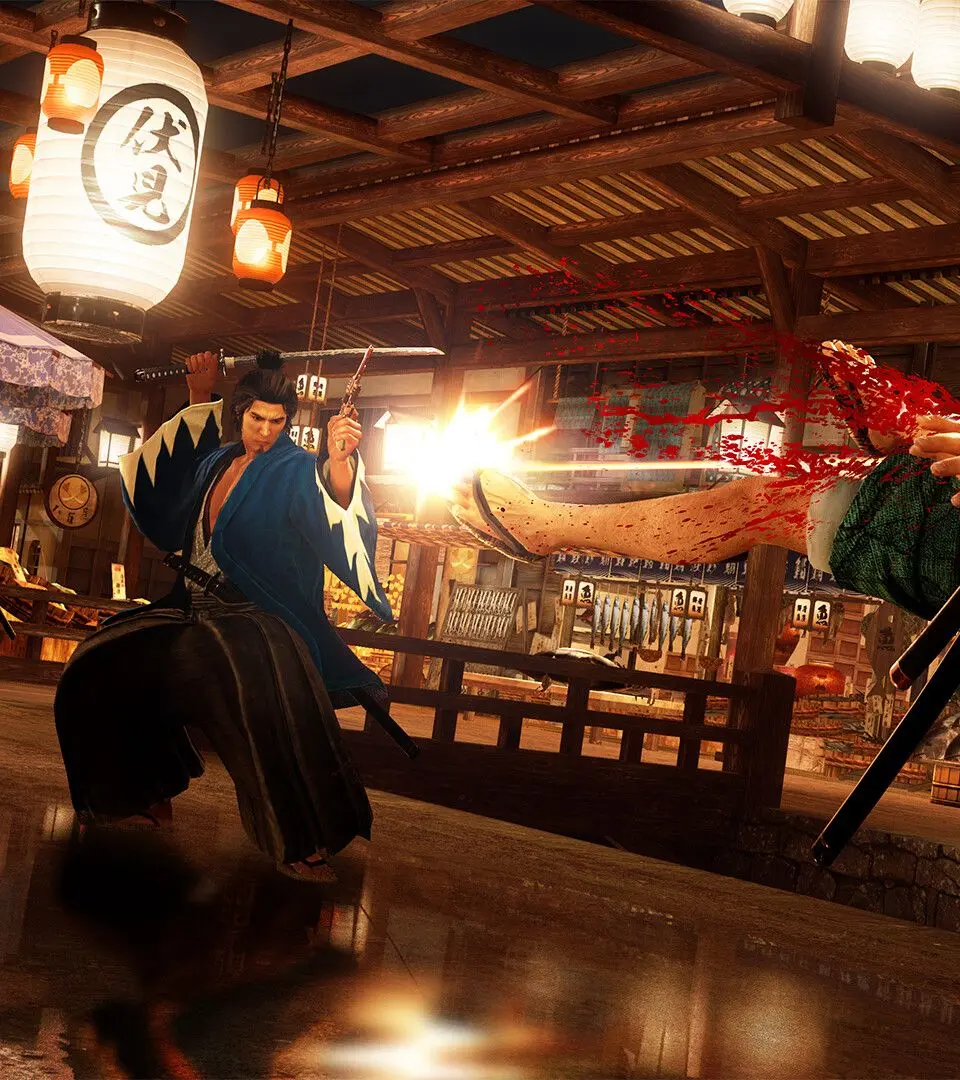
Exploration UI:
- Mini-Map (Top Right): Shows your current location, nearby points of interest, quest markers, and enemies. Pay attention to red dots indicating hostile encounters.
- Objective Marker (Top Left): Displays your current main story or sub-story objective.
- Time of Day (Top Left, below objective): Indicates the current time, which can affect certain events or NPC availability.
- Money (Bottom Right): Your current Ryo balance.
- Heat Gauge (Bottom Left, in combat): Fills up as you deal damage and perform successful actions. Used for powerful Heat Actions.
Combat UI:
- Health Bar (Top Left): Your remaining health. Depletes as you take damage.
- Enemy Health Bar (Top Center, when locked on): Shows the health of your current target.
- Style Icon (Bottom Left): Indicates your currently active combat style.
- Heat Gauge (Bottom Left): Crucial for unleashing devastating Heat Actions.
Keep an eye on your Heat Gauge during combat; knowing when to unleash a Heat Action can turn the tide of a difficult fight. The mini-map is your best friend for navigating the bustling streets of Kyo.