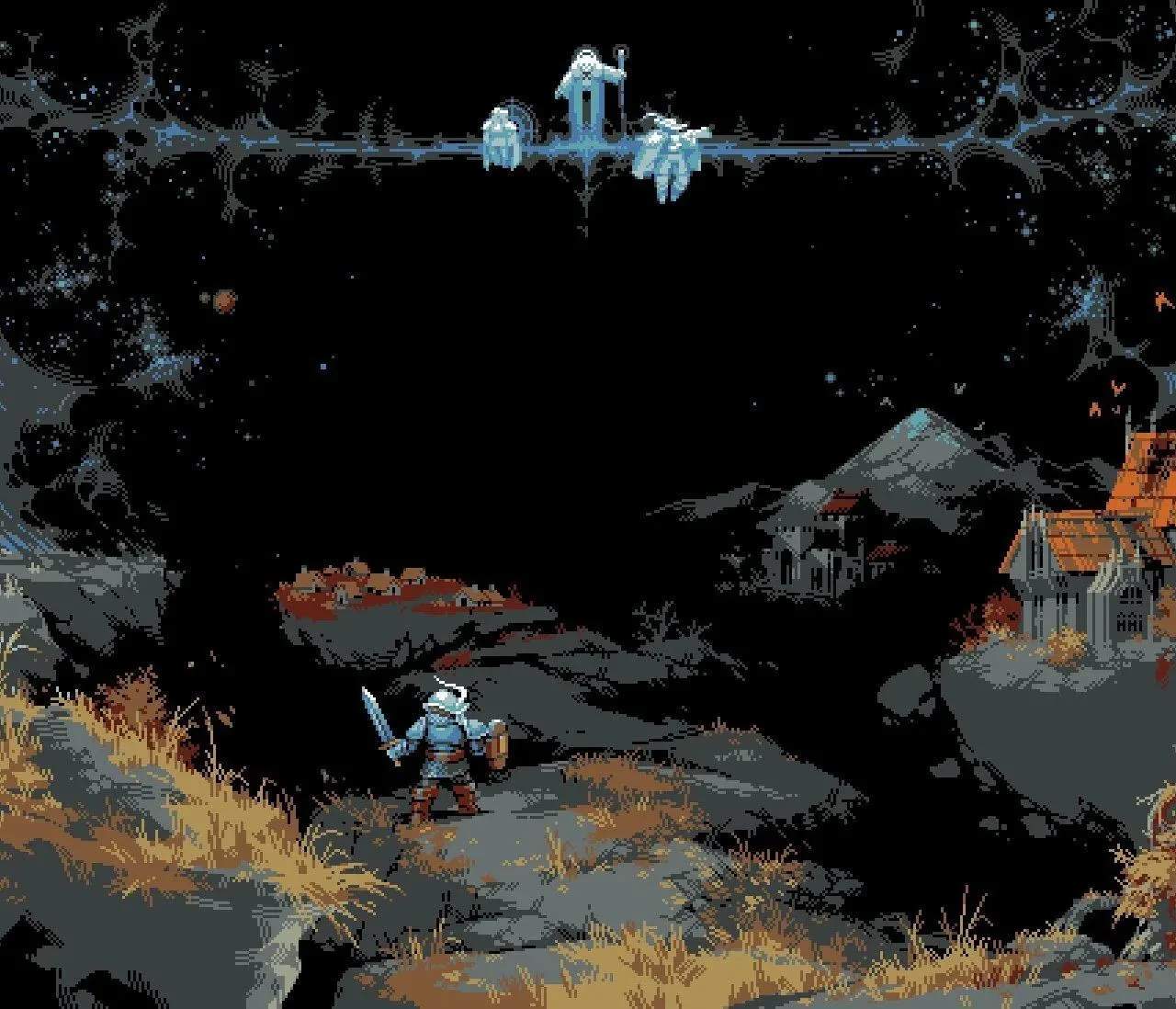
Loop Hero's controls are simple, primarily mouse-driven. You'll click to place cards, equip items, and manage your inventory. The UI provides crucial information at a glance:
- Hero Stats: Top left, showing HP, damage, attack speed, evasion, defense, and regeneration.
- Inventory: Bottom left, where you equip items and manage your gear.
- Card Hand: Bottom center, displaying the cards you can currently play.
- Resource Bar: Top right, tracking your accumulated resources for camp building.
- Time of Day: Center top, indicating the current time, which affects some tile effects.
- Loop Counter: Center top, showing how many loops your hero has completed.
- Pause Button: Top right, crucial for strategic thinking and managing your inventory without pressure.
Familiarize yourself with these elements to make informed decisions during your expeditions.