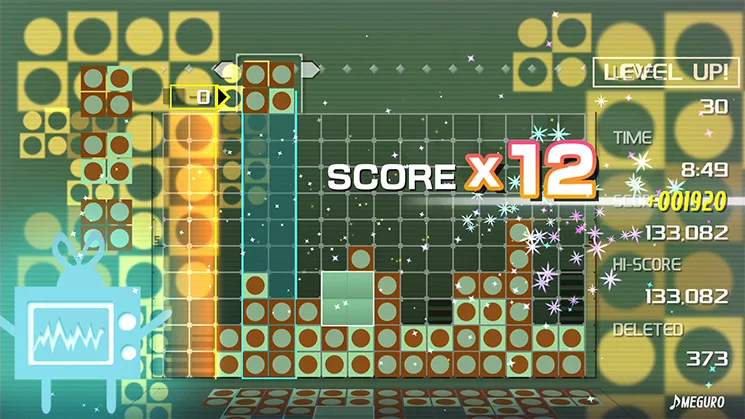
In Lumines, 'garbage' refers to single-colored blocks that are not part of a 2x2 square. These blocks cannot be cleared by the Timeline on their own and can quickly clutter your field, leading to a Game Over. Effective garbage management is a key advanced skill.
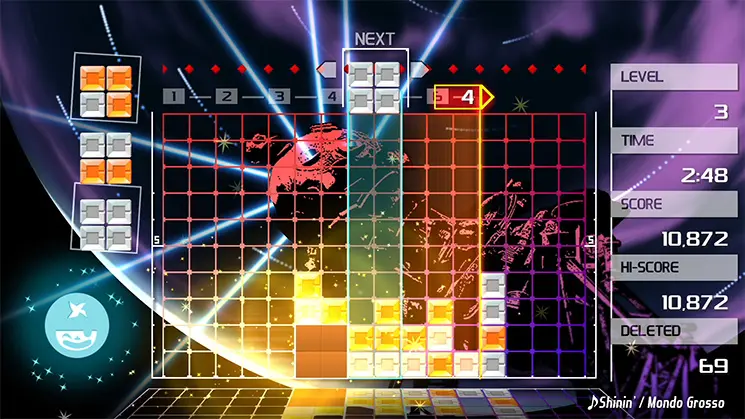
Strategies for Garbage Management:
- Integrate Immediately: The best way to deal with garbage is to integrate it into a 2x2 square as soon as possible. Look for opportunities to place a new block next to existing garbage to form a clearable square.
- Create 'Bridges': Sometimes you'll have a single garbage block in the middle of your field. Try to build around it, creating a 'bridge' of same-colored blocks that can connect to it and form a 2x2 square.
- Cornering Garbage: If you can't clear a garbage block immediately, try to push it to a corner or the side of the playing field. This keeps it out of the way of your main clearing area.
- Sacrifice for Clears: In desperate situations, you might need to intentionally create a small, inefficient clear just to get rid of a problematic garbage block that's blocking your progress.
- use Single-Color Blocks: A Single-Color Block is excellent for clearing large areas, including stubborn garbage blocks, as it clears all connected blocks of its color.
A clean playing field is a happy playing field. Proactive garbage management prevents difficult situations and allows you to focus on building chains.