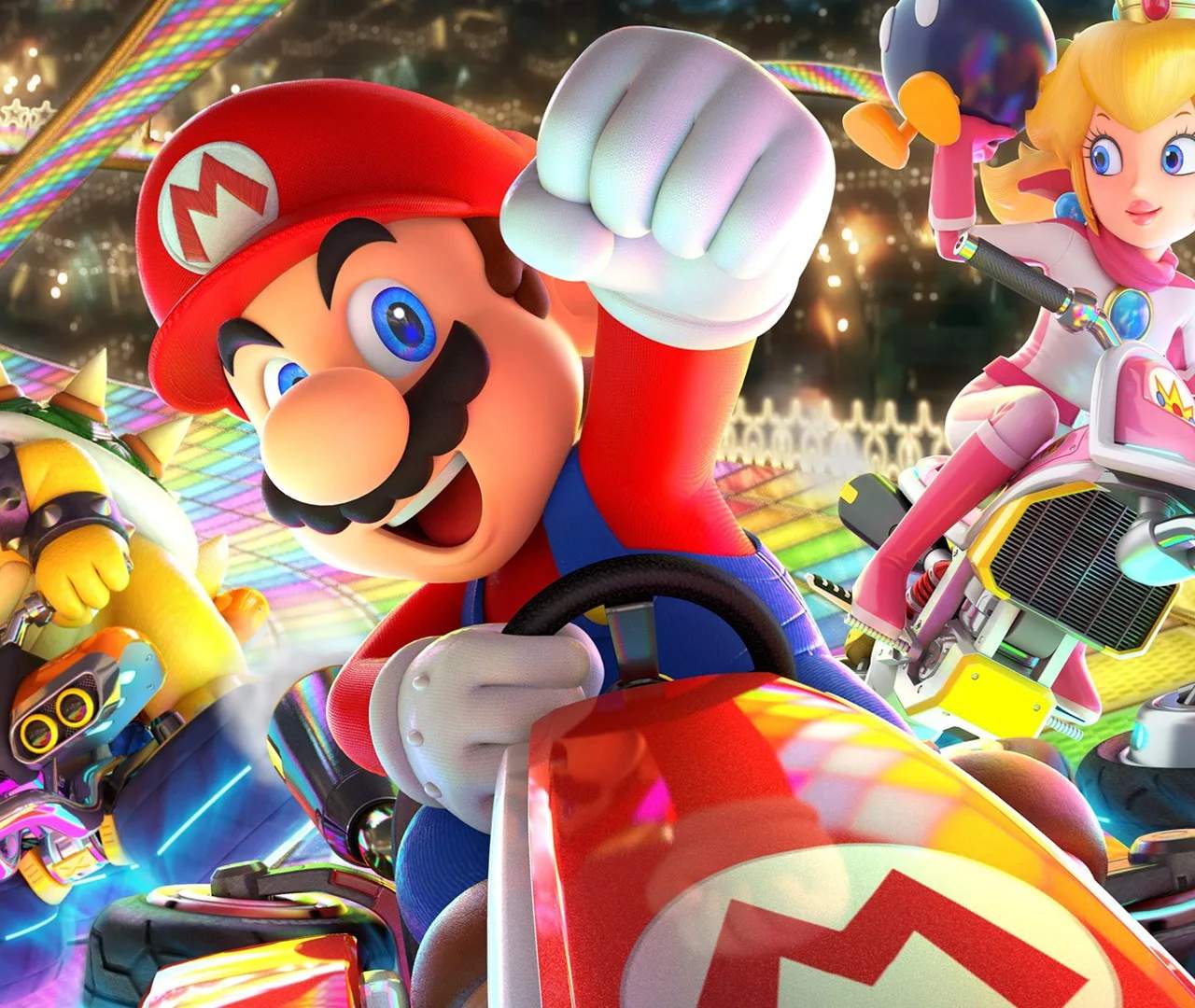
Installation & Initial Setup
Mario Kart 8 Deluxe is a flagship title for the Nintendo Switch, offering a vibrant and accessible racing experience. The game is available in two primary forms: a physical cartridge that can be inserted directly into the console, or a digital download from the Nintendo eShop. Regardless of the chosen method, ensuring your Nintendo Switch has adequate storage space is a prerequisite. The base game itself requires approximately 6.7 GB of free space. It is also important to consider the storage needs for any downloadable content (DLC) or game updates that may be available. Once the installation process is complete, launching Mario Kart 8 Deluxe is as simple as navigating to the game's icon on your Switch's home screen and selecting it. Upon the initial launch, the game may prompt you to perform a system update or download additional game data, depending on your internet connection and whether you are playing a physical or digital version. Following any necessary updates, you will be presented with the game's main menu, where you can select game modes, customize your kart, and begin your racing adventures. For online play, a stable internet connection and a Nintendo Switch Online subscription are required. The initial setup is desed to be straightforward, allowing players to jump into the action with minimal delay.