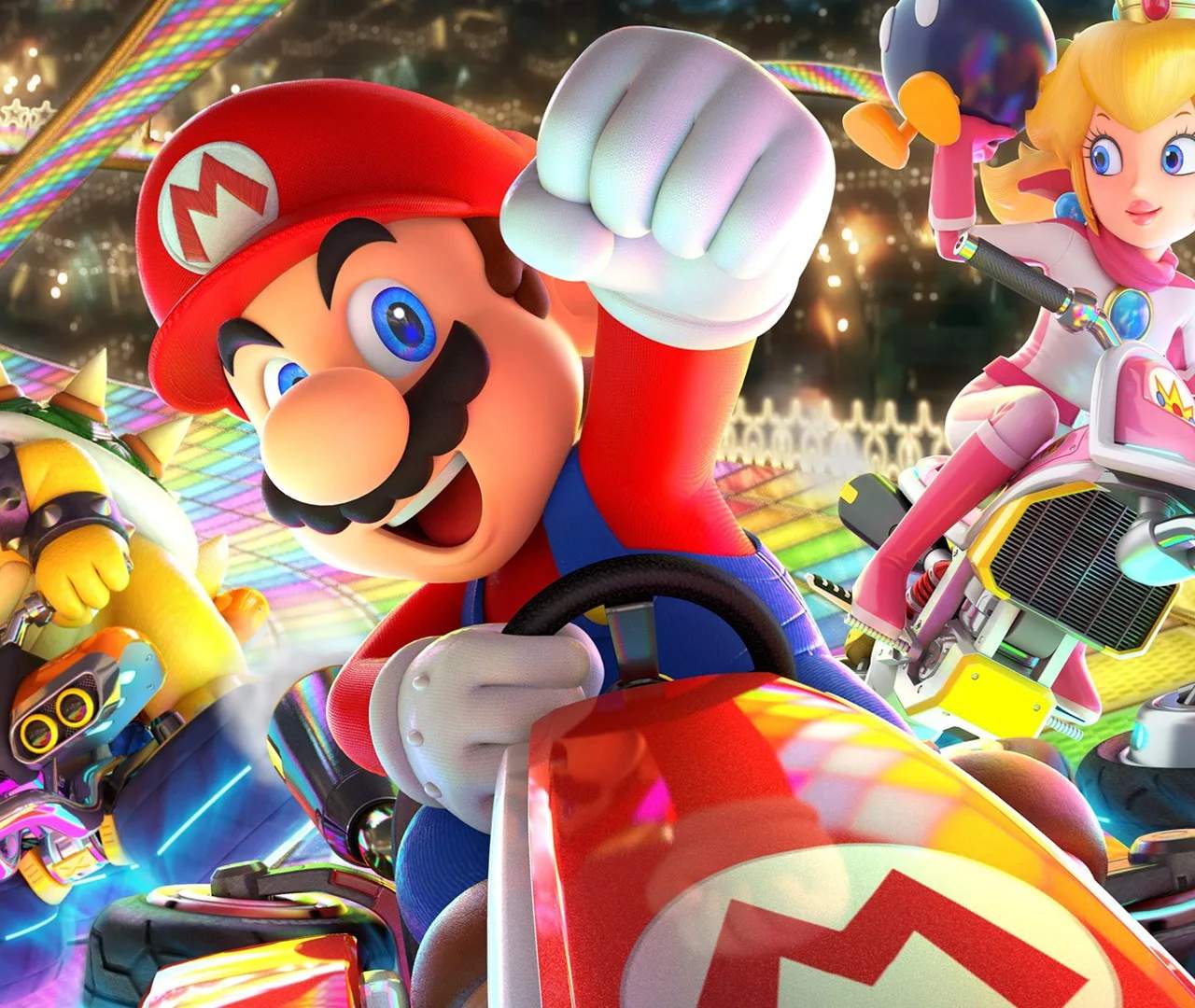
Mastering the controls is crucial for success in Mario Kart 8 Deluxe. The game offers several control schemes to suit different playstyles. Here's a breakdown of the default Joy-Con/Pro Controller layout:
- Left Stick: Steer
- A Button: Accelerate
- B Button: Brake/Reverse
- Y Button: Look Behind
- L Button: Use Item (if Smart Steering is off) / Horn (if Smart Steering is on)
- R Button: Use Item
- ZL/ZR Buttons: Drift/Mini-Turbo
- + Button: Pause Menu
- - Button: Map Toggle
You can also enable Smart Steering (prevents falling off tracks) and Auto-Accelerate (automatically accelerates) in the pause menu or before a race. Experiment to find what works best for you!