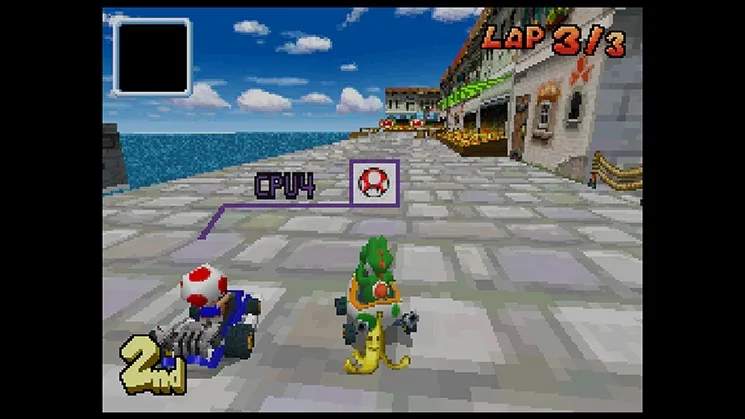
Mastering the controls is your first step to victory. Mario Kart DS utilizes the Nintendo DS's unique button layout effectively. Here's a breakdown:
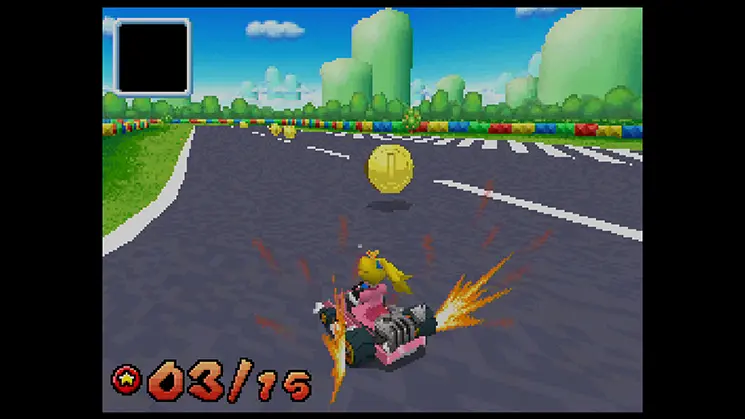
- D-Pad/Control Pad: Steer your kart left and right. Precise steering is key for navigating tight corners and avoiding obstacles.
- A Button: Accelerate. Hold this down to keep your kart moving at top speed. Releasing it briefly can help with sharper turns.
- B Button: Brake/Reverse. Tap to brake, hold to reverse. Essential for recovering from mistakes or performing advanced maneuvers like drift braking.
- Y Button: Use Item. Unleash the power of your collected items to gain an advantage or defend yourself.
- X Button: Look Behind. Useful for checking on opponents or anticipating incoming item attacks.
- L Button: Hop/Drift. Tap to hop over small obstacles or initiate a drift. Holding it down while turning will start a power slide, crucial for gaining mini-turbos.
- Start Button: Pause Game/Access Menu.
- Select Button: Change Map View (during a race). Toggle between a full track map and a zoomed-in view of your immediate surroundings.
Practice these controls in the Grand Prix mode's early cups to get a feel for your kart's handling and the timing of drifts.