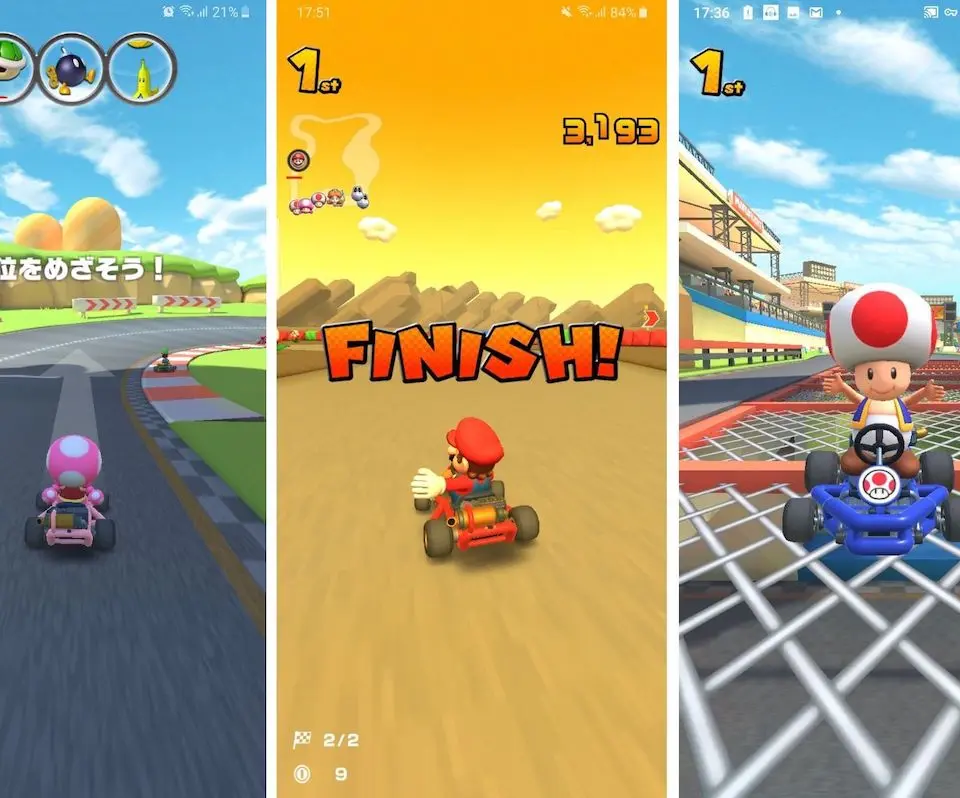
The Mario Kart Tour UI is designed to be intuitive, but there are several key areas to familiarize yourself with. The main screen displays your current tour, available cups, and daily challenges. At the top, you'll see your Coin count, Ruby count, and Grand Stars. Coins are used for purchases in the Daily Selects shop, while Rubies are premium currency for pipe pulls. Grand Stars are earned by completing races and are used to unlock new cups. Along the bottom, you'll find navigation tabs for 'Tour', 'Shop', 'Menu', and 'Multiplayer'. The 'Menu' tab is particularly important, offering access to your D/K/G (Driver/Kart/Glider) inventory, challenges, news, and settings. Regularly checking the 'News' section keeps you updated on new tours, events, and balance changes.