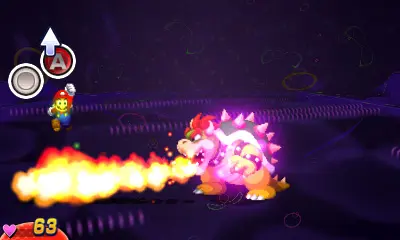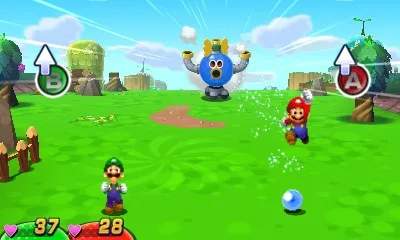
The game's UI is designed to be intuitive. On the top screen, you'll see your current location, HP/SP bars for both Mario and Luigi, and sometimes a mini-map. The bottom screen is your primary interaction hub. In the field, it displays your current Bros. Attack selection, available field abilities, and the menu icon. During battle, it shows enemy turn order, available attacks, and item selection. Pressing 'START' or 'X' (depending on context) opens the main menu, where you can access your inventory, equip gear, check your stats, review tutorials, and save your game. Always keep an eye on your HP and SP, especially before entering new areas or boss fights. The mini-map is invaluable for navigation, highlighting exits, save blocks, and important NPCs. Familiarize yourself with these elements to efficiently manage your adventure.