Cosmetic Customization
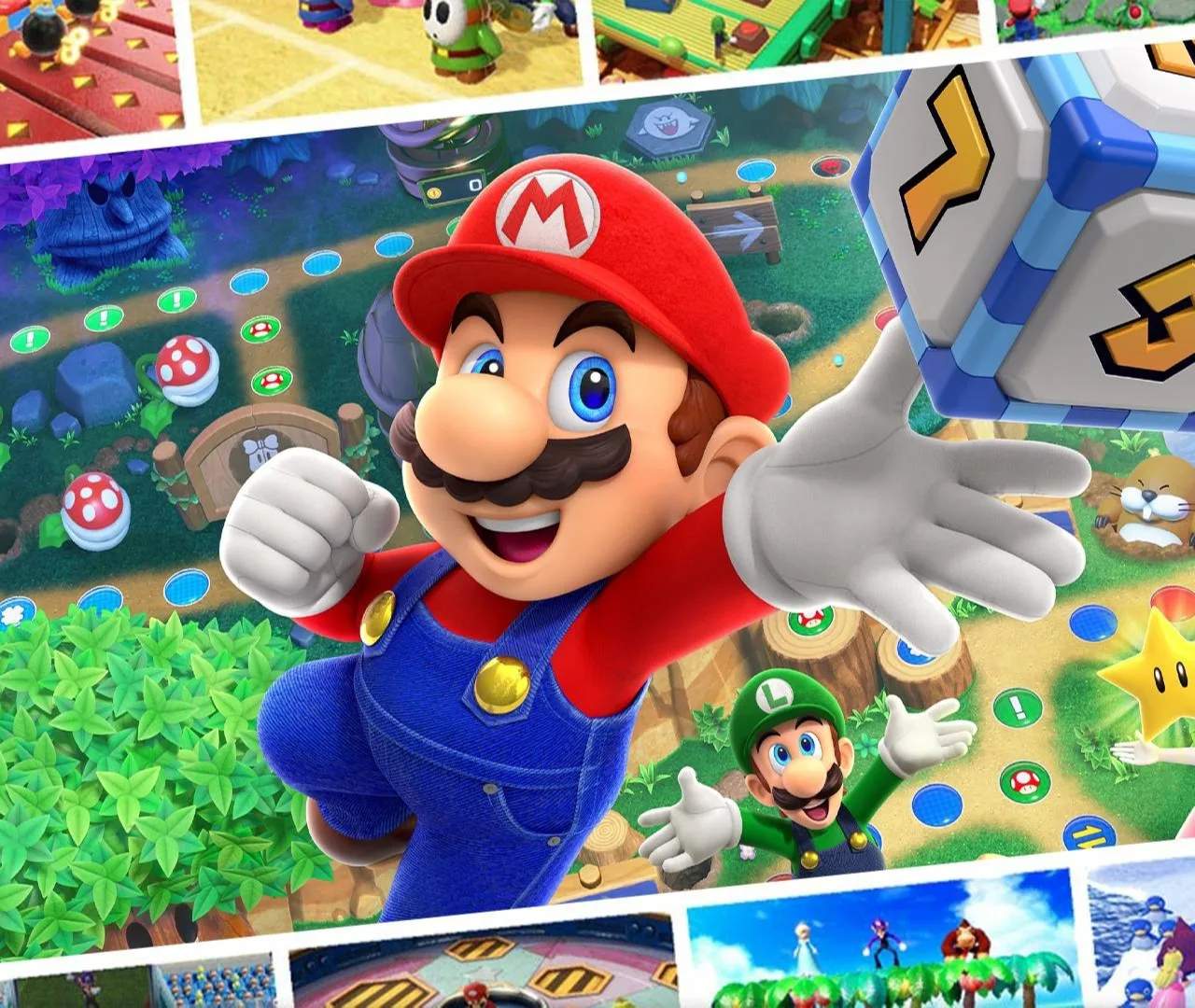
While Mario Party Superstars focuses on classic board game fun and competitive minigames, it also offers delightful ways to personalize your experience. These cosmetic customizations allow you to express your individual style without impacting gameplay balance or character stats. From selecting your favorite character to curating a collection of playful stickers, these options add a layer of personal flair to every game night.
Accessing Your Customization Options
All your cosmetic customization needs are managed primarily through the Data House, located in the main plaza of Mount Minigames. This central hub serves as your go-to destination for reviewing game statistics, checking your achievements, and, crucially, personalizing your in-game aesthetic.
- From the Main Menu: Select the "Mount Minigames" option.
- Navigate to the Plaza: Once in Mount Minigames, you'll see various buildings. Head towards the large, ornate building labeled "Data House."
- Enter the Data House: Inside, you'll find several interactive stations. Your customization options are primarily found within the "Sticker Room" and the character selection screen before starting a game.
Character Selection
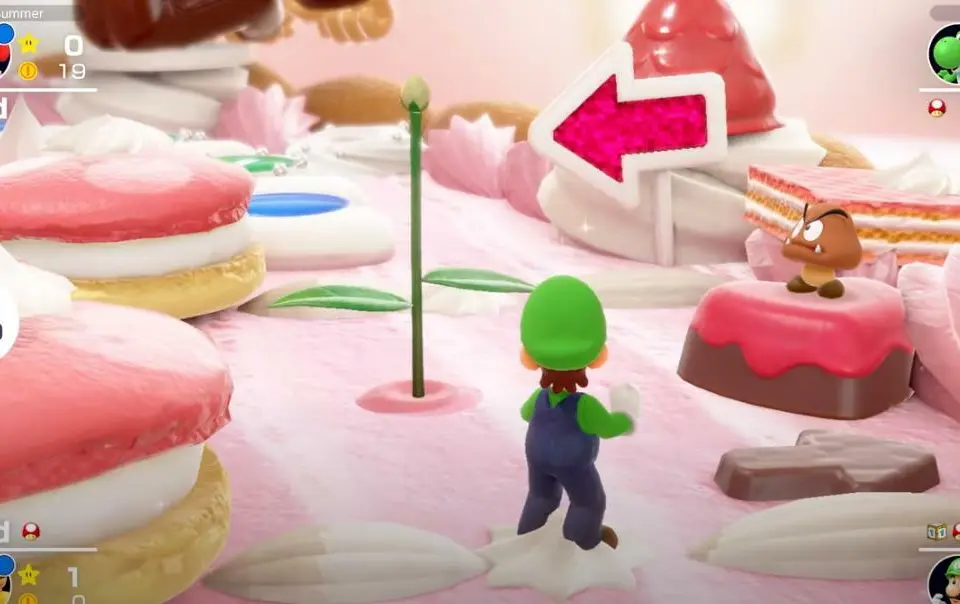
The most fundamental cosmetic choice you'll make is selecting your character. Mario Party Superstars features a robust roster of 10 beloved characters from the Mario universe, each with their own unique animations, voice lines, and celebratory poses. While character choice has no bearing on dice rolls, minigame performance, or board events, it's a crucial part of personal expression.
How to Select Your Character:
Character selection occurs at the very beginning of setting up a game, whether it's a local match or an online session.
- Start a Game: Choose "Mario Party" from the main menu.
- Select Game Mode: Decide between "Local Play" or "Online Play."
- Choose Board: Select your desired game board (e.g., Peach's Birthday Cake, Space Land).
- Character Selection Screen: You will then be presented with the character roster.
- Pick Your Favorite: Use the control stick to highlight your desired character and press 'A' to confirm.
- Confirm Selection: Once all players have chosen, proceed to the game.
Available Characters:
The game features a classic lineup, ensuring fan favorites are well-represented:
- Mario
- Luigi
- Peach
- Daisy
- Wario
- Waluigi
- Yoshi
- Rosalina
- Donkey Kong
- Birdo
Pro Tip: While character choice is purely cosmetic, many players enjoy picking a character that matches their playstyle or personality. Feeling mischievous? Wario or Waluigi might be your pick! Going for a friendly, strategic approach? Mario or Peach could be ideal.
Sticker Customization
Stickers are a delightful and expressive cosmetic feature in Mario Party Superstars. These small, animated images can be used to communicate with other players during online matches or simply to decorate your Sticker Room within the Data House. They offer a fun, non-verbal way to react to game events, celebrate victories, or commiserate over bad luck.
Where to Find and Manage Stickers:
Your sticker collection is housed and managed within the Sticker Room inside the Data House.
- Access the Data House: Follow the steps outlined above to enter the Data House in Mount Minigames.
- Enter the Sticker Room: Look for the interactive station labeled "Sticker Room" and interact with it.
- View Your Collection: Here, you can browse all the stickers you've collected so far.
- Customize Your Sticker Set: You can select a specific set of stickers to be readily available for use during gameplay. This is crucial for online play, as you can only use stickers you've equipped to your active set.
- Save Your Set: save your customized sticker set before exiting the Sticker Room!
How to Acquire New Stickers:
Stickers are primarily acquired through the Toad's Shop, also located in the main plaza of Mount Minigames. You'll need coins, which are earned by playing games and completing various achievements.
- Visit Toad's Shop: Head to the red-roofed building in the plaza.
- Browse the Inventory: Toad's Shop offers a rotating selection of items, including stickers, music, and encyclopedia entries.
- Purchase Stickers: Select the stickers you wish to buy and confirm your purchase using your accumulated coins.
- Earn Through Achievements: Some rare stickers might also be unlocked by completing specific in-game achievements or milestones. Keep an eye on your "Records" in the Data House for hints!
Using Stickers During Gameplay:
During a game, especially in online matches, stickers can be deployed to convey emotions or reactions.
- Press the designated button: During your turn or another player's turn, press the 'X' button (or the equivalent button indicated on-screen) to open the sticker menu.
- Select a Sticker: Use the control stick to navigate through your equipped stickers and press 'A' to send the desired sticker.
- Observe Reactions: The sticker will appear above your character, visible to all players, providing a fun visual cue.
Types of Stickers:
Stickers come in a wide variety, often featuring characters, items, or common Mario Party phrases. They can be:
- Character-specific: Featuring a character's face or iconic pose (e.g., Mario giving a thumbs up, Bowser looking angry).
- Reaction-based: Expressing emotions like joy, sadness, surprise, or frustration (e.g., a "Woohoo!" sticker, a crying Luigi).
- Game-event related: Commenting on specific game occurrences (e.g., a "Star!" sticker, a "Boo!" sticker).
Common Pitfall: Players often forget to equip their newly purchased stickers in the Sticker Room. If you buy a sticker but can't use it in-game, double-check your equipped set in the Data House!
Music Customization (Jukebox)
While not directly tied to your in-game avatar, customizing the background music is another significant cosmetic option that enhances your overall experience. The Jukebox allows you to listen to any music track you've unlocked and even set your favorite tunes to play during specific game modes or on certain boards.
Accessing the Jukebox:
The Jukebox is also located within the Data House.
- Enter the Data House: Go to Mount Minigames and enter the Data House.
- Locate the Jukebox: Find the interactive station labeled "Jukebox."
- Browse and Play Music: You can listen to any unlocked track.
- Set Favorites: Some options allow you to set preferred music for specific menus or even during gameplay, though board music typically overrides this.
Acquiring New Music Tracks:
Music tracks are primarily purchased from Toad's Shop using coins, similar to stickers. Some tracks might also unlock automatically as you play through different boards or minigames for the first time.
- Visit Toad's Shop: Check the shop regularly for new music offerings.
- Play Boards and Minigames: Certain tracks become available after experiencing them in-game.
Strategy Tip: Collecting all the music tracks can be a fun long-term goal. Prioritize buying your favorite tracks first, then work towards completing your collection as you accumulate coins.
Conclusion
While Mario Party Superstars doesn't feature complex RPG-style customization, its charming array of cosmetic options provides ample opportunity for players to inject their personality into the game. From choosing your beloved character to expressing yourself with a perfectly timed sticker, these elements contribute to the game's overall fun and replayability. Remember to regularly visit the Data House and Toad's Shop to explore new additions and keep your cosmetic collection fresh!