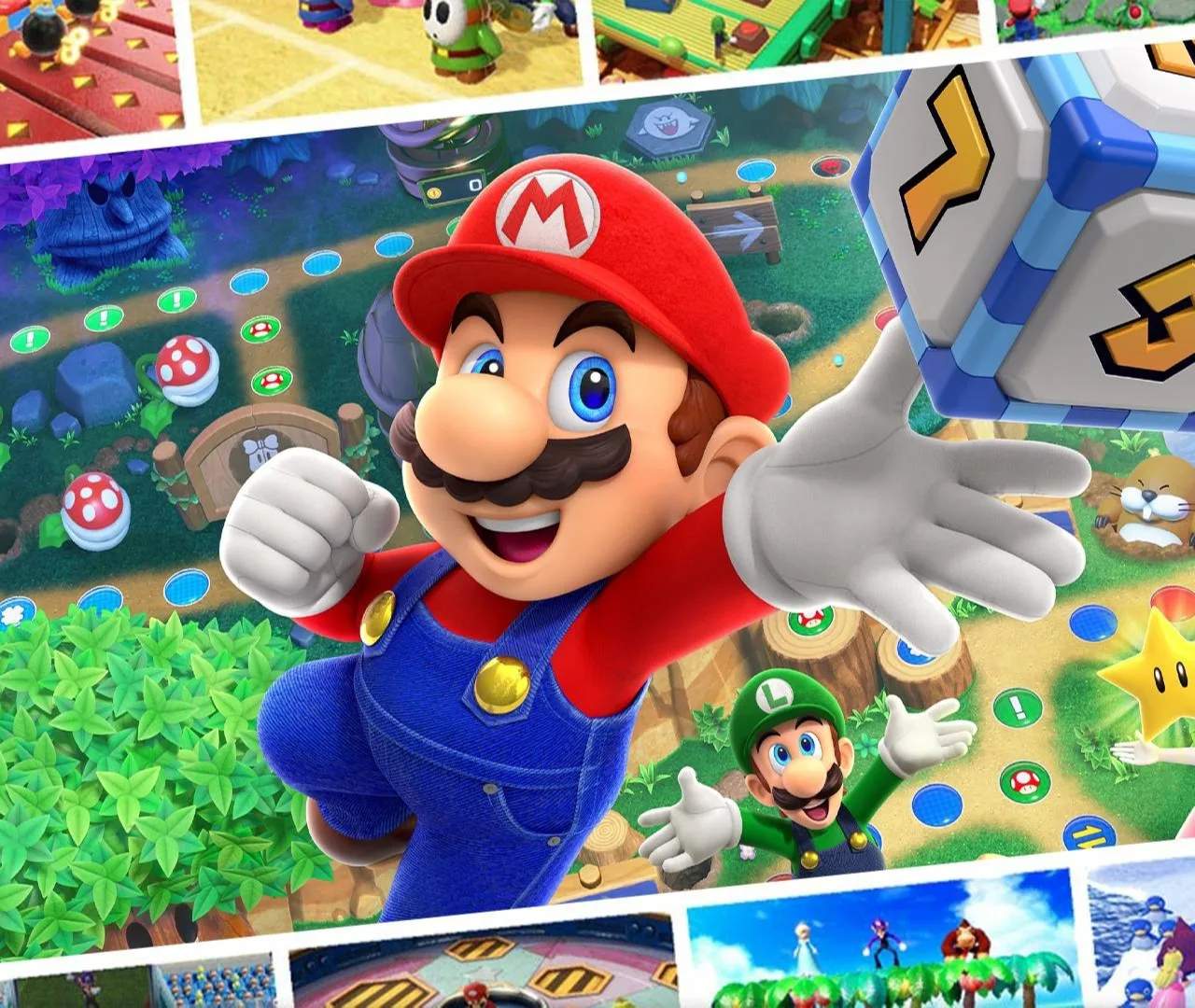
The UI in Mario Party Superstars is designed to be clear and informative. On the board, you'll see your character's current position, coin count, and star count prominently displayed. The top of the screen shows the current turn number and the total number of turns remaining. During minigames, a timer and score indicators will appear. Pay attention to the bottom of the screen for important messages and character dialogue, which often provide hints or reactions.
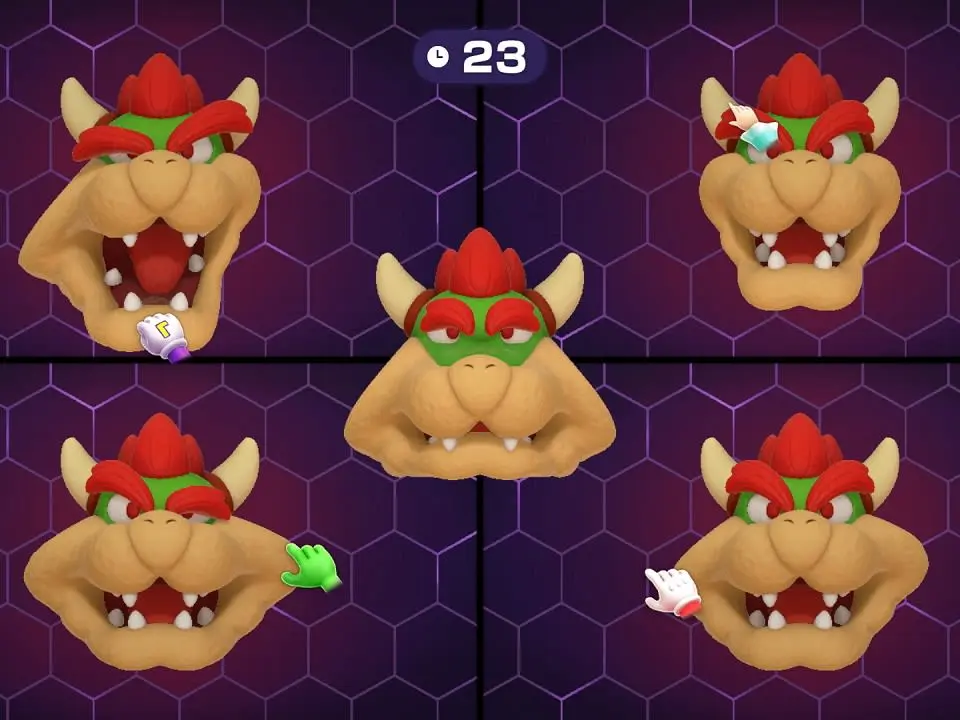
Board UI Elements:
- Top Left: Current Turn / Total Turns
- Top Right: Player Order, Star Count, Coin Count
- Bottom Left: Character Portrait, Item Slot
- Bottom Center: Action Prompts, Dialogue
- Bottom Right: Map/Rules buttons