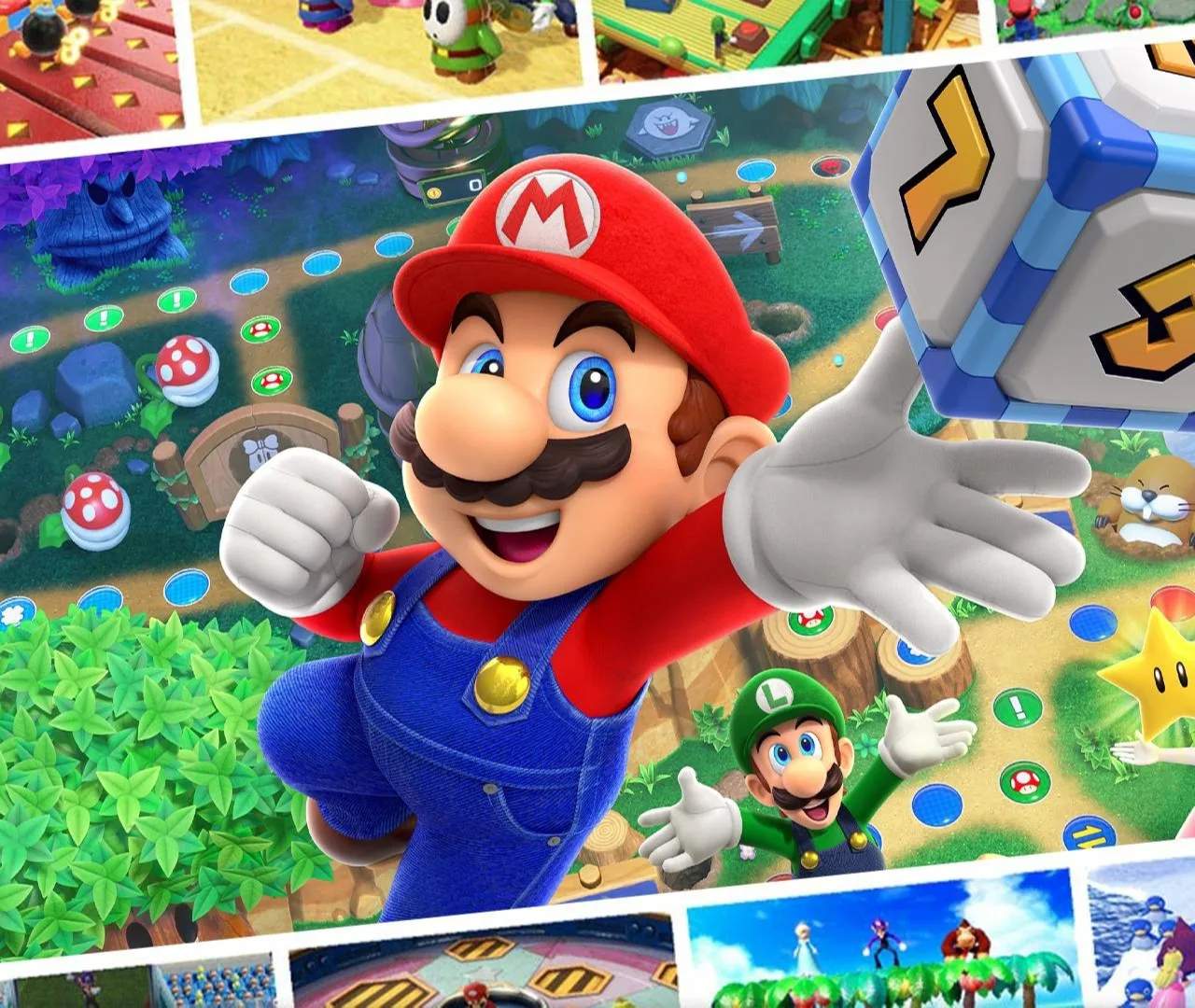
Sticker Room
Welcome to the Sticker Room, your personalized hub for self-expression and collectible mastery in Mario Party Superstars! This delightful feature allows you to collect, view, and deploy a vibrant array of digital stickers, adding a layer of personality and communication to your gameplay experience. Far more than just a cosmetic flourish, the Sticker Room offers a satisfying side quest for completionists and a dynamic tool for interacting with fellow players during online matches.
Think of the Sticker Room as your digital scrapbook and communication toolkit combined. Each sticker you acquire is a small piece of Mario Party history, often celebrating iconic characters, memorable moments, or humorous expressions. Collecting them all is a rewarding endeavor that encourages exploration of all the game has to offer, while their strategic use in online play can turn the tide of a social interaction or simply add a burst of fun to a tense moment.
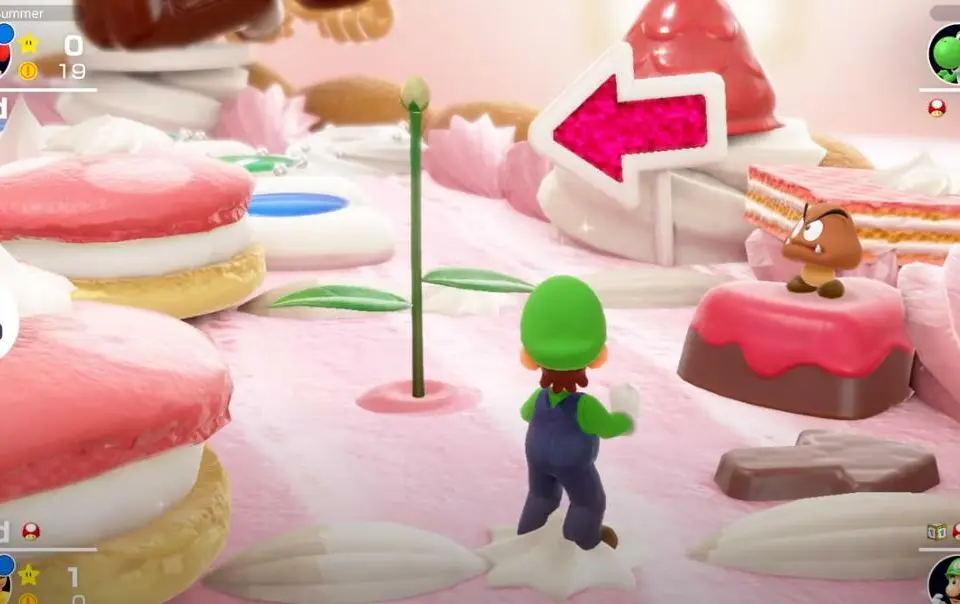
Accessing the Sticker Room
To enter the Sticker Room, navigate to the main menu of Mario Party Superstars. From there, select the "Data House" option. Within the Data House, you will find the entrance to the Sticker Room, alongside other collectible and statistical areas.
Collecting Stickers: A Comprehensive Guide
Stickers are primarily acquired through two main methods: completing in-game achievements and purchasing them from Toad's Shop within the Data House. A dedicated player will find themselves naturally accumulating a significant collection by simply engaging with all aspects of the game.
Unlocking Stickers via Achievements
Many stickers are tied to specific in-game accomplishments. These achievements range from straightforward tasks to more challenging feats, encouraging players to experiment with different boards, characters, and game modes. Here are some examples of achievement types that unlock stickers:
- Playing a certain number of games: Simply participating in various game modes will slowly but surely expand your sticker collection.
- Winning games with specific characters: Master each character's unique dice block and playstyle to unlock their associated stickers.
- Reaching milestones on specific boards: Playing a certain number of turns or winning on particular boards will often yield new stickers.
- Collecting a certain number of Stars or Coins: Accumulating wealth across multiple games contributes to your sticker haul.
- Performing specific actions during minigames: Excelling in certain minigames, such as getting a perfect score or winning a challenging one, can unlock unique stickers.
- Unlocking all minigames: As you discover and play every minigame, you'll be rewarded with stickers celebrating your minigame prowess.
- Playing with friends online: Engaging in online multiplayer sessions often has its own set of sticker rewards.
- Achieving "Superstar" rank: Reaching the highest rank in various game modes or overall progression will unlock prestigious stickers.
To check your progress and see which achievements unlock which stickers, head to the "Records" section within the Data House. Many achievements will explicitly state "Unlocks a new sticker!" as part of their reward.
Purchasing Stickers from Toad's Shop
For those looking to fill gaps in their collection or acquire specific stickers without relying solely on achievements, Toad's Shop is your go-to destination. Located within the Data House, Toad's Shop offers a rotating selection of stickers for purchase using in-game Coins.
- Location: Data House > Toad's Shop
- Currency: Coins (earned by playing any game mode)
- Selection: The available stickers in Toad's Shop refresh periodically, so it's worth checking back regularly if you're hunting for something specific. Prices vary depending on the rarity and popularity of the sticker.
- Strategy: Prioritize purchasing stickers that are proving difficult to unlock via achievements, or grab any limited-time offerings that catch your eye.
Using Stickers in Online Matches
Stickers aren't just for show; they're a vital part of the online communication system in Mario Party Superstars. During online matches, you can deploy stickers to express a wide range of emotions, reactions, and even strategic hints to your opponents and allies.
How to Use Stickers Online:
- During a turn or event: At almost any point during an online match – whether it's your turn, an opponent's turn, a minigame, or a Star/Coin event – you can bring up the sticker menu.
- Press the "L" button: On your Nintendo Switch controller, press the L button (the left shoulder button). This will open a small pop-up menu on your screen, displaying your currently equipped stickers.
- Select a sticker: Use the Left Stick or D-Pad to highlight the sticker you wish to use, then press the A button to confirm your selection.
- Sticker appears: The chosen sticker will briefly appear over your character's head or near your nameplate, visible to all other players in the lobby.
Strategic and Social Uses of Stickers:
- Expressing Joy/Excitement: Use a "Yay!" or a happy character sticker after winning a minigame, landing on a good space, or stealing a Star.
- Showing Frustration/Disappointment: A "Grrr..." or a sad character sticker can convey your feelings after losing Coins, getting a bad roll, or having a Star stolen.
- Congratulating Others: Send a "Good Job!" or a thumbs-up sticker when another player performs well.
- Taunting/Joking: A mischievous sticker can be used playfully after a strategic move or a lucky break. Be mindful of your audience!
- Reacting to Events: A "Surprise!" sticker for an unexpected outcome, or a "Thinking..." sticker when contemplating a move.
- Building Camaraderie: Regular sticker usage can make online matches feel more interactive and less anonymous, fostering a sense of community.
Limitations and Best Practices:
- Limited Slots: You can only equip a certain number of stickers at a time for quick access during online play. customize your equipped stickers in the Sticker Room beforehand to have your favorites ready.
- No Spamming: While there's no strict in-game penalty, excessive sticker spamming can be annoying to other players. Use them judiciously.
- Context is Key: The meaning of a sticker can change based on the game situation. A "Wahoo!" sticker after stealing a Star might be seen as playful taunting, while the same sticker after winning a minigame is pure celebration.
- Muting Stickers: If you find another player's sticker usage disruptive, you can often mute their communication options within the game's online settings.
Customizing Your Sticker Loadout
Before heading into an online match, it's crucial to select which stickers you want readily available. You can customize your active sticker set within the Sticker Room:
- Enter the Sticker Room: Go to Data House > Sticker Room.
- Select "Equip Stickers": You'll see an option to manage your equipped stickers.
- Choose your favorites: Drag and drop or select the stickers you want to have in your quick-access menu during online play. You typically have around 8-10 slots.
- Confirm: Save your changes to ensure your preferred stickers are ready for your next online session.
The Joy of Completion
For completionists, collecting every single sticker in Mario Party Superstars is a rewarding long-term goal. It encourages you to:
- Play all boards: Discover unique stickers tied to each board's events and minigames.
- Master all minigames: Aim for perfect scores and victories across the entire minigame roster.
- Experiment with characters: Play as every character to unlock their specific achievements and stickers.
- Engage in online play: Many achievements are specifically for online interaction.
- Regularly check Toad's Shop: Don't miss out on rare or limited-time sticker offerings.
The Sticker Room is more than just a menu; it's a testament to your journey through Mario Party Superstars, a gallery of your accomplishments, and a fun way to connect with players worldwide. Happy collecting, and happy stickering!